1
CHAPTER 2. MMC Programming
OfficeServ 500 Programming Guide/Ed.00
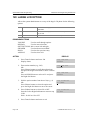
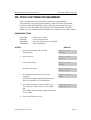
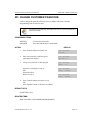
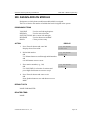
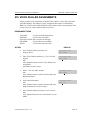
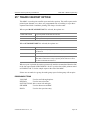
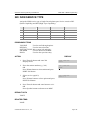
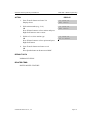
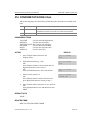
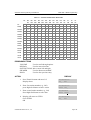
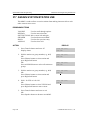
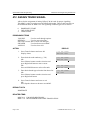
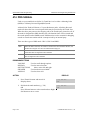
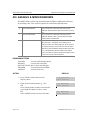
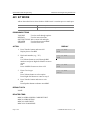
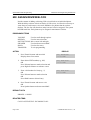
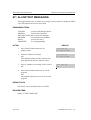
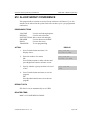
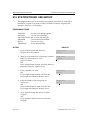
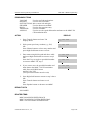
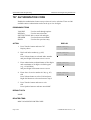
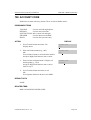
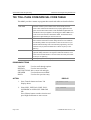
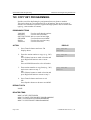
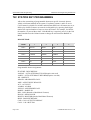
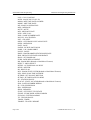
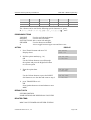
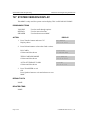
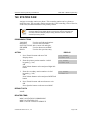
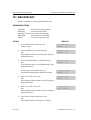
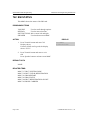
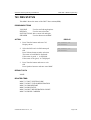
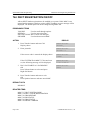
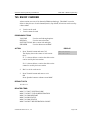
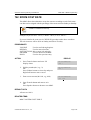
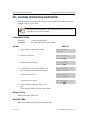
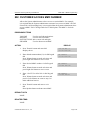
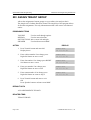
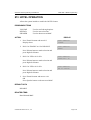
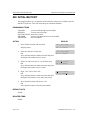
210 CUSTOMER ON/OFF PER TENANT
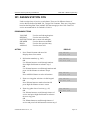
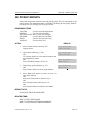
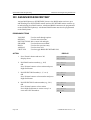
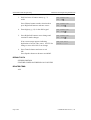
Allows the system administrator to set in system features on a per-tenant basis.
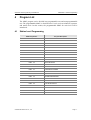
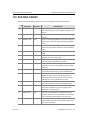
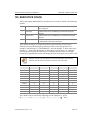
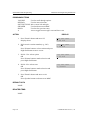
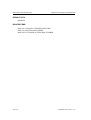
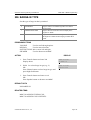
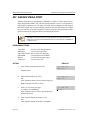
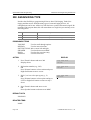
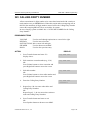
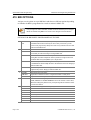
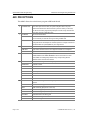
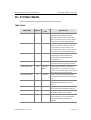
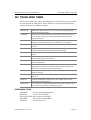
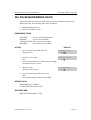
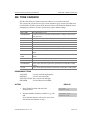
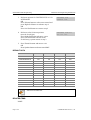
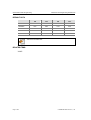
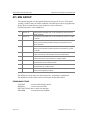
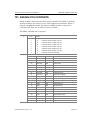
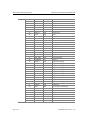
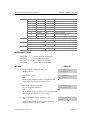
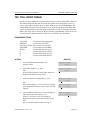
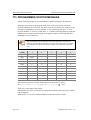
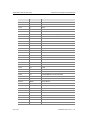
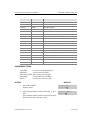
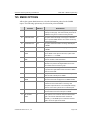
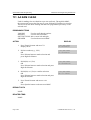
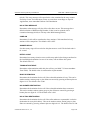
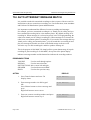
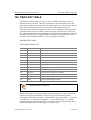
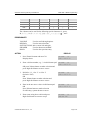
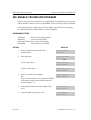
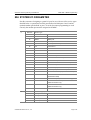
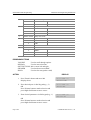
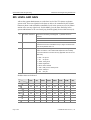
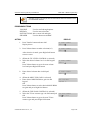
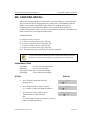
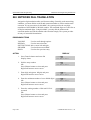
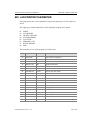
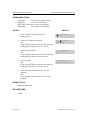
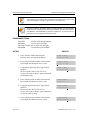
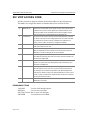
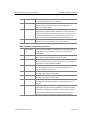
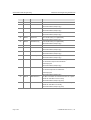
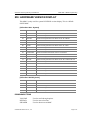
Each system option has a corresponding dialling number, as listed below. All options
toggle ON/OFF.
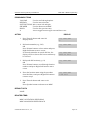
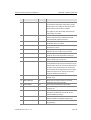
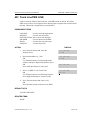
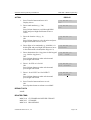
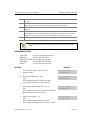
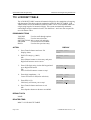
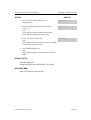
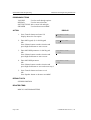
OPTIONS
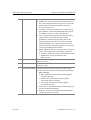
00
DISA PSWD
DEFAULT
ON
DESCRIPTION
When ON, a caller must enter extension number and DISA
password when they call a DISA trunk. When OFF,
extension number and DISA password are not required and
the caller has full access to all features allowed on this
trunk.
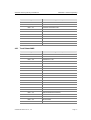
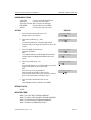
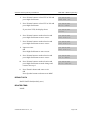
01
LCR ENABLE
OFF
This option determines whether the system will or will not
route outgoing calls based on the information in the LCR
routing tables
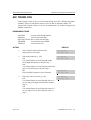
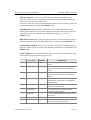
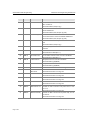
03
PERI UCD RPT
OFF
Periodic UCD Information provider. Enables UCD
Statistics data on a per UCD group basis to print out on
the IO port which has been set as PERI UCD in real
time(every 3~99 seconds). This allows the information to
be interfaced and manipulated by an external package or
third party provided software.
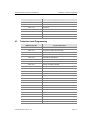
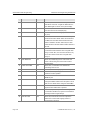
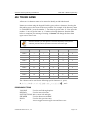
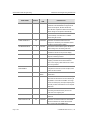
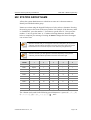
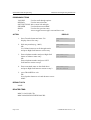
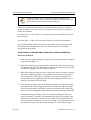
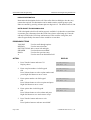
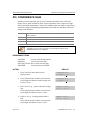
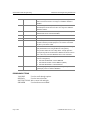
04
CID CODE INS
OFF
When ON, the system will insert the country code when
receiving CID information. This feature can use the CID
display call back feature.
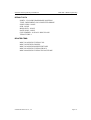
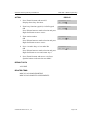
05
DISA MOH
OFF
When ON, outside parties will hear trunk MOH instead of
dial tone from the time the system answers a DISA trunk
until the caller dials a digit.
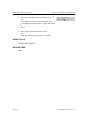
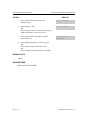
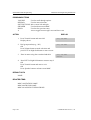
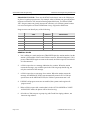
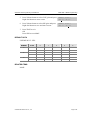
06
TRANSFER MOH
OFF
When ON, outside parties will hear trunk MOH instead of
ring back tone from the time a transfer is completed until
the call is answered by an internal party.
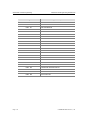
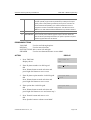
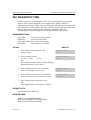
08
DID BSY ROUT
OFF
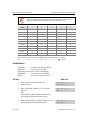
When ON, a DID call directed to a busy station will reroute to the destination in MMC 406 for that trunk if CW
is set to OFF in MMC 714. If the CW option is set to ON
the call will camp on. When OFF and the CW option is set
to OFF, the call will re-route to the operator.
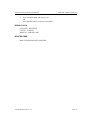
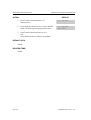
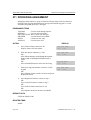
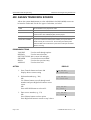
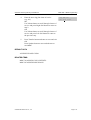
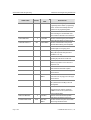
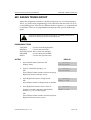
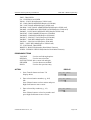
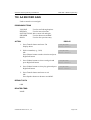
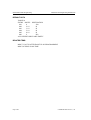
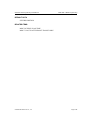
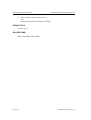
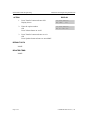
09
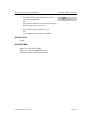
ALARM MOH
ON
When ON, if station user answer alarm ring, will hear
station MOH instead of dial tone.
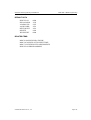
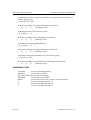
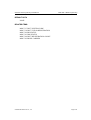
12
CONF TONE
OFF
When ON, provides conference tone every conference
tone time. -Available in Australia or Italy only
Page 2-58
© SAMSUNG Electronics Co., Ltd.