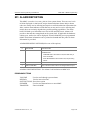
1
OfficeServ 500 Programming Guide/Ed.00
CHAPTER 2. MMC Programming
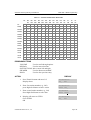
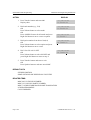
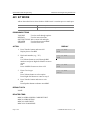
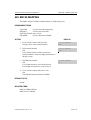
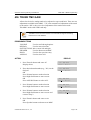
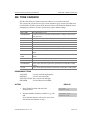
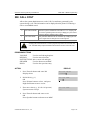
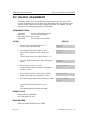
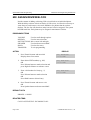
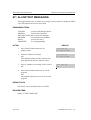
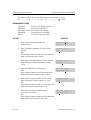
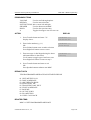
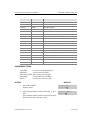
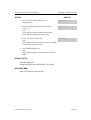
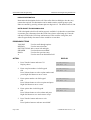
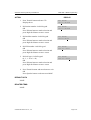
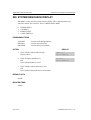
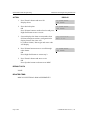
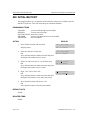
ACTION
DISPLAY
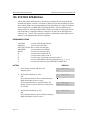
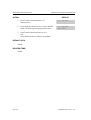
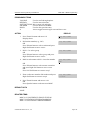
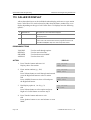
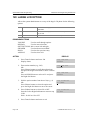
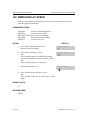
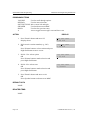
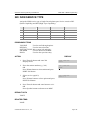
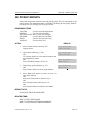
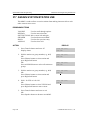
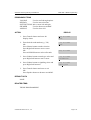
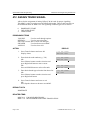
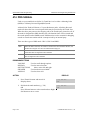
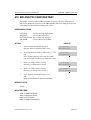
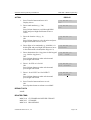
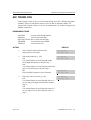
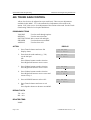
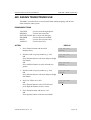
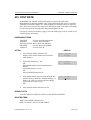
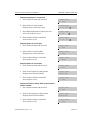
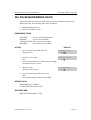
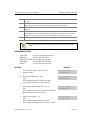
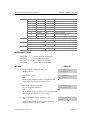
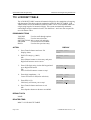
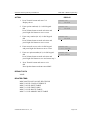
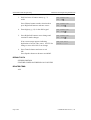
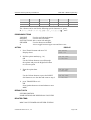
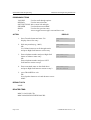
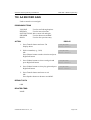
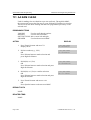
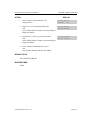
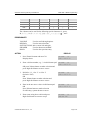
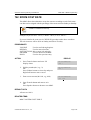
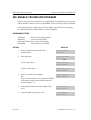
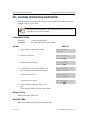
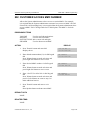
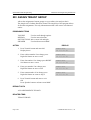
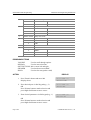
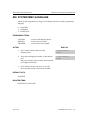
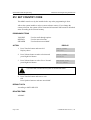
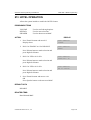
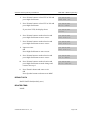
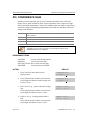
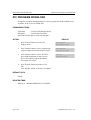
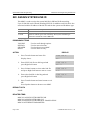
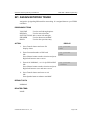
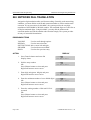
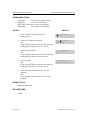
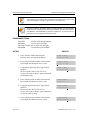
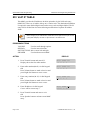
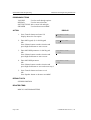
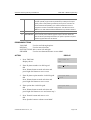
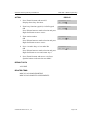
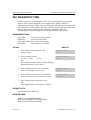
1. Press Transfer button and enter 726
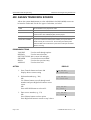
Display shows
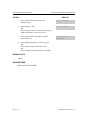
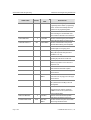
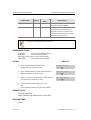
EXT FOR DN1
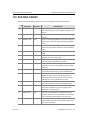
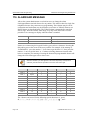
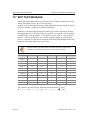
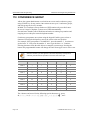
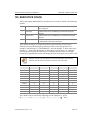
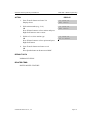
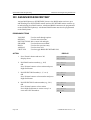
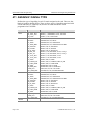
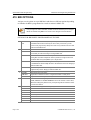
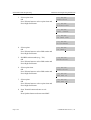
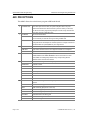
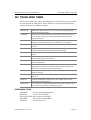
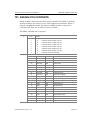
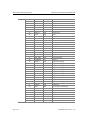
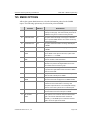
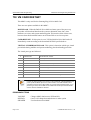
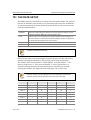
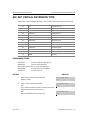
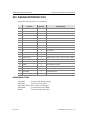
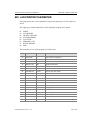
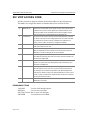
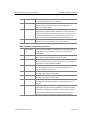
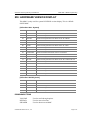
2. Enter the OPTION number from the above
list(e.g., 3)
OR
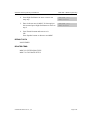
Press Volume button to make selection and
press Right Soft button to move cursor
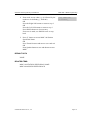
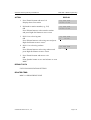
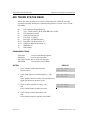
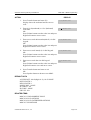
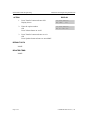
TRK FOR DN2
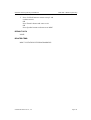
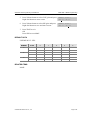
3. Enter 1 for YES or 0 for NO
OR
Press Volume button for selection and press Right
Soft button to return to step 2
TRK FOR DN2
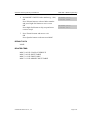
YES
NO
YES
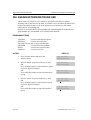
4. press TRANSFER to exit
OR
Press Speaker button to exit and advance to next
MMC
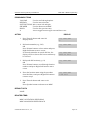
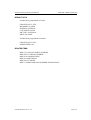
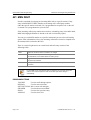
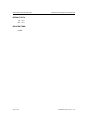
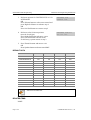
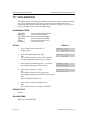
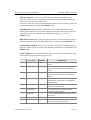
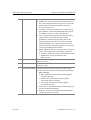
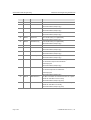
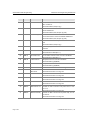
DEFAULT DATA
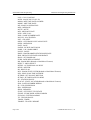
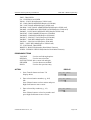
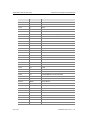
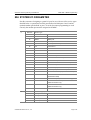
SEE DESCRIPTION
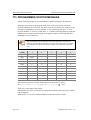
SOME OPTIONS ARE DEPEND ON COUNTRY
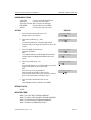
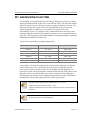
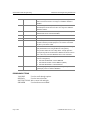
RELATED ITEMS
MMC 207 ASSIGN VM/AA PORT
© SAMSUNG Electronics Co., Ltd.
Page 2-275