1
OfficeServ 500 Programming Guide/Ed.00
CHAPTER 2. MMC Programming
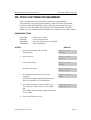
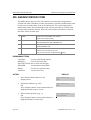
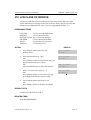
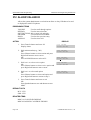
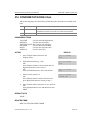
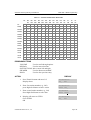
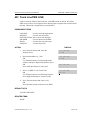
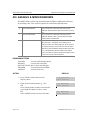
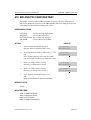
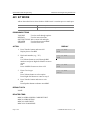
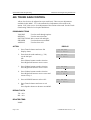
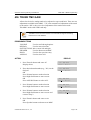
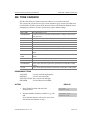
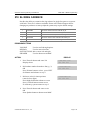
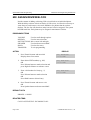
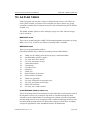
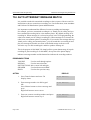
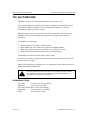
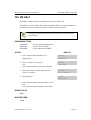
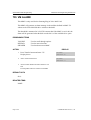
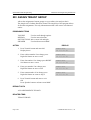
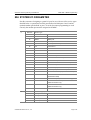
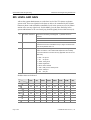
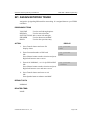
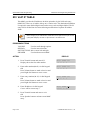
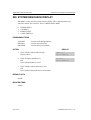
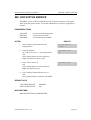
214 DISA ALARM RINGING STATION
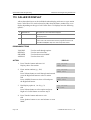
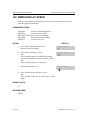
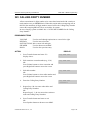
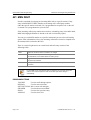
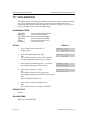
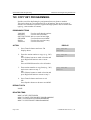
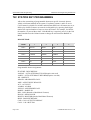
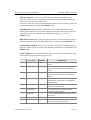
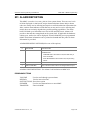
Assigns the DISA alarm to ring at a specific phone. It is recommended that the
person who can clear the alarm also receives the notification. A valid destination can
be either a station group or an individual station. The alarm ringing station or group
will follow the ring plan time destination.
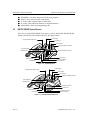
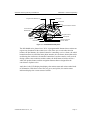
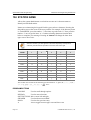
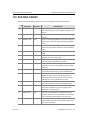
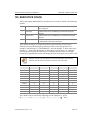
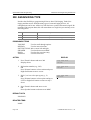
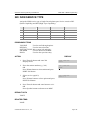
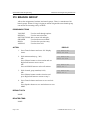
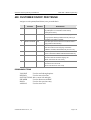
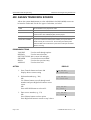
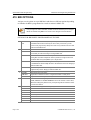
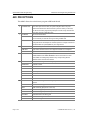
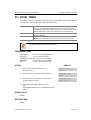
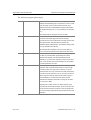
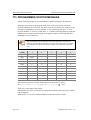
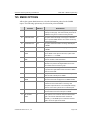
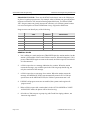
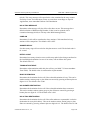
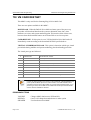
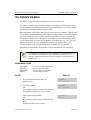
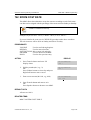
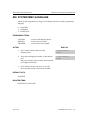
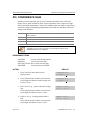
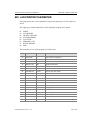
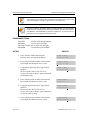
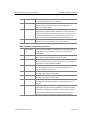
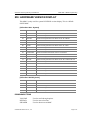
PROGRAM BUTTONS
VOLUME
KEYPAD
SOFT BUTTONS
SPEAKER
HOLD
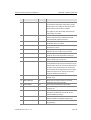
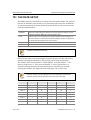
Used to scroll through options
Used to enter selections
Move cursor left and right
Used to advance next MMC
Used to clear previous entry
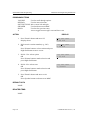
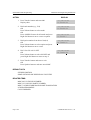
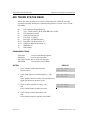
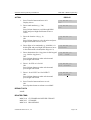
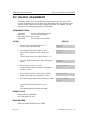
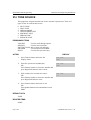
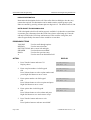
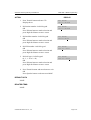
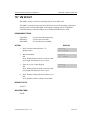
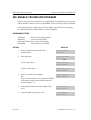
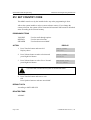
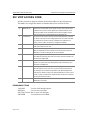
ACTION
DISPLAY
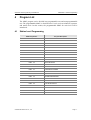
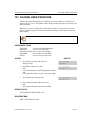
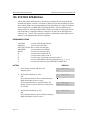
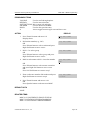
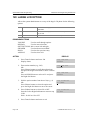
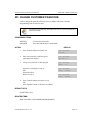
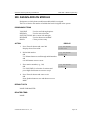
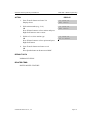
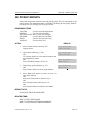
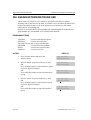
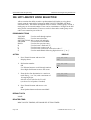
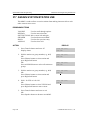
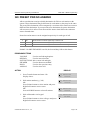
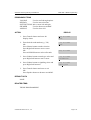
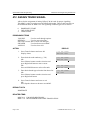
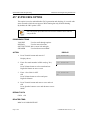
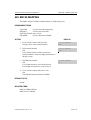
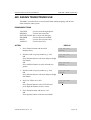
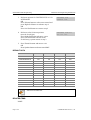
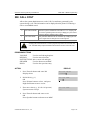
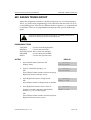
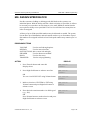
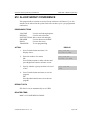
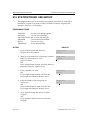
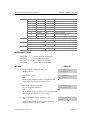
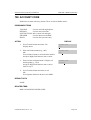
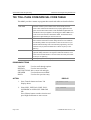
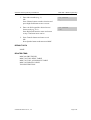
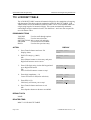
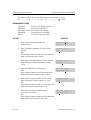
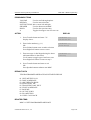
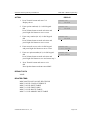
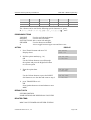
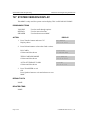
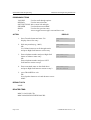
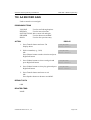
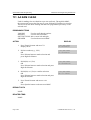
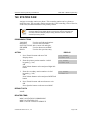
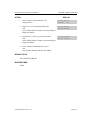
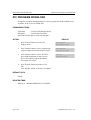
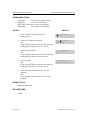
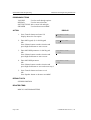
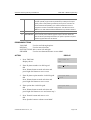
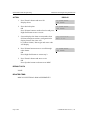
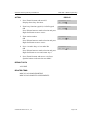
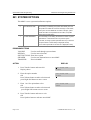
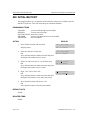
1. Press Transfer button and enter 214
Display shows
DISA ALARM RING
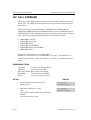
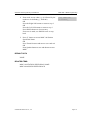
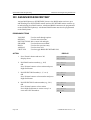
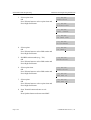
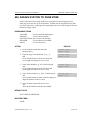
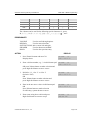
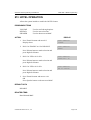
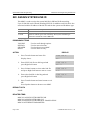
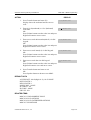
2. Enter in valid destination number for ring
plan(e.g., 217)
OR
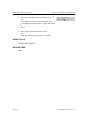
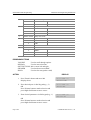
Press Volume button to make selection and
press Right Soft button to advance cursor
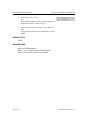
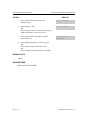
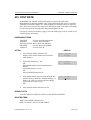
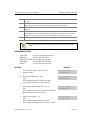
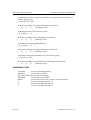
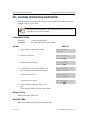
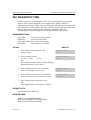
DISA ALARM RING
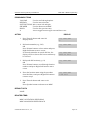
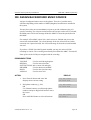
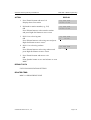
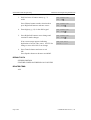
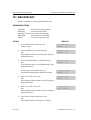
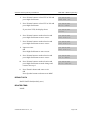
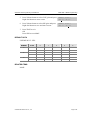
3. Enter in valid destination number for another
ring plan(e.g., 249)
OR
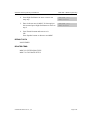
Press Volume button to make selection
DISA ALARM RING
1:500
1:217
1:217
2:500
2:500
2:249
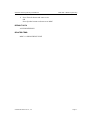
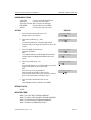
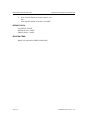
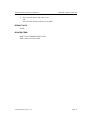
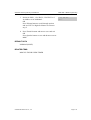
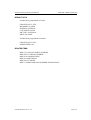
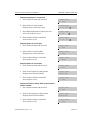
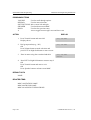
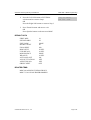
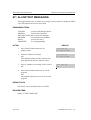
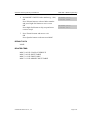
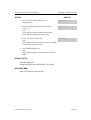
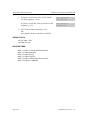
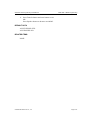
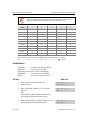
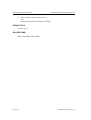
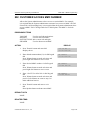
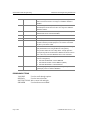
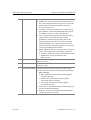
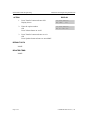
4. Press Transfer button and enter to exit
OR
Press Speaker button to advance next MMC
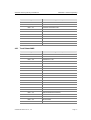
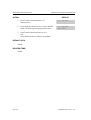
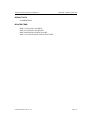
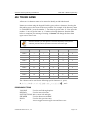
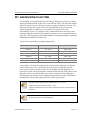
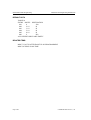
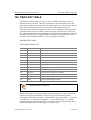
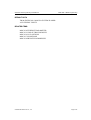
DEFAULT DATA
ALL RING PLAN : 500
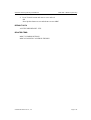
RELATED ITEMS
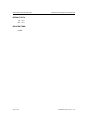
MMC 202 CHANGE FEATURE PASSCODES
MMC 410 ASSIGN DISA TRUNK
© SAMSUNG Electronics Co., Ltd.
Page 2-63