1
Andrea Maioli – Instant Developer: User's Guide
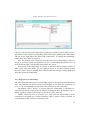
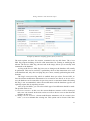
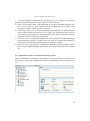
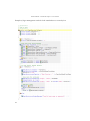
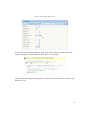
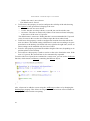
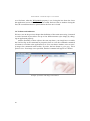
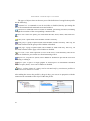
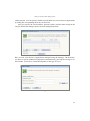
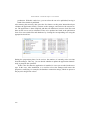
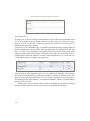
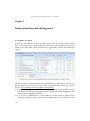
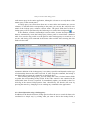
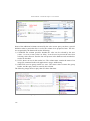
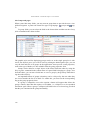
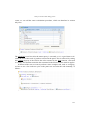
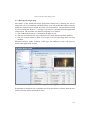
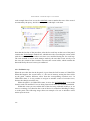
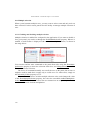
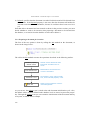
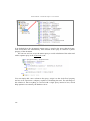
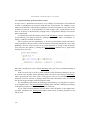
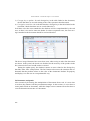
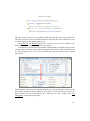
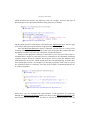
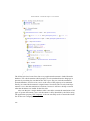
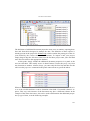
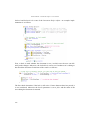
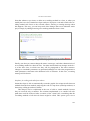
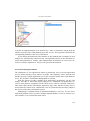
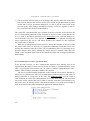
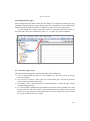
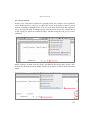
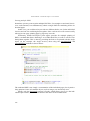
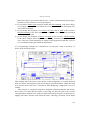
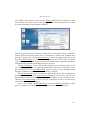
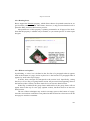
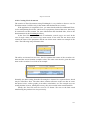
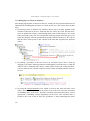
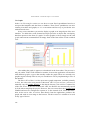
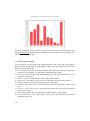
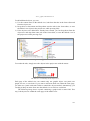
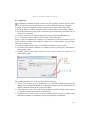
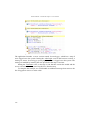
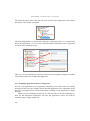
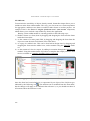
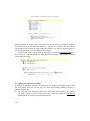
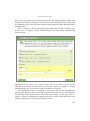
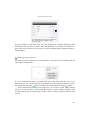
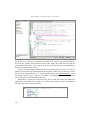
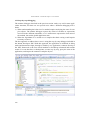
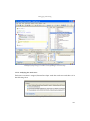
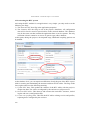
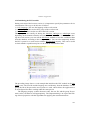
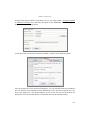
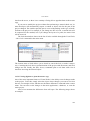
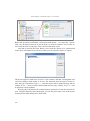
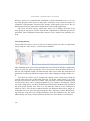
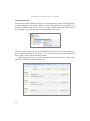
After making the desired changes to the visual style, press the Save button highlighted
by the arrow in the image to save the current configuration in the project currently
opened in Instant Developer.
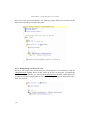
11.8.5 Enabling and managing themes
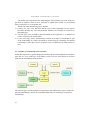
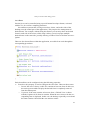
This section details some aspects of managing graphic themes.
Enabling a graphic theme
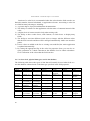
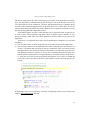
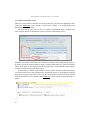
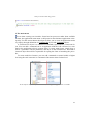
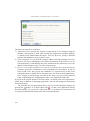
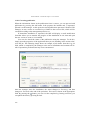
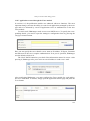
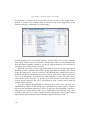
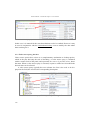
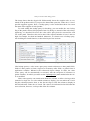
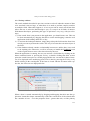
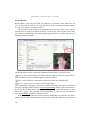
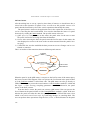
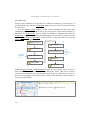
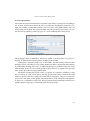
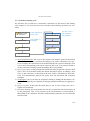
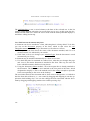
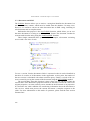
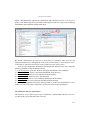
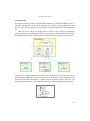
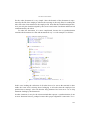
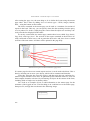
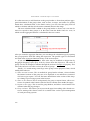
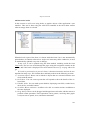
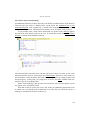
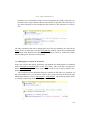
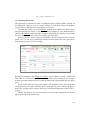
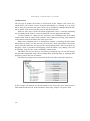
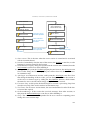
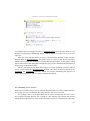
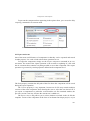
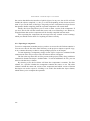
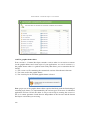
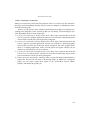
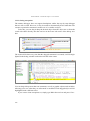
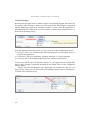
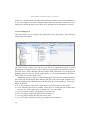
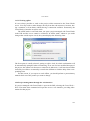
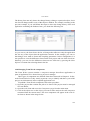
Enabling a custom theme causes the the application currently open in the Instant Developer IDE to take on the look and feel defined in that theme.
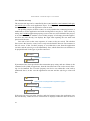
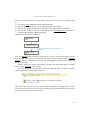
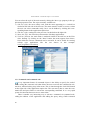
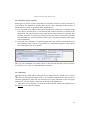
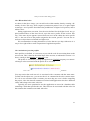
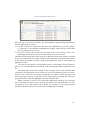
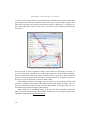
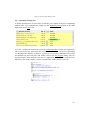
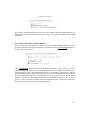
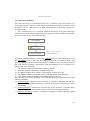
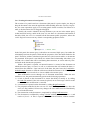
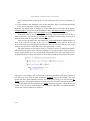
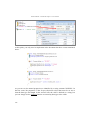
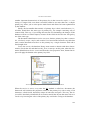
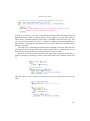
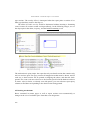
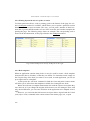
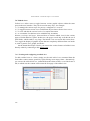
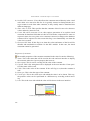
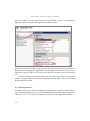
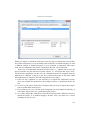
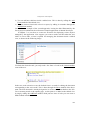
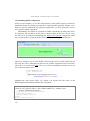
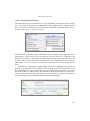
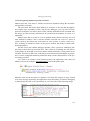
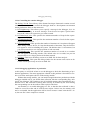
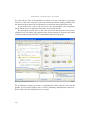
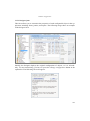
This is done by selecting the custom theme in the list and then clicking the Enable
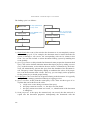
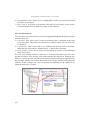
button. The operation performs the following steps:
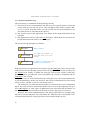
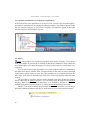
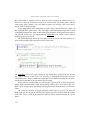
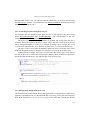
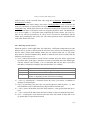
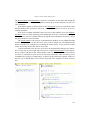
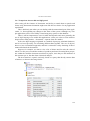
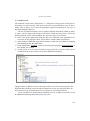
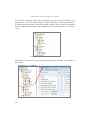
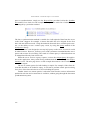
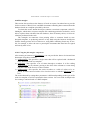
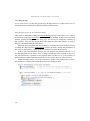
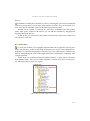
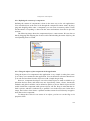
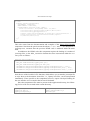
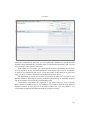
1) A Custom folder is created for the application if not already present.
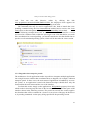
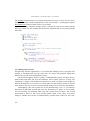
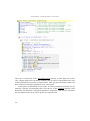
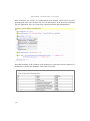
2) The custom.css file is added or overwritten with the definitions of the theme.
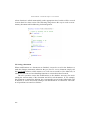
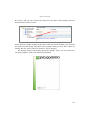
3) The custom icons are copied to the custom folder.
428