1
Manage databases with Instant Developer
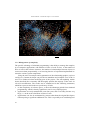
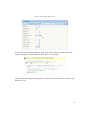
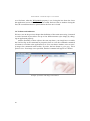
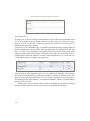
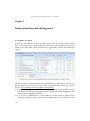
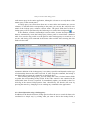
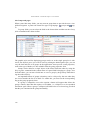
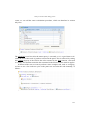
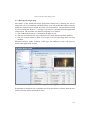
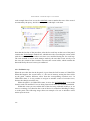
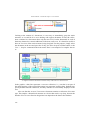
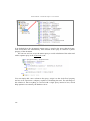
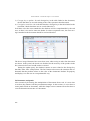
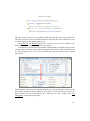
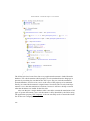
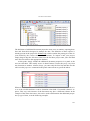
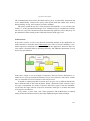
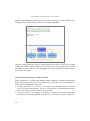
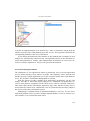
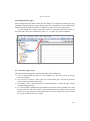
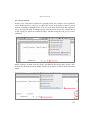
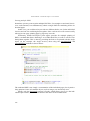
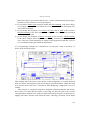
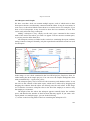
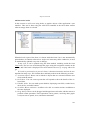
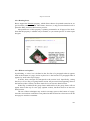
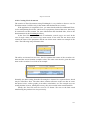
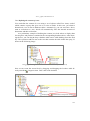
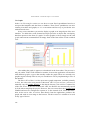
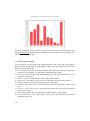
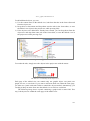
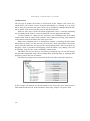
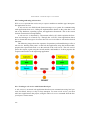
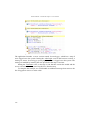
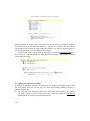
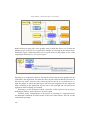
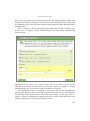
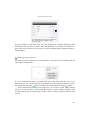
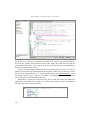
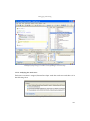
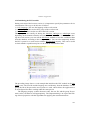
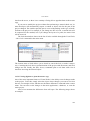
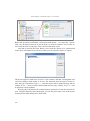
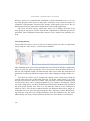
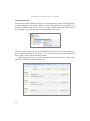
Table fields are not shown in the graphic, because they can be quite numerous,
while the purpose of the graphic is to provide a brief overview of the objects to be
managed and the relationships between them.
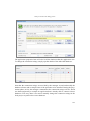
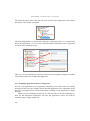
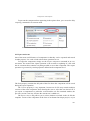
The graphic's context menu contains commands for changing colors and for optimizing the positioning of tables.
Subject areas
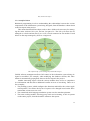
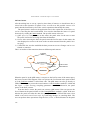
As the number of tables and relationships grows, the database schema tends to become
more complex, perhaps to the point of being incomprehensible. For these cases, you
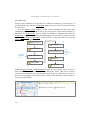
can create subject areas that represent specific database views.
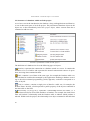
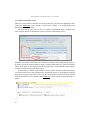
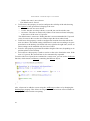
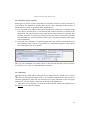
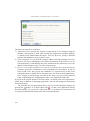
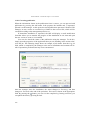
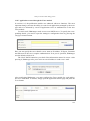
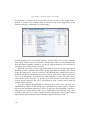
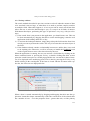
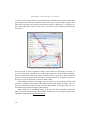
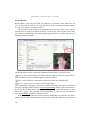
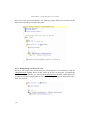
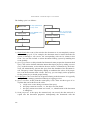
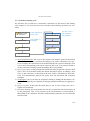
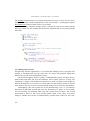
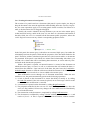
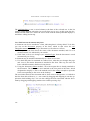
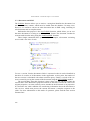
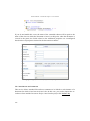
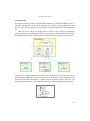
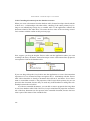
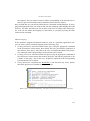
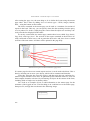
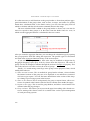
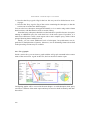
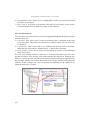
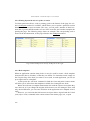
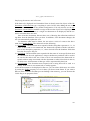
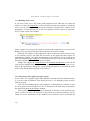
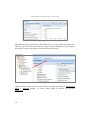
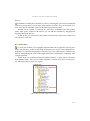
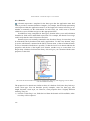
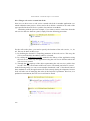
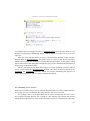
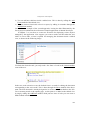
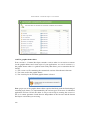
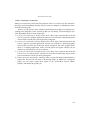
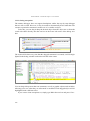
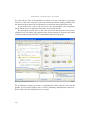
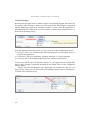
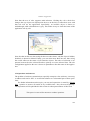
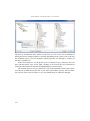
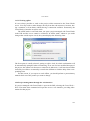
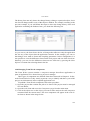
To define a subject area, simply use the Add subject area command in the context
menu of the project object and then drag the tables in question inside it.
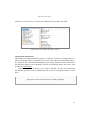
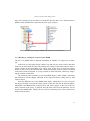
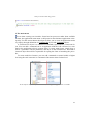
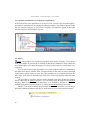
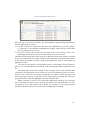
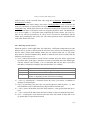
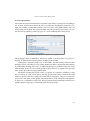
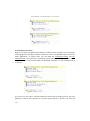
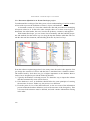
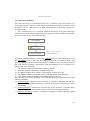
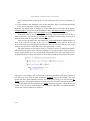
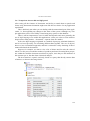
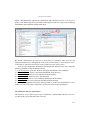
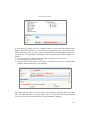
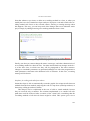
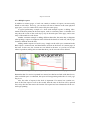
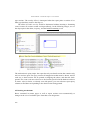
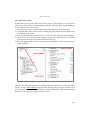
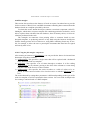
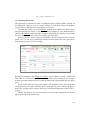
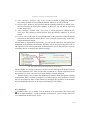
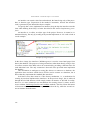
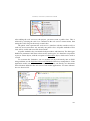
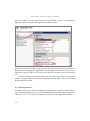
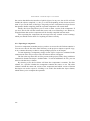
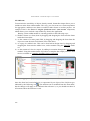
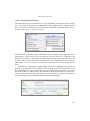
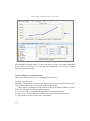
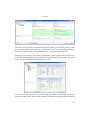
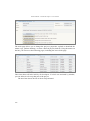
A specific subject area is enabled by selecting it in the combo box contained in the
In.de Browsing toolbar. Each area has its own database graphic that can be changed
independently from the others.
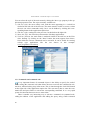
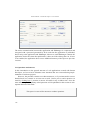
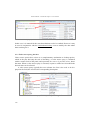
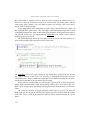
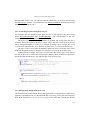
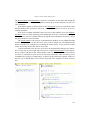
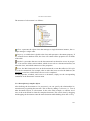
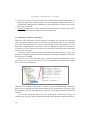
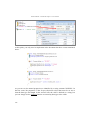
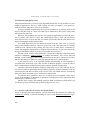
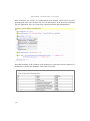
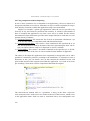
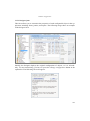
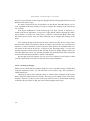
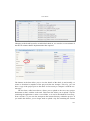
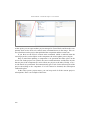
Finally, it is relevant to note that a subject area can also contain other types of objects in addition to tables, such as classes and forms. This way, you can get a simplified
overview of the application part as well. If you compile an application when a subject
area is active, only the visible part of the area will actually be processed, so as to accelerate the development and test process.
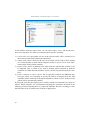
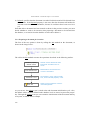
2.6 Importing an existing database structure.
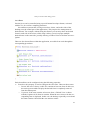
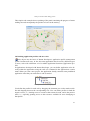
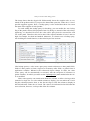
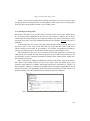
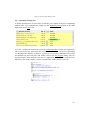
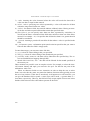
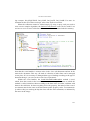
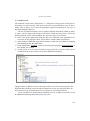
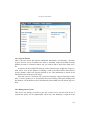
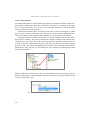
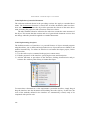
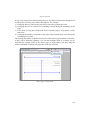
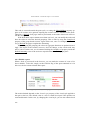
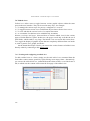
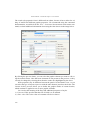
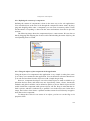
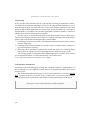
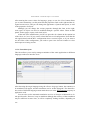
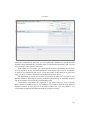
In most cases, applications must be built starting with existing databases. In these situations, it is very convenient to be able to import the structure without having to manually
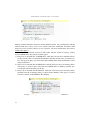
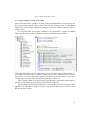
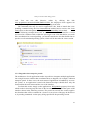
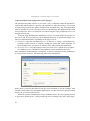
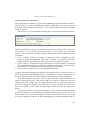
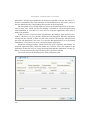
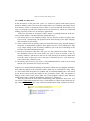
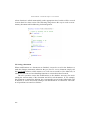
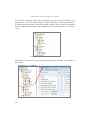
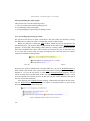
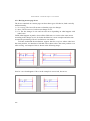
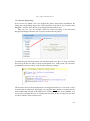
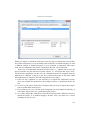
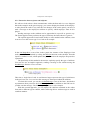
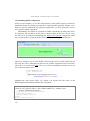
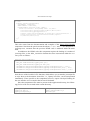
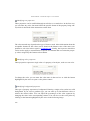
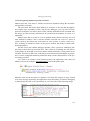
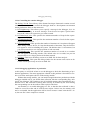
recreate it. To start the import process, you must first set and test the connection parameters as indicated in the previous sections and then use the Import structure command in database context menu.
45