1
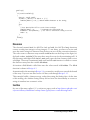
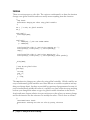
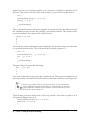
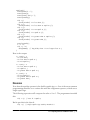
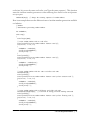
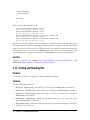
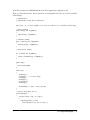
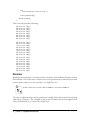
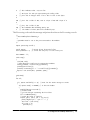
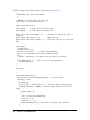
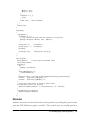
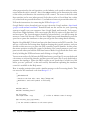
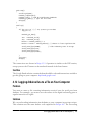
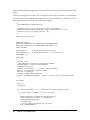
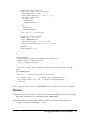
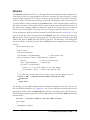
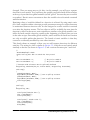
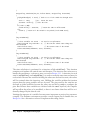
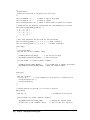
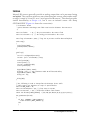
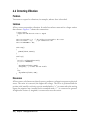
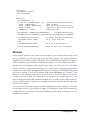
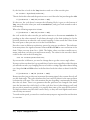
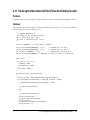
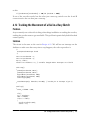
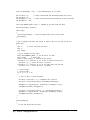
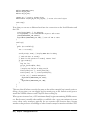
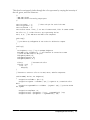
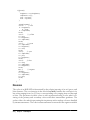
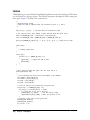
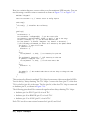
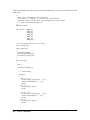
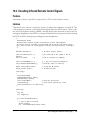
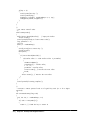
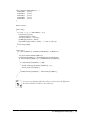
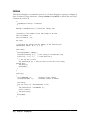
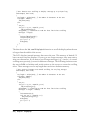
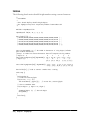
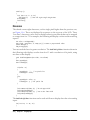
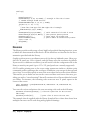
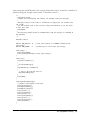
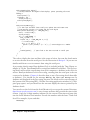
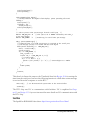
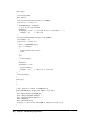
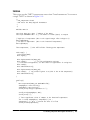
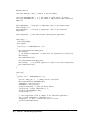
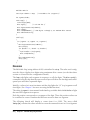
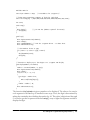
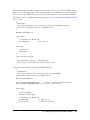
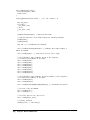
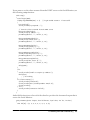
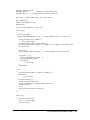
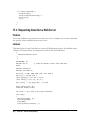
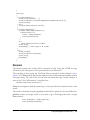
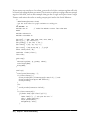
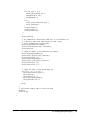
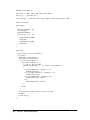
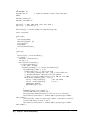
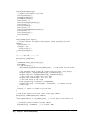
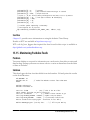
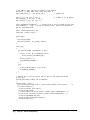
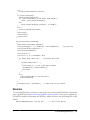
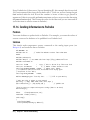
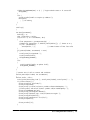
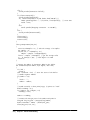
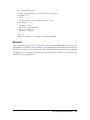
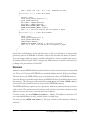
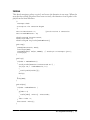
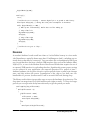
If you connect the Arduino to the XBee and run this simple sketch, the Arduino will
reply to any message it receives by simply echoing what the other XBee sends it:
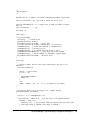
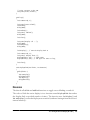
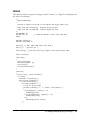
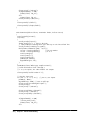
/*
XBeeEcho
Reply with whatever you receive over the serial port
*/
void setup()
{
Serial.begin(9600);
}
void loop()
{
while (Serial.available() ) {
Serial.write(Serial.read()); // reply with whatever you receive
}
}
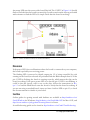
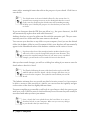
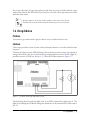
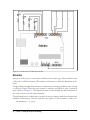
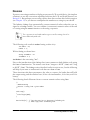
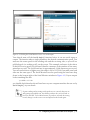
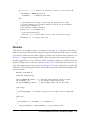
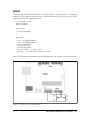
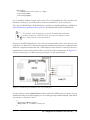
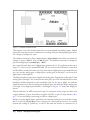
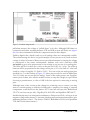
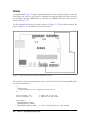
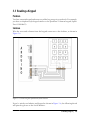
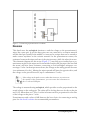
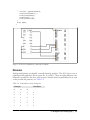
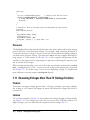
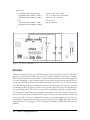
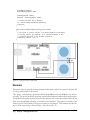
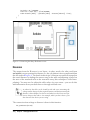
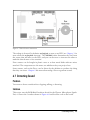
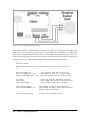
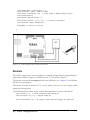
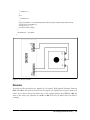
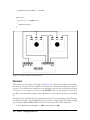
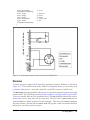
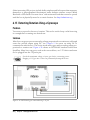
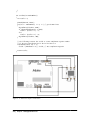
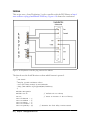
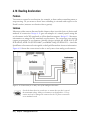
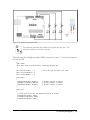
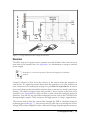
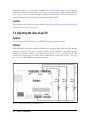
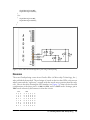
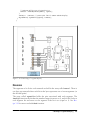
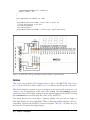
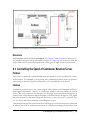
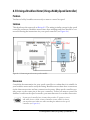
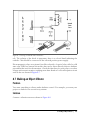
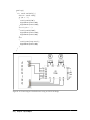
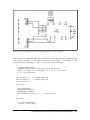
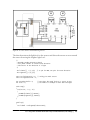
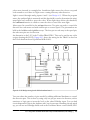
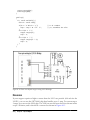
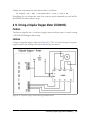
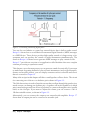
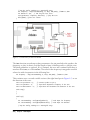
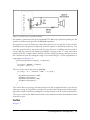
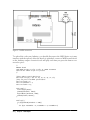
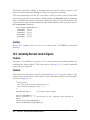
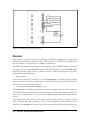
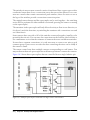
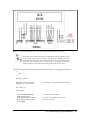
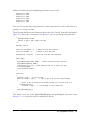
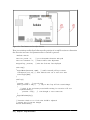
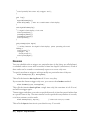
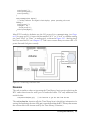
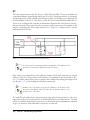
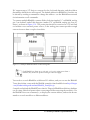
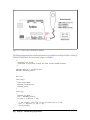
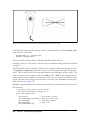
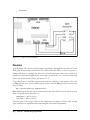
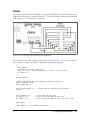
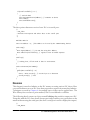
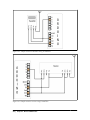
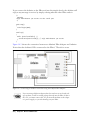
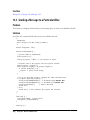
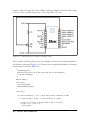
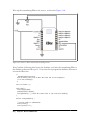
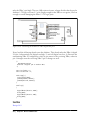
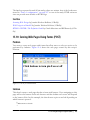
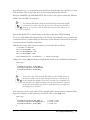
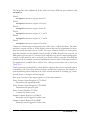
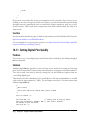
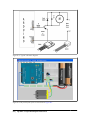
Figure 14-3 shows the connection between an Adafruit XBee Adapter and Arduino.
Notice that the Arduino’s RX is connected to the XBee’s TX and vice versa.
Figure 14-3. Connecting an Arduino to an XBee using the Adafruit XBee Adapter
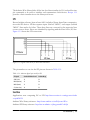
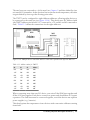
If you are using a different adapter that does not have an on-board voltage regulator, it will be sending voltage directly into the XBee. If this is
the case, you must connect the 3V3 pin from the Arduino to the adapter’s power supply, or you risk burning out your XBee.
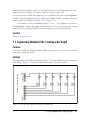
434 | Chapter 14: Wireless Communication