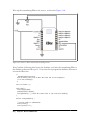
1
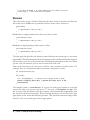
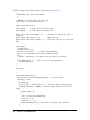
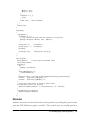
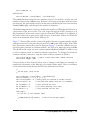
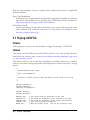
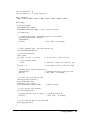
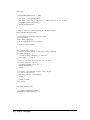
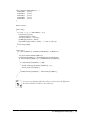
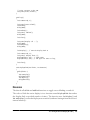
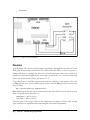
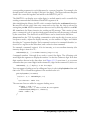
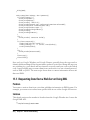
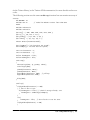
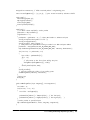
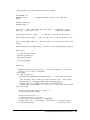
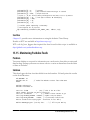
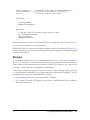
The code stays in the while loop at the end of the inner block, so you need to reset the
board when you want to do another run.
See Also
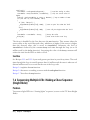
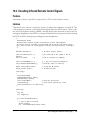
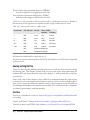
Recipe 6.12 has an example of external interrupts used to detect movement in a rotary
encoder.
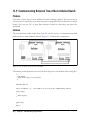
18.3 Setting Timer Duration
Problem
You want to do something at periodic intervals, and you don’t want to have your code
constantly checking if the interval has elapsed. You would like to have a simple interface
for setting the period.
Solution
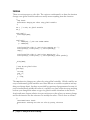
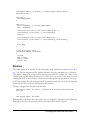
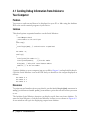
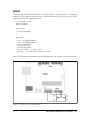
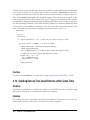
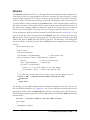
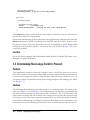
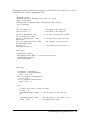
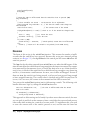
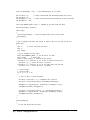
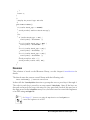
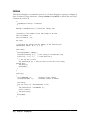
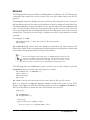
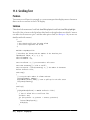
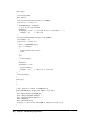
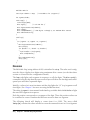
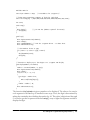
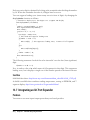
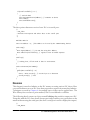
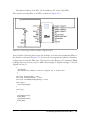
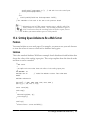
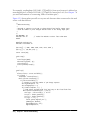
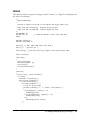
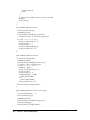
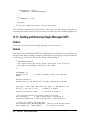
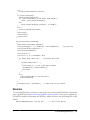
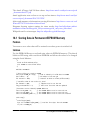
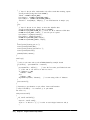
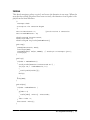
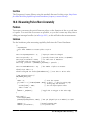
The easiest way to use a timer is through a library. The following sketch uses the
MsTimer2 library (http://www.arduino.cc/playground/Main/MsTimer2) to generate a
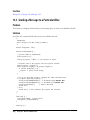
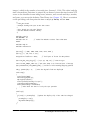
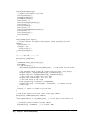
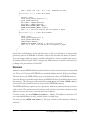
pulse with a period that can be set using the Serial Monitor. This sketch flashes pin 13
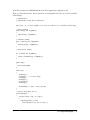
at a rate that can be set using the Serial Monitor:
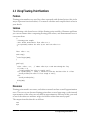
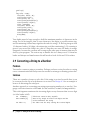
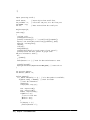
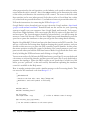
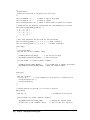
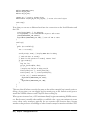
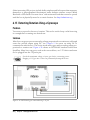
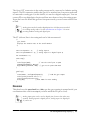
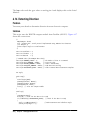
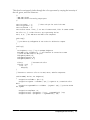
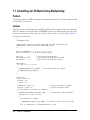
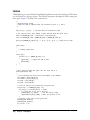
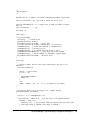
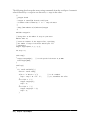
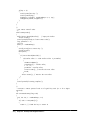
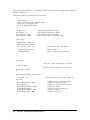
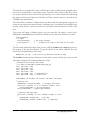
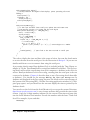
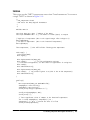
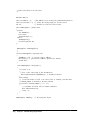
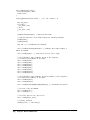
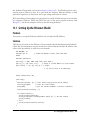
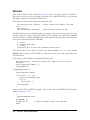
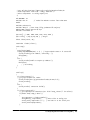
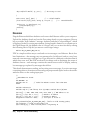
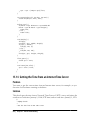
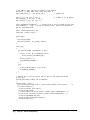
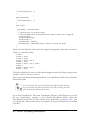
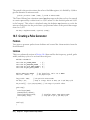
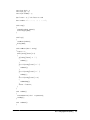
/*
pulseTimer2
pulse a pin at a rate set from serial input
*/
#include <MsTimer2.h>
const int pulsePin = 13;
int period = 100; // 10 milliseconds
boolean output = HIGH; // the state of the pulse pin
void setup()
{
pinMode(pulsePin, OUTPUT);
Serial.begin(9600);
MsTimer2::set(period/2, flash);
MsTimer2::start();
}
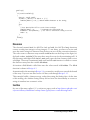
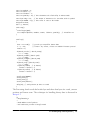
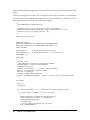
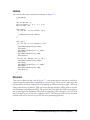
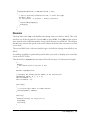
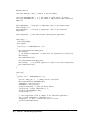
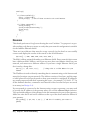
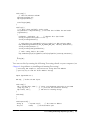
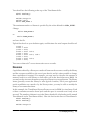
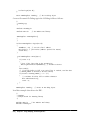
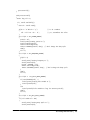
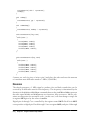
period= 0; // reset to zero ready for serial input
void loop()
{
if( Serial.available())
{
char ch = Serial.read();
18.3 Setting Timer Duration | 559