1
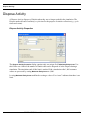
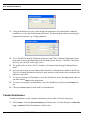
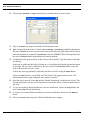
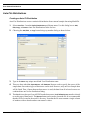
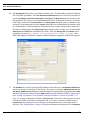
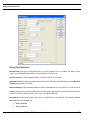
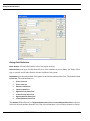
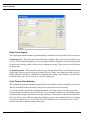
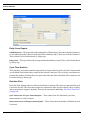
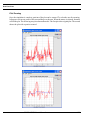
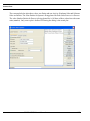
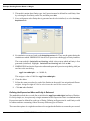
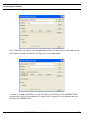
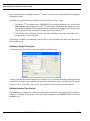
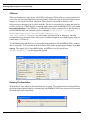
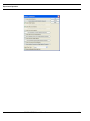
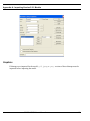
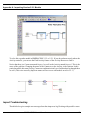
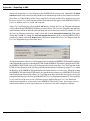
Run Settings
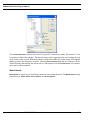
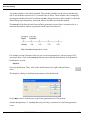
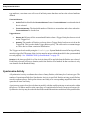
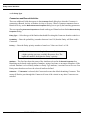
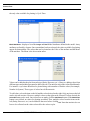
As an example, assume that the current simulation time is 1.0 Hours and that the next event in the
simulation is scheduled to occur at 1.25 Hours. Instead of sending a request for time advancement to
1.25 Hours, a request for 2.0 Hours will be sent. This is because 2 is the smallest integer value greater
than 1.25. If the TimeServer approves the request by sending a time advance notification of 2.0 Hours
back to the SIMPROCESS model, then simulation events with times less than or equal to 2.0 Hours
will not require sending new time advance requests. So if the next three events had times of 1.5, 1.75,
and 2.0 Hours, respectively, those events would not cause new time advance requests to be sent to
the TimeServer, thus potentially improving performance by reducing the overall number of requests
sent to the TimeServer and enabling SIMPROCESS to continue processing events without delay. (If
a shorter time were approved instead, SIMPROCESS would process its events up to the newly approved
time and submit another rounded time advance request.)
Note that the effectiveness of rounded synchronization will depend in part on the strategies employed
by the other players in the group. If the other players are using full synchronization, or are using rounded
synchronization with a smaller time unit, there may little or no benefit.
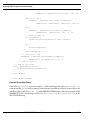
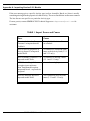
Time Server Errors
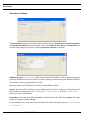
Various errors can cause the premature end of the initialization or run of a simulation that is using
the TimeServer.
•
•
•
•
•
•
•
•
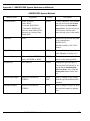
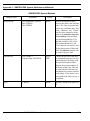
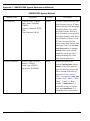
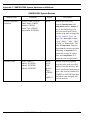
TimeServer is not running
TimeServer stops
Invalid Group
Group is already full (all players have joined)
Group is reinitialized
Duplicate player name
Communication error
Another player terminates with an error condition (there is an option to continue in this case)
SIMPROCESS User’s Manual
116