1
CHAPTER 9 ■ HARDWARE LIBRARIES
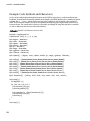
Example Code: Arduino Haiku
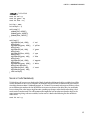
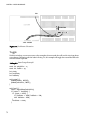
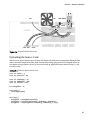
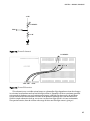
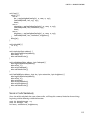
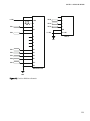
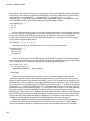
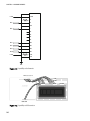
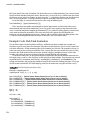
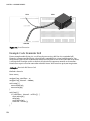
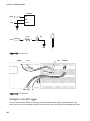
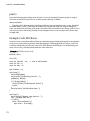
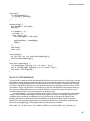
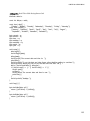
With the circuit wired up, we can get into our first source code example found in Listing 9-1 to
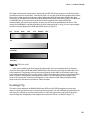
demonstrate the basic functions of the LiquidCrystal library. For this sketch, we will display some text in
the form of a haiku written by John Maeda. In short, this sketch will display four screens of text separated
by a 5-second delay. After the two lines of text have been printed to the display and it has paused long
enough for us to read it, the LCD is cleared removing any text from the display and then it starts over at
the top left of the screen.
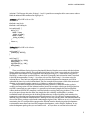
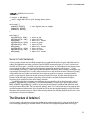
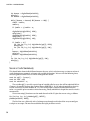
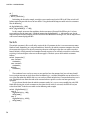
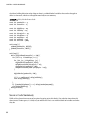
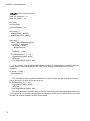
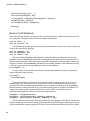
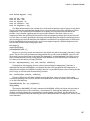
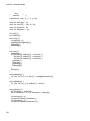
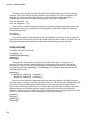
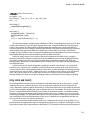
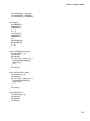
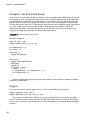
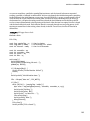
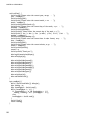
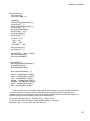
Listing 9-1. Arduino Haiku Source Code
#include <LiquidCrystal.h>
LiquidCrystal lcd(5, 6, 7, 8, 9, 10);
void setup() {
lcd.begin(16, 2);
}
void loop() {
lcd.print("All I want");
lcd.setCursor(0,1);
lcd.print("to be,");
delay(5000);
lcd.clear();
lcd.print("is someone that");
lcd.setCursor(0,1);
lcd.print("makes new things");
delay(5000);
lcd.clear();
lcd.print("And thinks");
lcd.setCursor(0,1);
lcd.print("about them.");
delay(5000);
lcd.clear();
lcd.setCursor(0,1);
lcd.print("- John Maeda");
delay(5000);
lcd.clear();
delay(5000);
}
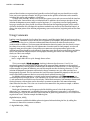
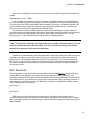
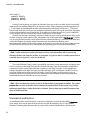
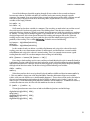
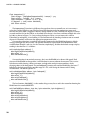
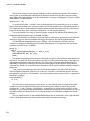
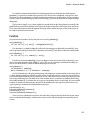
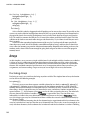
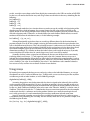
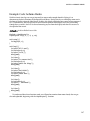
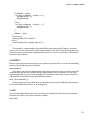
To understand how these functions work, we will need to examine them more closely after we get
the code uploaded, beginning with the LiquidCrystal() function.
147