1
Chapter 6
Layouts
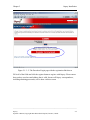
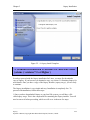
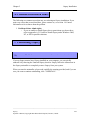
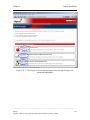
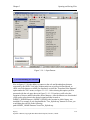
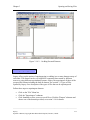
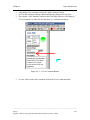
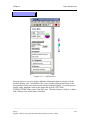
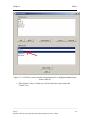
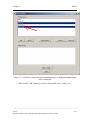
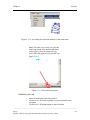
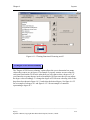
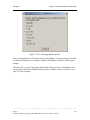
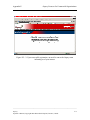
6.5.2.1 Accessing Spoked Dual Ring Layout Option settings
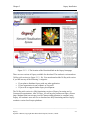
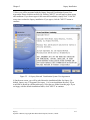
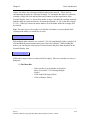
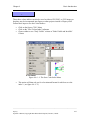
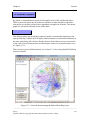
There are currently two ways in which the user can access Spoked Dual Ring Layout
Option settings:
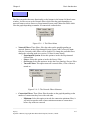
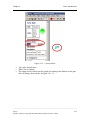
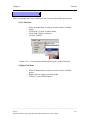
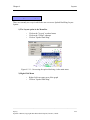
1) The Layout option in the Menu Bar
o
o
o
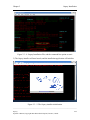
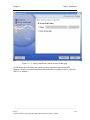
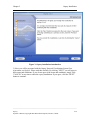
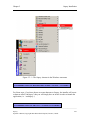
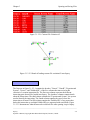
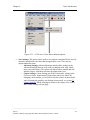
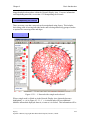
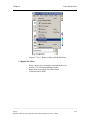
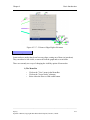
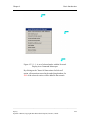
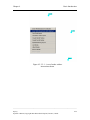
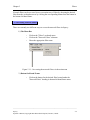
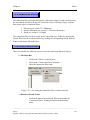
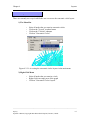
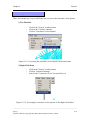
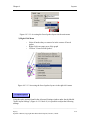
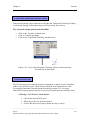
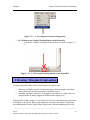
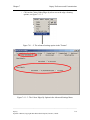
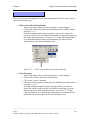
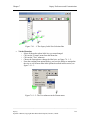
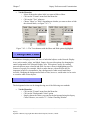
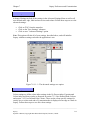
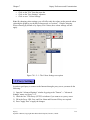
Click on the "Layout" overhead menu
Click on the "Global" submenu
Click on "Spoked Dual Ring Options"
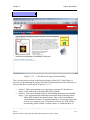
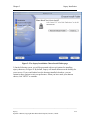
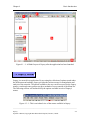
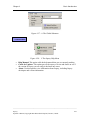
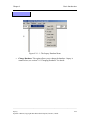
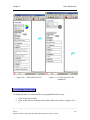
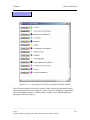
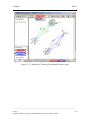
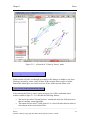
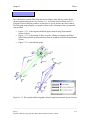
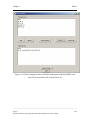
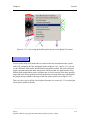
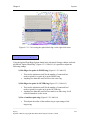
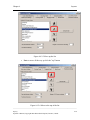
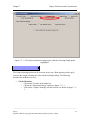
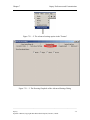
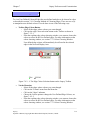
Figure 6.5.2.1-1 Accessing the spoked dual ring layout options via the main menu bar
under the Layout menu
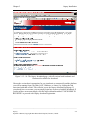
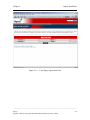
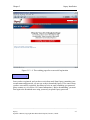
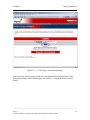
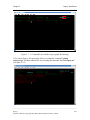
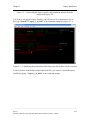
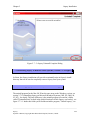
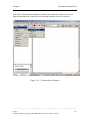
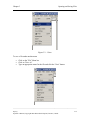
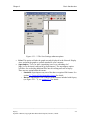
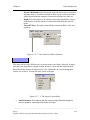
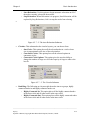
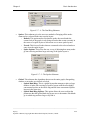
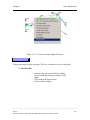
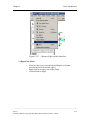
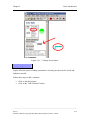
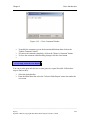
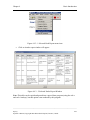
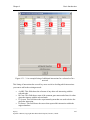
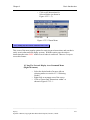
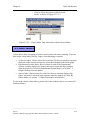
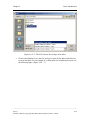
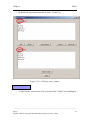
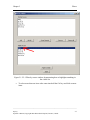
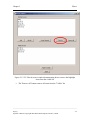
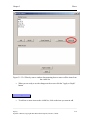
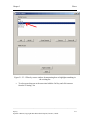
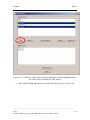
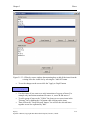
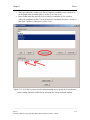
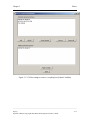
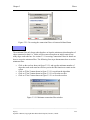
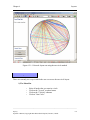
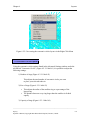
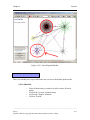
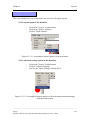
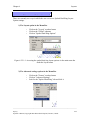
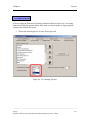
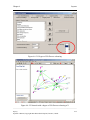
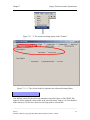
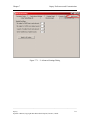
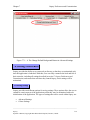
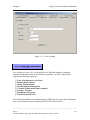
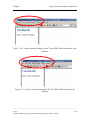
2) The Advanced settings options in the Menu Bar
o
o
o
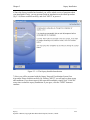
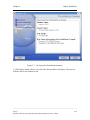
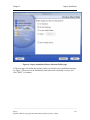
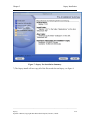
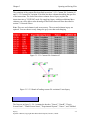
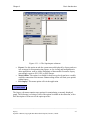
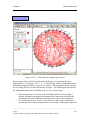
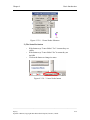
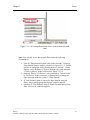
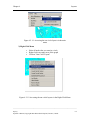
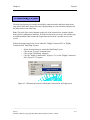
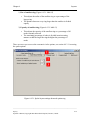
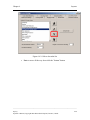
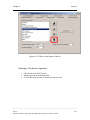
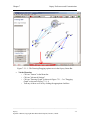
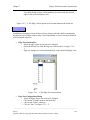
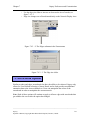
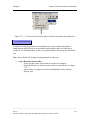
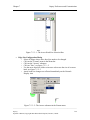
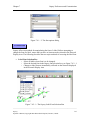
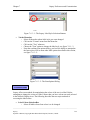
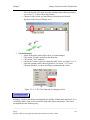
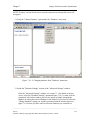
Click on the "Format" overhead menu
Click on "Advanced Settings"
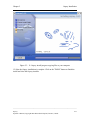
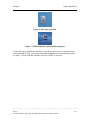
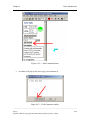
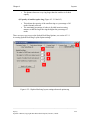
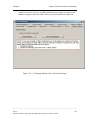
Look for the "Spoked Dual Ring" tab and click it
______________________________________________________________________________________
Osprey
Operator’s Manual, Copyright 2002 Mount Sinai Hospital, Toronto, Canada
6-25