1
Chapter 3
Opening and Saving Files
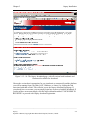
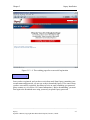
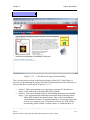
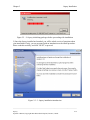
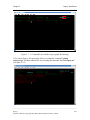
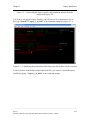
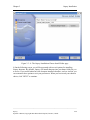
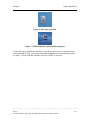
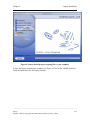
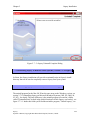
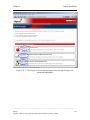
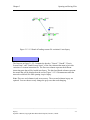
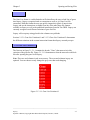
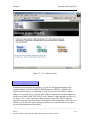
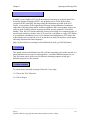
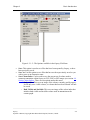
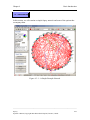
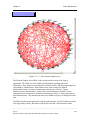
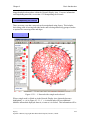
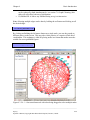
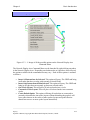
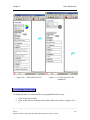
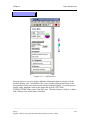
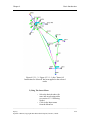
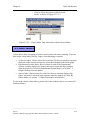
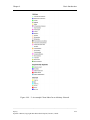
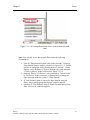
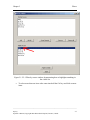
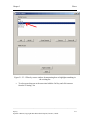
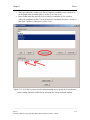
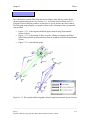
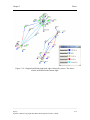
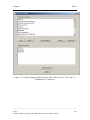
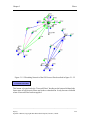
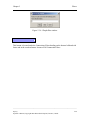
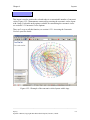
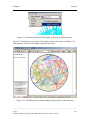
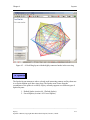
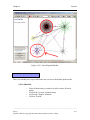
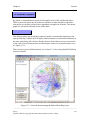
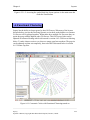
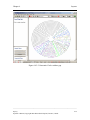
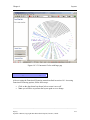
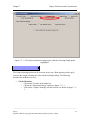
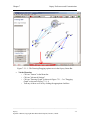
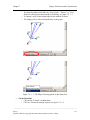
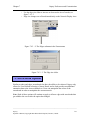
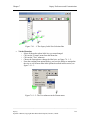
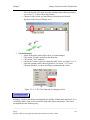
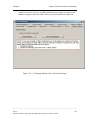
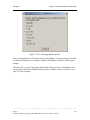
Figure 3.1.2.1-2 Result of loading custom file variation #1 into Osprey
3.1.2.2 Custom File Variation #2
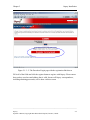
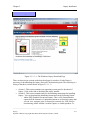
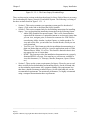
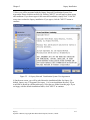
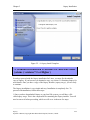
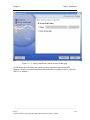
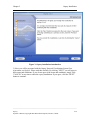
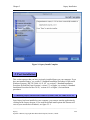
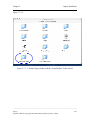
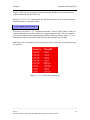
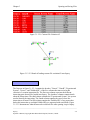
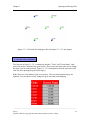
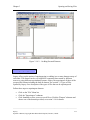
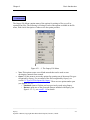
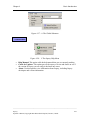
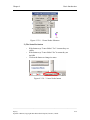
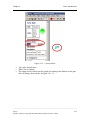
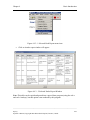
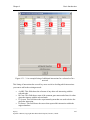
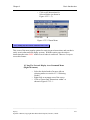
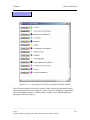
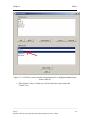
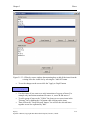
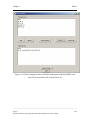
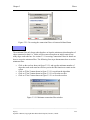
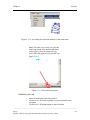
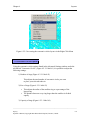
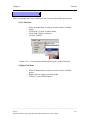
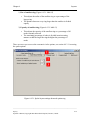
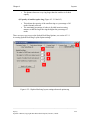
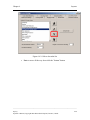
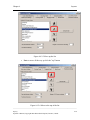
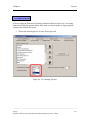
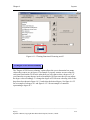
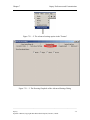
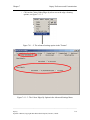
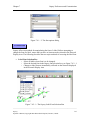
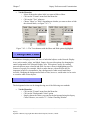
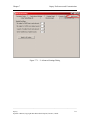
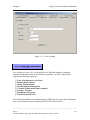
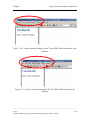
The first row in figure 3.1.2.2-1 contains the headers, "GeneA", "GeneB", "GeneA
Screen Name", and "GeneB Screen Name", of the four columns that must exist in this
variation of a custom interaction file. The first two columns represent the different
interacting pairs that will be loaded into Osprey. The third and fourth columns represent
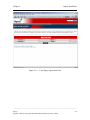
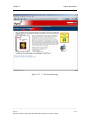
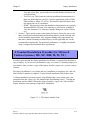
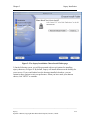
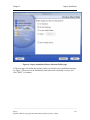
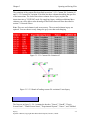
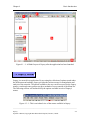
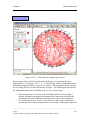
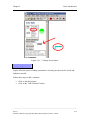
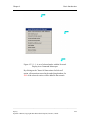
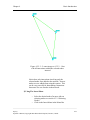
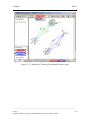
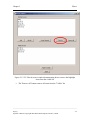
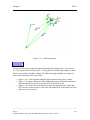
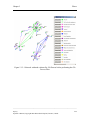
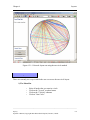
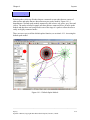
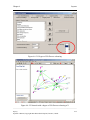
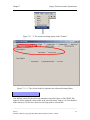
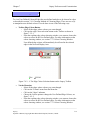
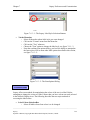
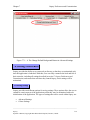
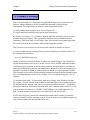
the names that will be displayed on the screen. Figure 3.1.2.2-2 demonstrates what the
network would look like after opening it up in Osprey.
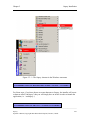
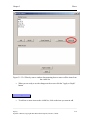
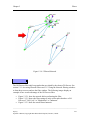
Note: The rows and columns in red are necessary. The rows and columns in gray are
optional. You can choose to only change the gray rows that need changing.
______________________________________________________________________________________
Osprey
Operator’s Manual, Copyright 2002 Mount Sinai Hospital, Toronto, Canada
3-3