1
Chapter 3
Opening and Saving Files
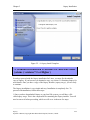
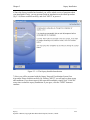
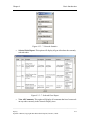
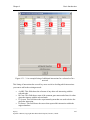
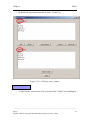
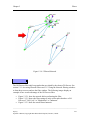
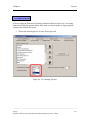
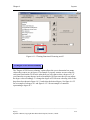
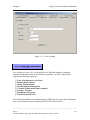
ID", of the seven columns that must exist in this variation of a custom interaction file.
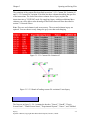
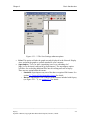
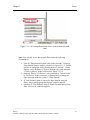
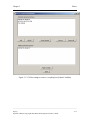
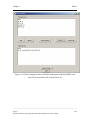
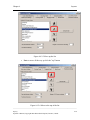
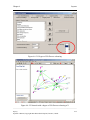
This variation of the custom interaction file contains all the previous variations of the
custom interaction files. See sections 3.1.2.2 Custom File Variation #2 and 3.1.2.3
Custom File Variation #3 for information of the different variations of the custom
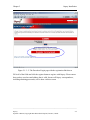
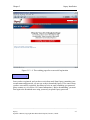
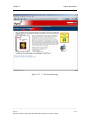
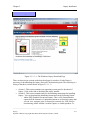
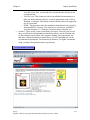
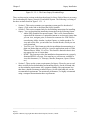
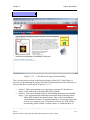
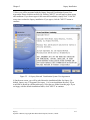
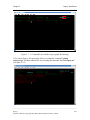
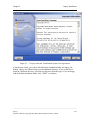
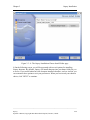
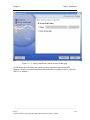
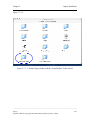
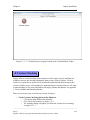
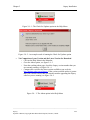
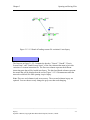
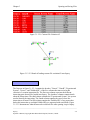
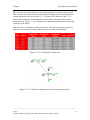
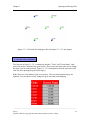
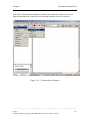
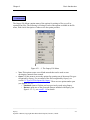
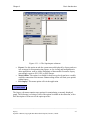
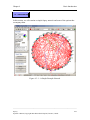
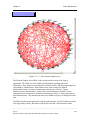
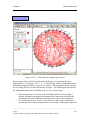
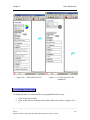
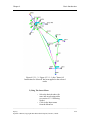
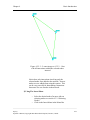
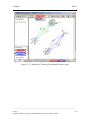
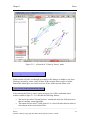
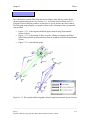
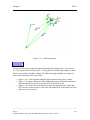
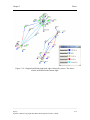
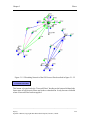
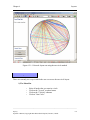
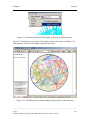
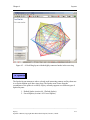
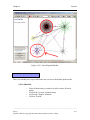
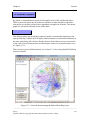
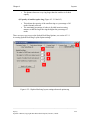
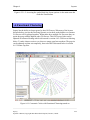
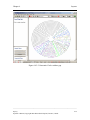
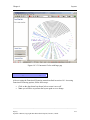
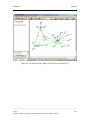
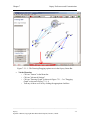
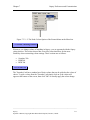
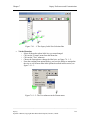
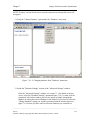
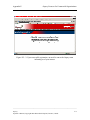
interaction files. Figure 3.1.2.4-2 demonstrates what the network would look like after
opening it up in Osprey.
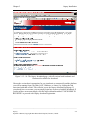
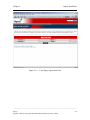
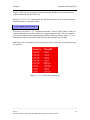
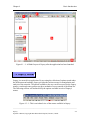
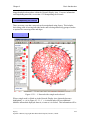
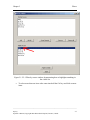
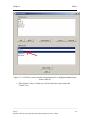
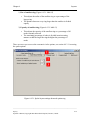
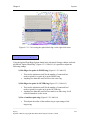
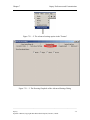
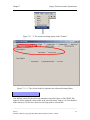
Note: The rows and columns in red are necessary. The rows and columns in gray are
optional. You can choose to only change the grey rows that need changing.
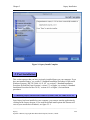
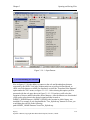
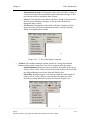
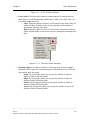
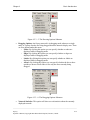
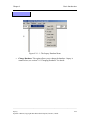
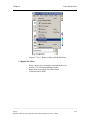
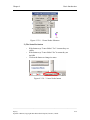
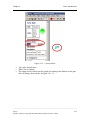
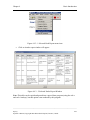
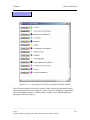
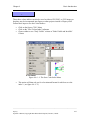
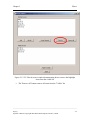
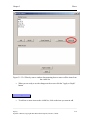
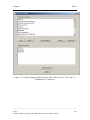
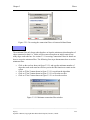
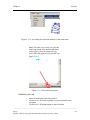
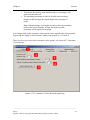
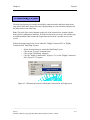
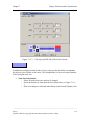
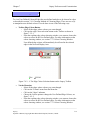
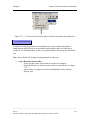
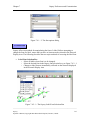
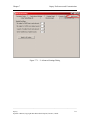
Figure 3.1.2.4-1 Custom File Variation #4
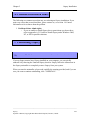
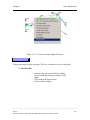
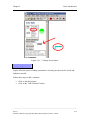
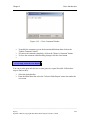
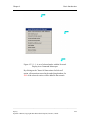
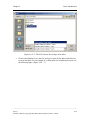
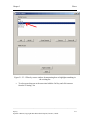
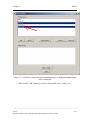
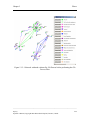
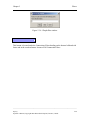
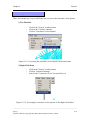
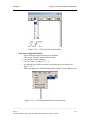
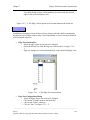
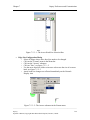
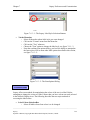
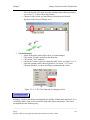
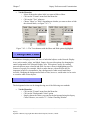
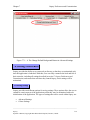
Figure 3.1.2.4-2 Result of loading custom file variation #4 into Osprey
______________________________________________________________________________________
Osprey
Operator’s Manual, Copyright 2002 Mount Sinai Hospital, Toronto, Canada
3-6