1
Chapter 7
Osprey Preferences and Customization
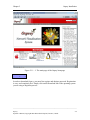
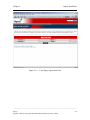
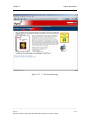
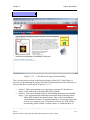
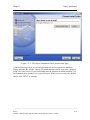
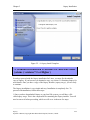
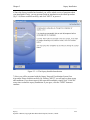
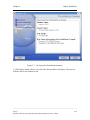
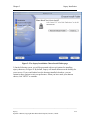
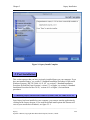
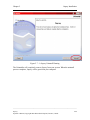
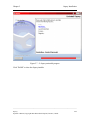
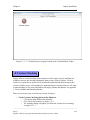
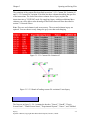
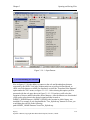
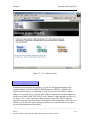
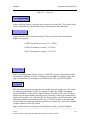
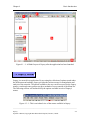
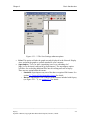
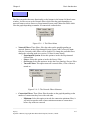
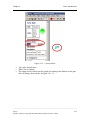
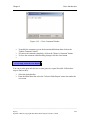
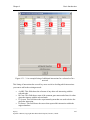
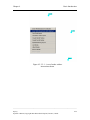
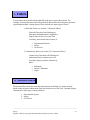
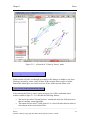
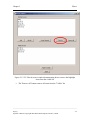
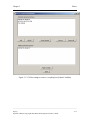
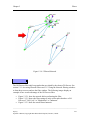
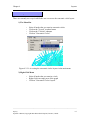
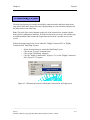
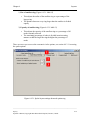
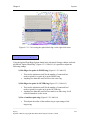
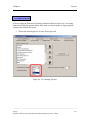
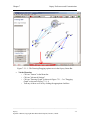
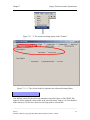
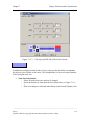
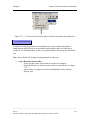
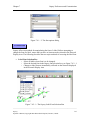
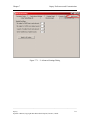
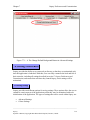
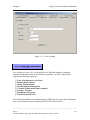
NOTE: If Osprey can not find an active network connection at start-up this screen will
not appear.
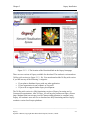
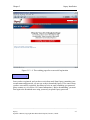
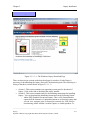
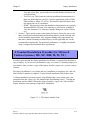
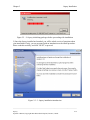
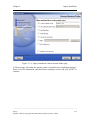
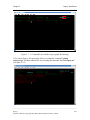
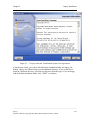
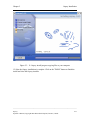
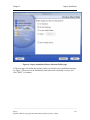
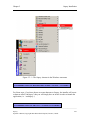
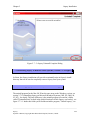
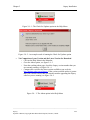
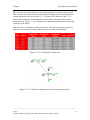
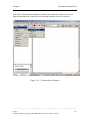
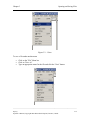
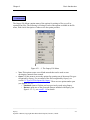
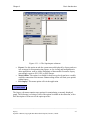
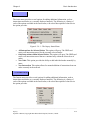
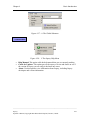
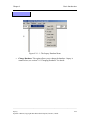
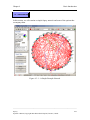
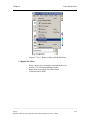
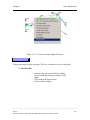
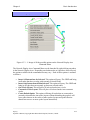
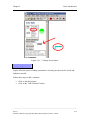
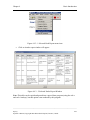
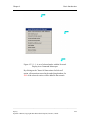
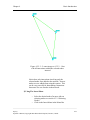
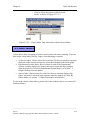
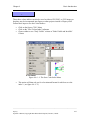
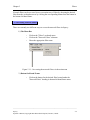
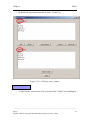
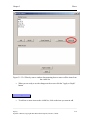
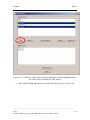
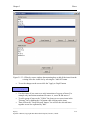
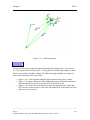
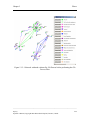
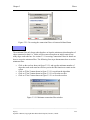
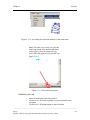
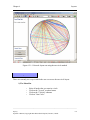
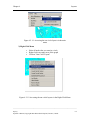
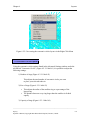
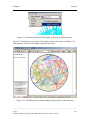
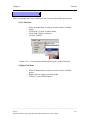
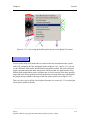
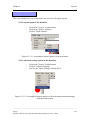
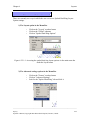
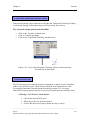
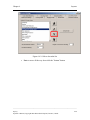
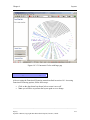
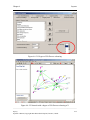
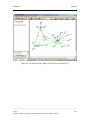
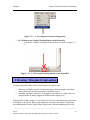
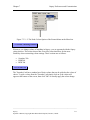
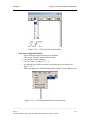
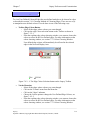
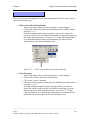
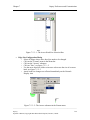
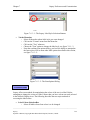
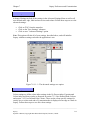
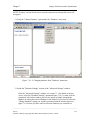
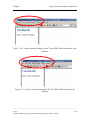
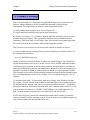
2.) Using the "Change Database" option under the "Database" menu item
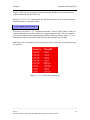
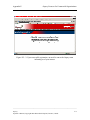
Figure 7.10 - 2: Changing database from "Database" menu item
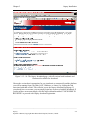
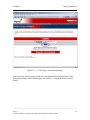
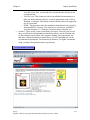
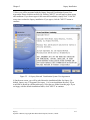
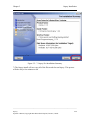
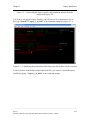
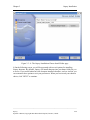
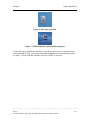
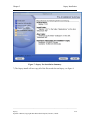
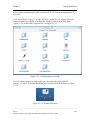
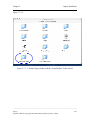
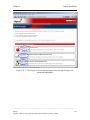
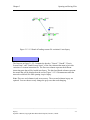
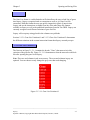
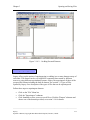
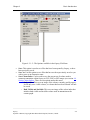
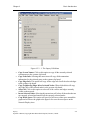
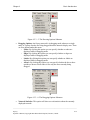
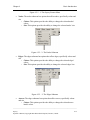
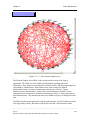
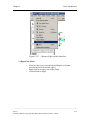
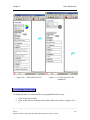
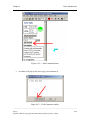
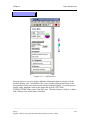
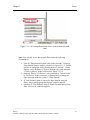
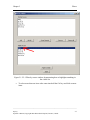
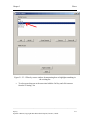
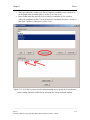
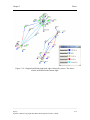
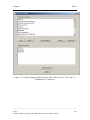
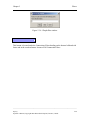
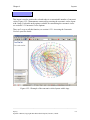
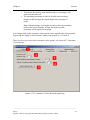
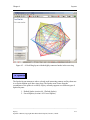
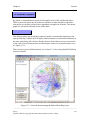
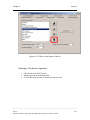
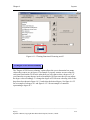
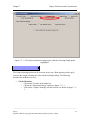
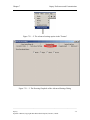
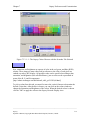
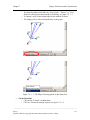
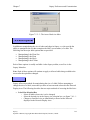
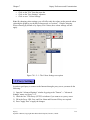
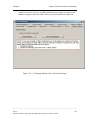
3.) Inside the "Database Settings" section of the "Advanced Settings" window.
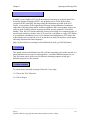
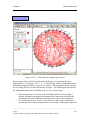
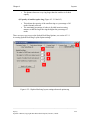
From the "Advanced Settings" window, see section 7.1.1 for details on how to
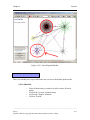
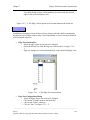
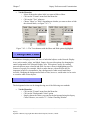
access, select the "Database Settings" option and figure 7-10-3 is what you'll be
preseneted with. In this window you have the option of simple changing the
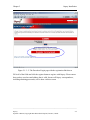
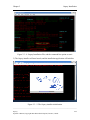
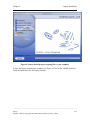
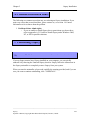
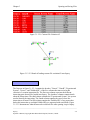
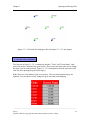
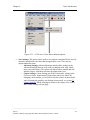
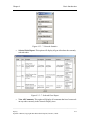
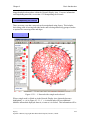
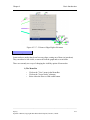
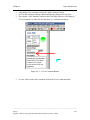
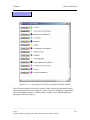
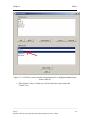
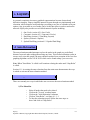
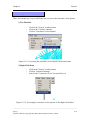
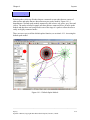
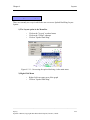
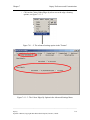
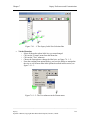
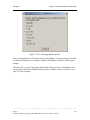
database or setting the selected database as the default. If you where to select the
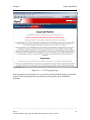
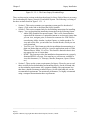
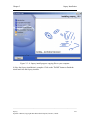
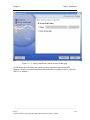
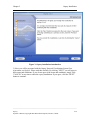
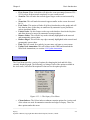
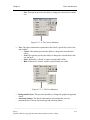
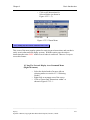
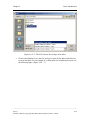
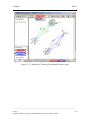
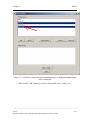
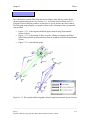
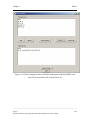
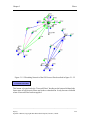
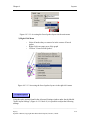
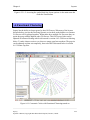
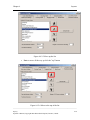
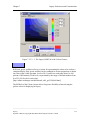
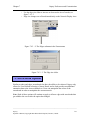
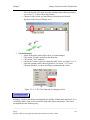
"Change Database" option you would be presented with the window shown in
figure 7-10-4 where you'll be asked to select the database you would like to
______________________________________________________________________________________
Osprey
Operator’s Manual, Copyright 2002 Mount Sinai Hospital, Toronto, Canada
7-39