1
Programming Software User Manual
Introduction
Need HELP?
PLEASE NOTE: The Troubleshooting section (Appendix A) should
be able to help you with most problems you might encounter.
Onscreen HELP
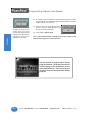
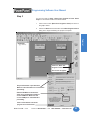
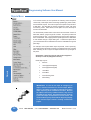
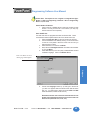
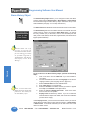
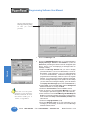
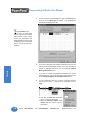
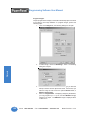
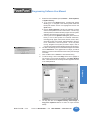
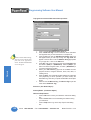
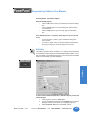
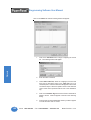
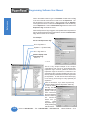
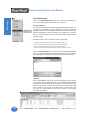
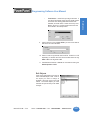
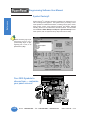
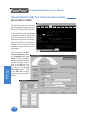
One of the most important features of the PowerPanel Programming
Software is the availability of context sensitive onscreen help. To access
the Help windows, simply press the F1 function key while on the topic
where you need help. For example, if you need help while working with
screens, press the F1 function key while in that area and a popup window
will be displayed. You may also click on the Help button located at the
bottom of most dialog boxes to go to the help topic.
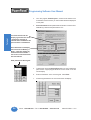
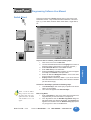
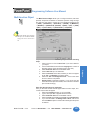
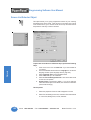
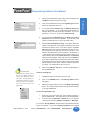
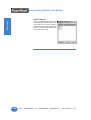
Fly-Over HELP
When the mouse cursor comes to rest over any tool bar or object button
for a short while, a small window will appear containing a brief description
of the function of that particular button. The window will disappear as
soon as the cursor has been moved off the button.
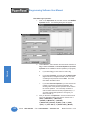
PLC HELP
If you need help with the PLC to PowerPanel Interface, consult the
PowerPanel Programming Software Help. Each PLC Driver has a Help
Topic that lists the error messages and provides an explanation for each.
Also provided are PLC to PowerPanel wiring diagrams.
Technical Support
Although most questions can be answered with PowerPanel HELP or
the manuals, you may find answers to your questions in the operator
interface section of our web site @ www.uticor.net. If you still need
assistance, please call our technical support at 1-800-832-3647 or FAX
us at 1-563-359-9094.
4
Phone: 1-563-359-7501 • Fax: 1-563-359-9094 • www.uticor.net
MAN-UTICW-M — V4.0