1
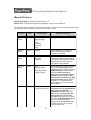
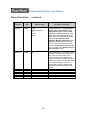
Programming Software User Manual
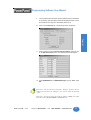
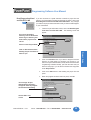
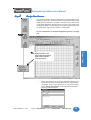
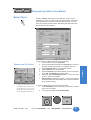
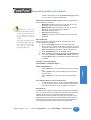
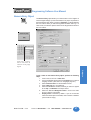
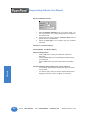
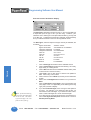
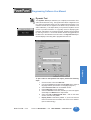
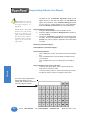
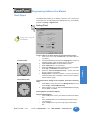
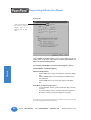
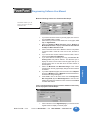
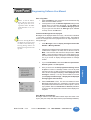
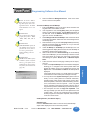
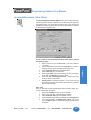
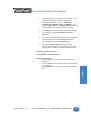
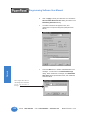
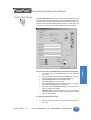
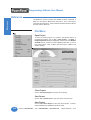
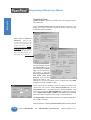
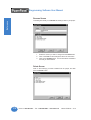
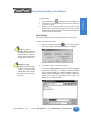
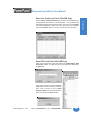
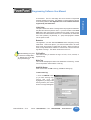
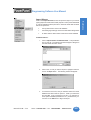
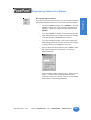
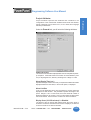
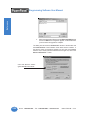
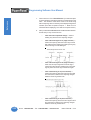
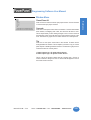
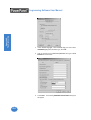
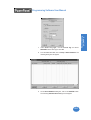
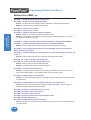
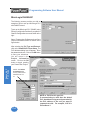
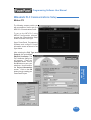
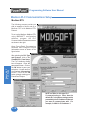
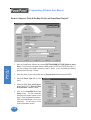
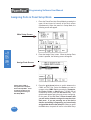
Show Touch Cells
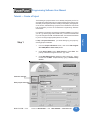
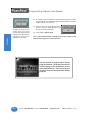
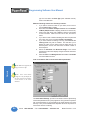
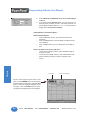
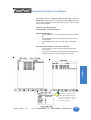
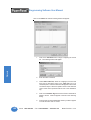
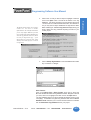
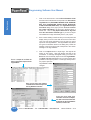
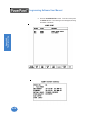
with Show Touch Cells selected
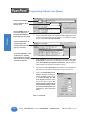
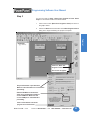
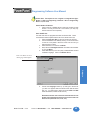
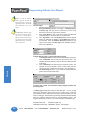
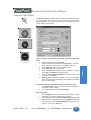
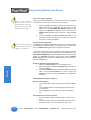
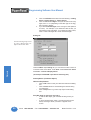
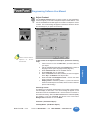
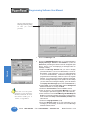
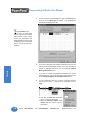
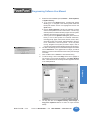
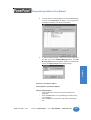
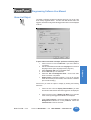
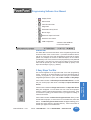
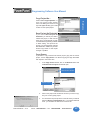
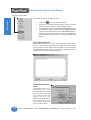
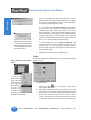
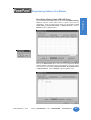
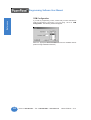
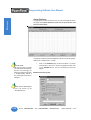
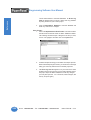
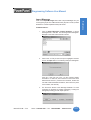
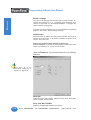
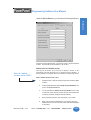
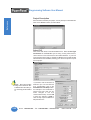
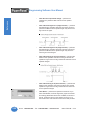
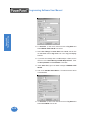
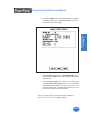
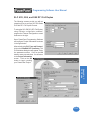
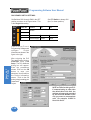
Show 320x240 Rectangle
Click on this menu item or the
icon to show a 320 x 240 area on
your 8-inch or 10-inch programming screen. The 320 x 240 area depicts
the size of the 6-inch PowerPanel screen. This is useful when designing
screens for more than one panel size. Be sure to select Screen >Show
Touch Cells when using this feature, in order to actually see the rectangle.
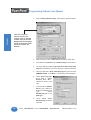
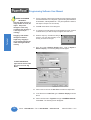
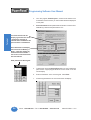
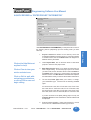
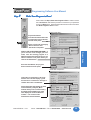
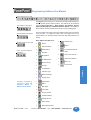
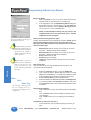
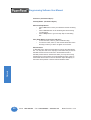
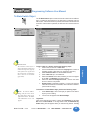
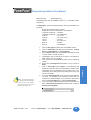
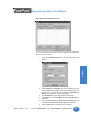
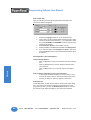
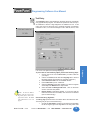
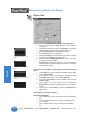
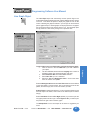
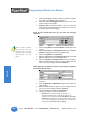
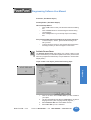
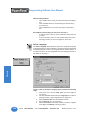
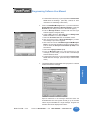
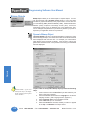
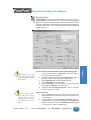
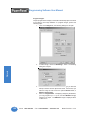
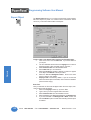
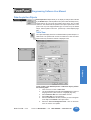
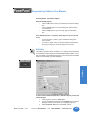
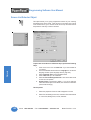
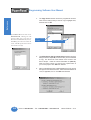
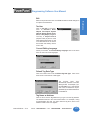
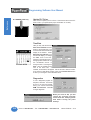
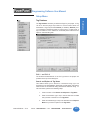
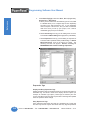
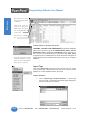
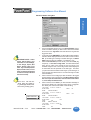
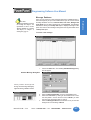
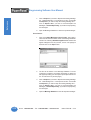
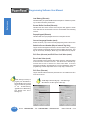
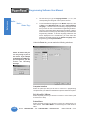
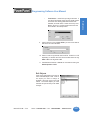
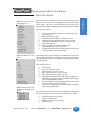
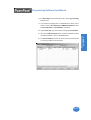
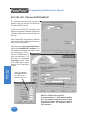
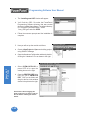
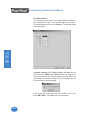
Zoom
Click on
Zoom to
view your screens at
preset magnifications.
Select from the available
magnifications. Use the
scroll bars to the right and
bottom of the screen to
view another area of the screen.
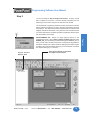
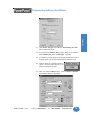
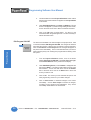
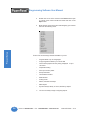
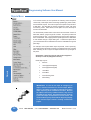
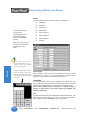
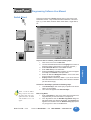
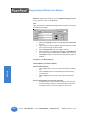
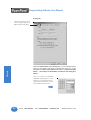
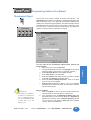
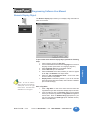
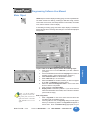
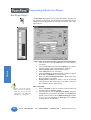
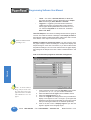
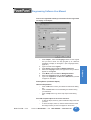
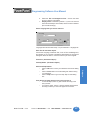
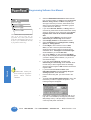
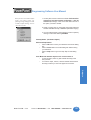
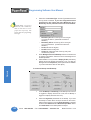
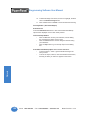
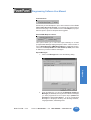
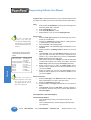
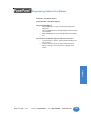
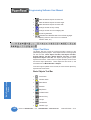
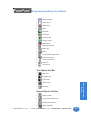
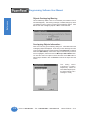
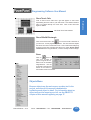
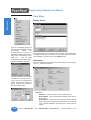
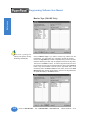
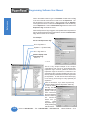
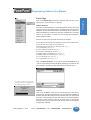
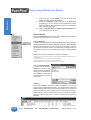
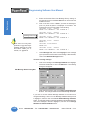
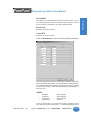
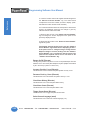
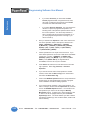
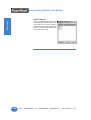
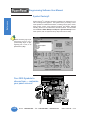
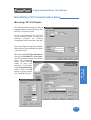
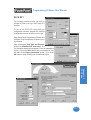
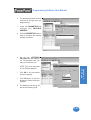
Objects Menu
Because objects are the main screen creation tool in the
project, a section of this manual is dedicated to
explaining each object in detail. For information about an
object seen on the menu to your left, see the OBJECTS
chapter of this manual beginning on page 37.
MAN-UTICW-M — V4.0
Phone: 1-563-359-7501 • Fax: 1-563-359-9094 • www.uticor.net
179
Reference
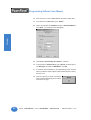
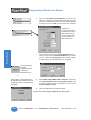
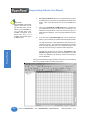
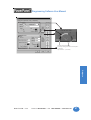
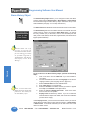
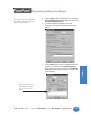
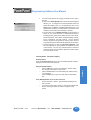
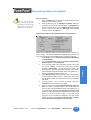
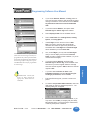
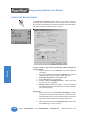
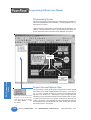
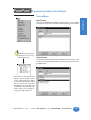
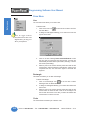
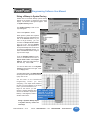
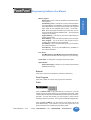
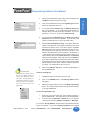
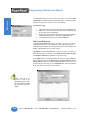
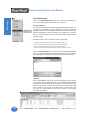
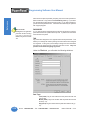
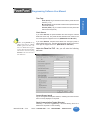
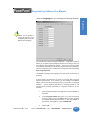
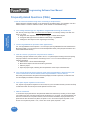
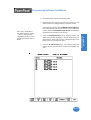
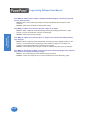
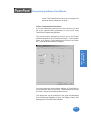
Click on Show Touch Cells and a grid will appear on the screen
representing the touch cells on your size screen. This makes it easier to
place your objects directly over touch cells. Click on this menu item
again to disable.