1
MultiModemManager User Guide
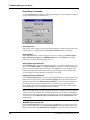
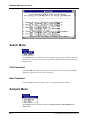
Find Command
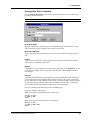
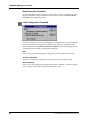
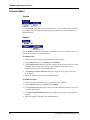
Click the Find command or its toolbar button to search the database for a character
string. In the Find dialog box, type the character string you want to search for, then
click Next to search forward or Previous to search backward. If the string is case-sensitive, select Match upper/Lower case.
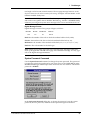
Find Next Command
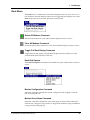
Click the Find Next command or its toolbar button to find the next occurrence of the
search text.
Find Previous Command
Click the Find Previous command or its toolbar button to find the previous occurrence of the search text.
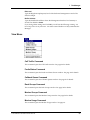
Record Menu
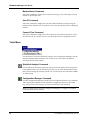
Use the Record menu to add a new record, edit an existing record, or delete an existing record from the database. The Record menu commands and buttons are available only when a database file is open. The Edit and Delete commands and buttons
are available only if there are entries to edit or delete.
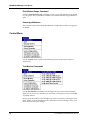
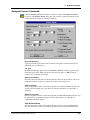
Add Command
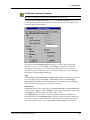
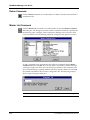
Click the Add command or its toolbar button to create a new record. The Add command opens the Edit/Add Database Entry dialog box, in which you create the record. When you click OK, the record is placed in the database in alphabetic order
based on the user ID.
124
CommPlete Communications Server