1
7
The Manager
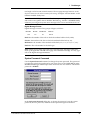
Set Modem Inventory Command
Note: Does not apply to CommPlete Communications Server sites.
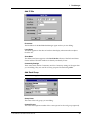
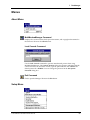
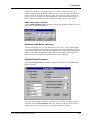
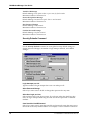
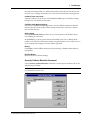
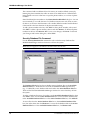
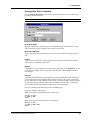
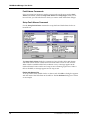
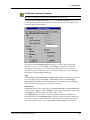
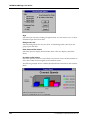
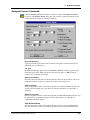
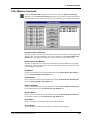
Click Control|Set Modem Inventory, or click the Modem Inventory button, to set
up the following options for the selected modems. Options that do not apply to the
selected modems are unavailable.
The selections in the Modem Inventory dialog box override the modem’s DIP
switches, if any. For the MT1432MR or MT2834MR, DIP switch 10, the Dial or
Leased-Line switch, must be in its default up (OPEN) position to use softwarecontrolled switches. If DIP switch 10 is in the down position, you cannot configure
the modem using MultiModemManager.
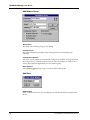
Type
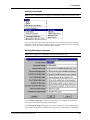
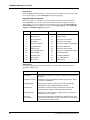
Click Dial-up, 2-wire Leased Line, or 4-wire Leased Line to select the type of phone
line connection used by MT1432MR or MT2834MR modems. Click Dial-up for
MT2834MR6, MT3334HD8, and MT5634HD8 modem cards. If you select Dial-up,
you can select a security option for the selected modems.
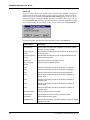
Leased Line
Leased Line options are available only if 2-wire Leased Line or 4-wire Leased Line
is selected in the Type box. Select Answer to make the selected modems answer-only,
or Originate to make the selected modems originate-only.
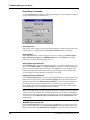
Select Dialback-up to permit the originating modem to redial a call if there is a
leased line failure. In the Dialback-up box, type the number the modem should call
to reconnect with the remote modem. For a full discussion of dial backup, manual
dial, and automatic answer, see the MT1432MR or MT2834MR Owner’s Manual.
CommPlete Communications Server
87