1
Disassembly
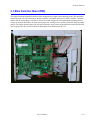
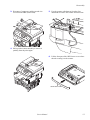
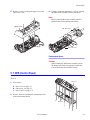
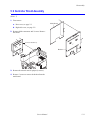
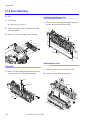
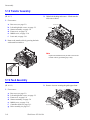
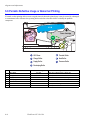
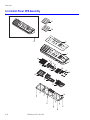
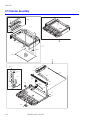
5.9 Controller Shield Assembly
(PL 8.1.7)
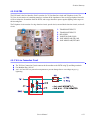
1. First remove:
Main Board
a. Rear cover, see page 5-2.
b. Right side cover, see page 5-3.\
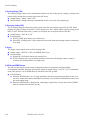
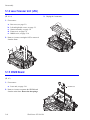
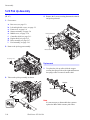
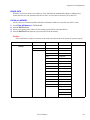
2. Remove all the connectors and 5 screws. Remove
the shield.
Controller Shield Ass’y
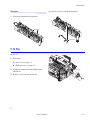
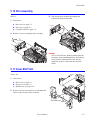
Bracket
3. Remove the network card if equiped (2 screws).
4. Remove 3 screws to remove the bracket from the
main board.
Service Manual
5-11