1
Enterprise Manual
Click-through Log
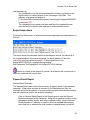
The Click-through Log file can be accessed by clicking Log Detail on the
Reports Menu or viewed directly in the Campaign Logs folder. The
pathway on a typical installation is:
C:\Program Files\Campaign
Enterprise11\www\Logs\CampaignID0000001-ClickThrus.TXT.
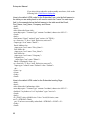
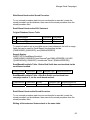
The Click-through log contains the date and time the click-through was
recorded, the click-through number and the original email address in a tab
delimited format.
Unsubscribe Report
Unsubscribe Summary
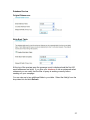
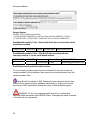
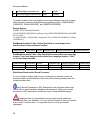
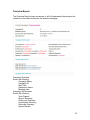
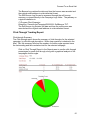
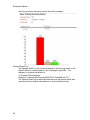
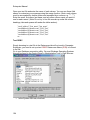
The Unsubscribe report shows the summary of unsubscribed email for the
selected campaign. When clear counters is checked in the Misc. Settings Tab,
the summary will show the number of unsubscribed emails reported since the
last sending and the cumulative total for the selected campaign.
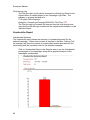
Click on Unsubscribe Report in the Reports area to see the Unsubscribe
percentages for the campaign, along with a graphical analysis of the
campaigns unsubscribes.
82