1
Manage Email Campaigns
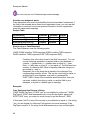
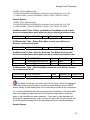
Do not set an archive date unless you mean for the campaign to be
archived on that date. If you fill in with the current date, it will not show up on the
main menu unless you hit the Archived category.
Data Source
Data Source
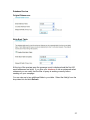
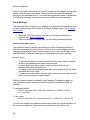
The Data Source page is where you connect Campaign Enterprise to your
database list of email addresses.
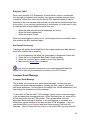
You can use a basic connection to a table or query on your database, or write
your own SQL select statement.
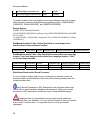
Basic connection
SQL Statement
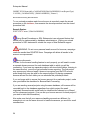
Campaign Enterprise can connect to any Open Database Connectivity (ODBC)
compliant database using a system Data Source Name (DSN) or OLE DB
provider. Text (.txt) and comma separated value (.csv) files also need to have a
DSN set up in order to use them. These types of files cannot be updated
however rendering many of the Campaign Enterprise features virtually
ineffective. Campaign now has built-in Subscriber List available to which a basic
list of email addresses can be imported.
At this point you should already have some sort of database configured where
your email addresses are stored. If not, you will need to set one up. Please see
the database section. For testing purposes we recommend setting up a small
table on your primary database with just a few email addresses that you can
access. A selection of internal and external email accounts will allow you to see
how your campaign appears in different environments.
Connect To A Database
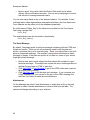
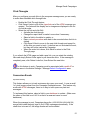
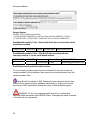
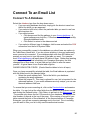
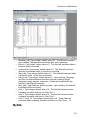
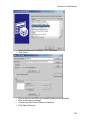
Select the database type from the drop down menu:
• If you are using database shortcuts, simply pick the shortcut name from
the list for which you are approved.
• If you select a built-in list, select the particular table you want to use from
the drop down list.
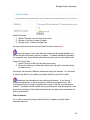
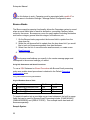
• If you select access
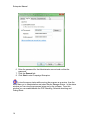
• Click browse and find the pathway to your Access database. A
typical pathway may look like, C:\Documents and Settings\user\My
Documents\dbname.mdb.
• Click Select to return to the datasource tab
31