1
5—Client Menu and Tool Bar
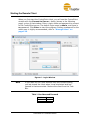
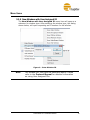
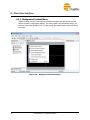
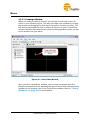
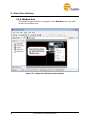
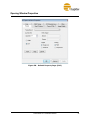
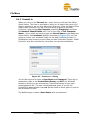
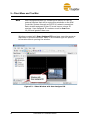
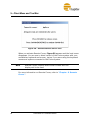
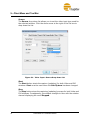
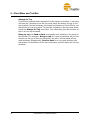
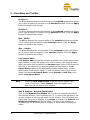
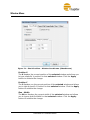
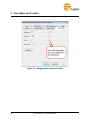
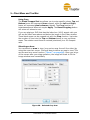
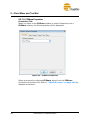
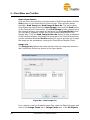
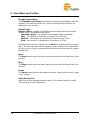
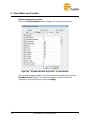
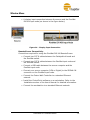
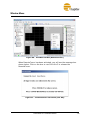
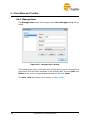
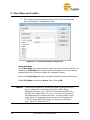
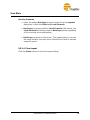
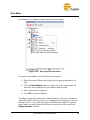
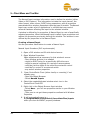
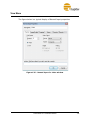
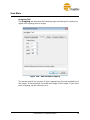
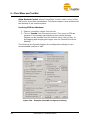
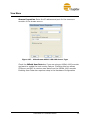
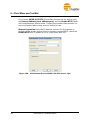
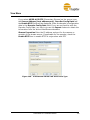
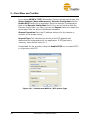
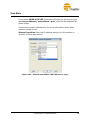
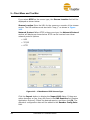
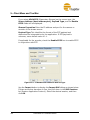
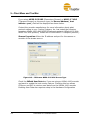
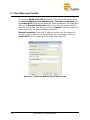
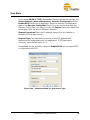
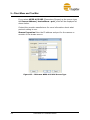
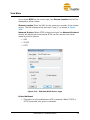
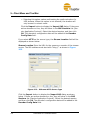
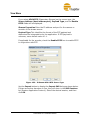
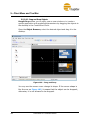
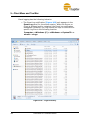
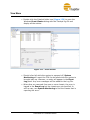
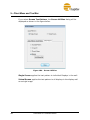
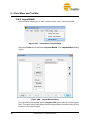
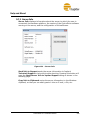
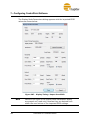
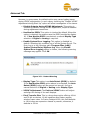
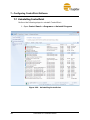
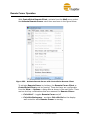
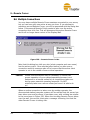
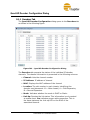
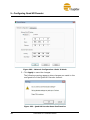
If you select MPEG-4 ES RTP (Elementary Stream) as the source type,
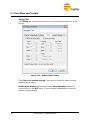
the Source Address (host address:port), Decoder Config Data and
the Enable RTCP fields will be displayed. Enter the decoder’s configuration
data in the Decoder Config Data field. If you are not familiar with the
Decoder Config Data, you can try to use the Import feature to obtain the
information from the active IPStream decoders.
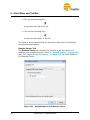
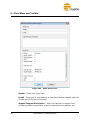
Stream Properties—Enter the IP address and port for the camera or
encoder of the stream source. If applicable for the encoder, check the
Enable RTCP box to enable RTCP in conjunction with RTP.
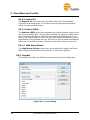
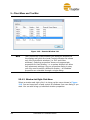
Figure 151 - IPStream MPEG-4 ES RTP Source Type
174
ControlPoint 2.11 Software Manual