1
Appendix
•
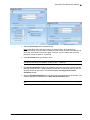
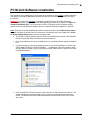
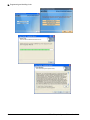
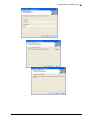
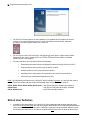
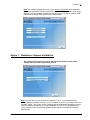
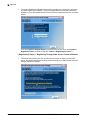
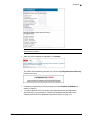
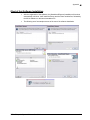
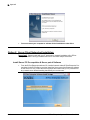
The System Requirements, Software User Guide and the Installation Procedure
documents are provided on the install CD for your reference. There are two software
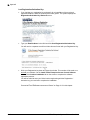
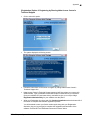
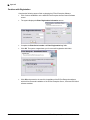
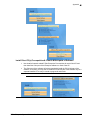
installation options available: (i) For most cases where everything will be run from one
PC, select the “E-Plex Enterprise for Standalone” (Express) install option. (ii) If you
are going to be using separate Server PC and many different Client PCs in a networked
environment, select the “E-Plex Enterprise for Network” (Custom) install option.
E-Plex Enterprise System Software User Guide
6–3