1
Using the E-Plex Enterprise Software
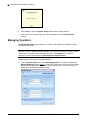
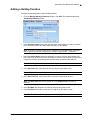
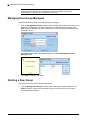
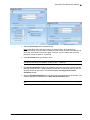
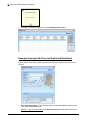
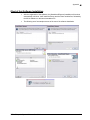
Note: You can add additional door groups at any time.
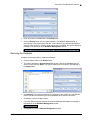
Editing a Door Group
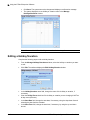
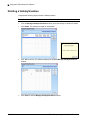
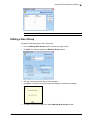
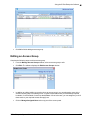
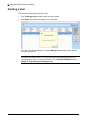
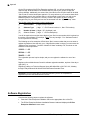
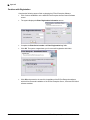
Complete the following steps to edit a door group:
•
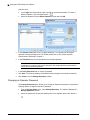
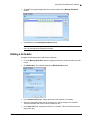
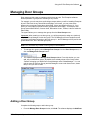
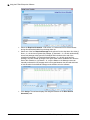
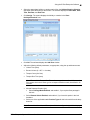
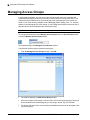
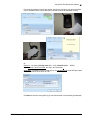
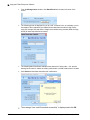
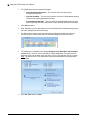
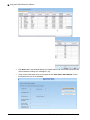
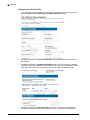
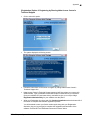
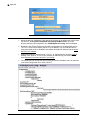
From the Manage Door Groups window, select a door group to edit.
•
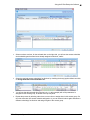
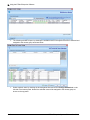
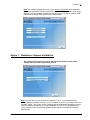
Click Edit. The software displays the Edit Door Group window.
•
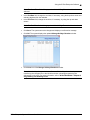
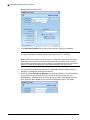
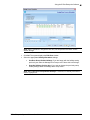
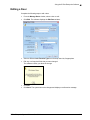
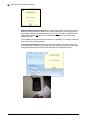
Edit any or all required fields that you want changed.
•
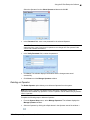
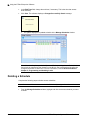
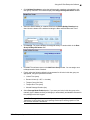
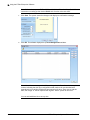
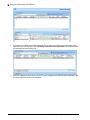
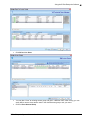
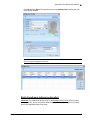
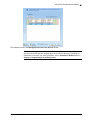
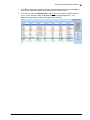
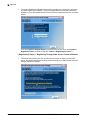
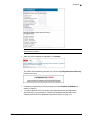
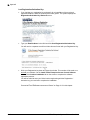
Click Save. The system saves the changes and displays a confirmation message.
•
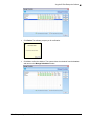
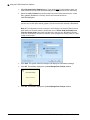
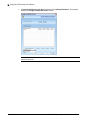
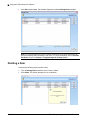
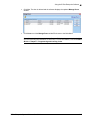
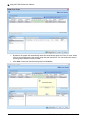
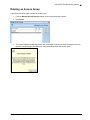
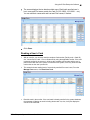
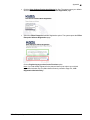
Click OK. The software displays the updated Manage Door Groups window.
E-Plex Enterprise System Software User Guide
3–25