1
Using the E-Plex Enterprise Software
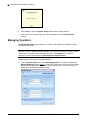
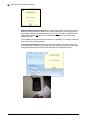
Note: You should update your locks whose parameters have been modified, first by
downloading the affected locks’ configuration data to the M-Unit and then by
programming / uploading this information to the locks.
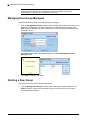
Managing Door Group Managers
Complete the following steps to manage door group managers:
•
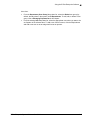
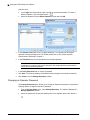
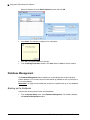
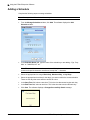
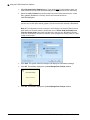
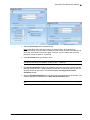
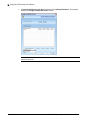
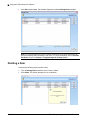
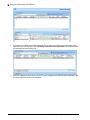
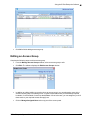
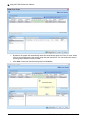
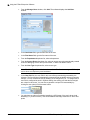
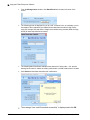
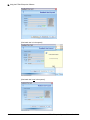
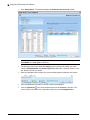
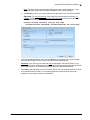
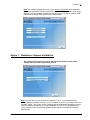
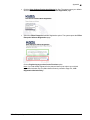
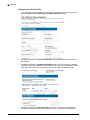
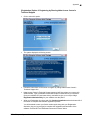
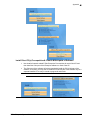
From the Manage Door Groups window, select the Door Group name where you want to
change the DG Manager from the current person to a different person and then click
Edit. Select the Manager you want to assign as the (one and only) DG Manager for this
entire Door Group.
•
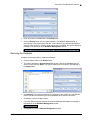
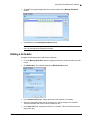
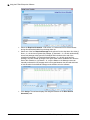
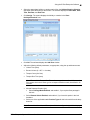
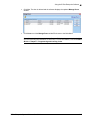
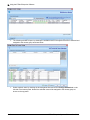
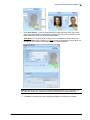
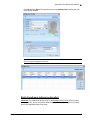
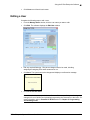
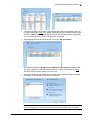
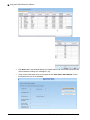
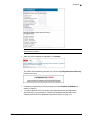
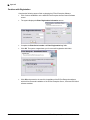
Click Save and then OK. The software displays the updated Manage Door Group
Manager window.
•
Click Close to exit from this dialog.
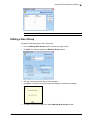
Deleting a Door Group
Complete the following steps to delete a door group:
•
3–26
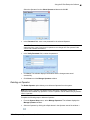
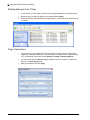
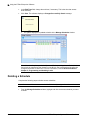
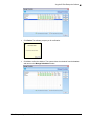
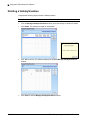
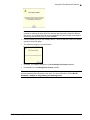
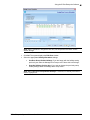
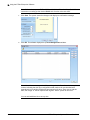
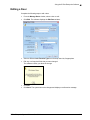
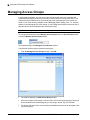
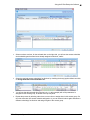
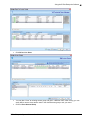
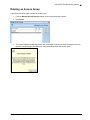
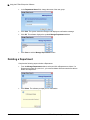
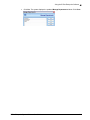
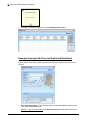
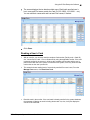
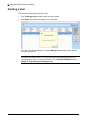
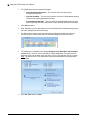
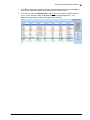
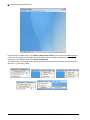
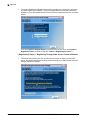
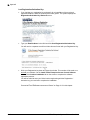
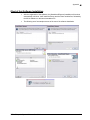
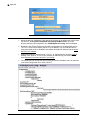
From the Manage Door Groups window, select a door group to delete and then click
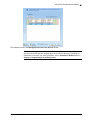
Delete. If there is a door or doors that still belong to this door group, you will get the
following warning message.
E-Plex Enterprise System Software User Guide