1
Using the E-Plex Enterprise Software
•
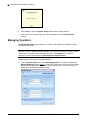
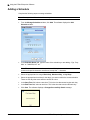
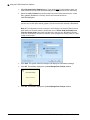
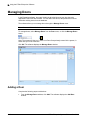
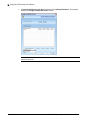
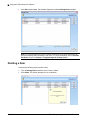
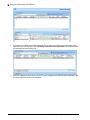
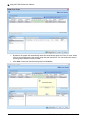
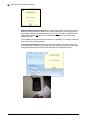
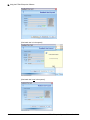
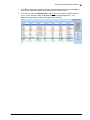
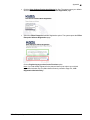
Click Close to exit from this sub-menu.
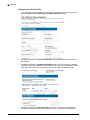
Editing a User
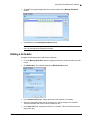
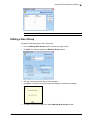
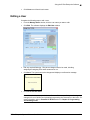
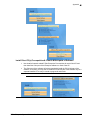
Complete the following steps to edit a user:
•
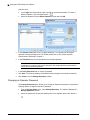
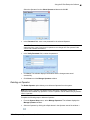
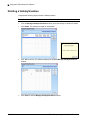
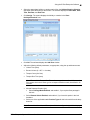
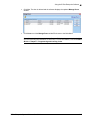
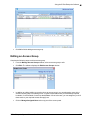
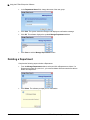
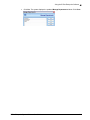
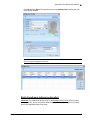
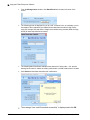
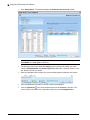
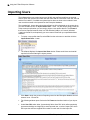
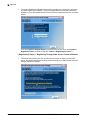
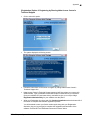
From the Manage Users window, click the user name you want to edit.
•
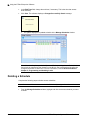
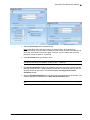
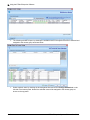
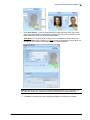
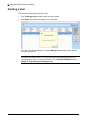
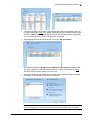
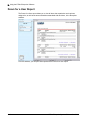
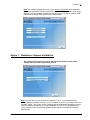
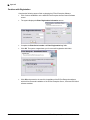
Click Edit. The software displays the Edit User window.
•
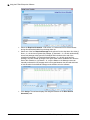
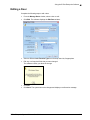
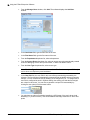
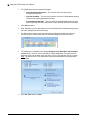
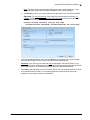
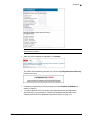
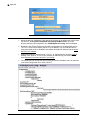
Edit any required fields (eg., PIN) where changes need to be made, including
assigning/un-assigning Prox and/or smartcard or not.
•
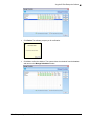
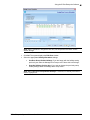
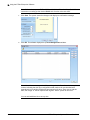
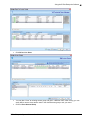
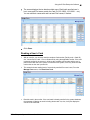
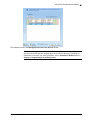
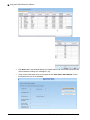
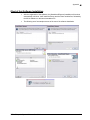
Click Save. The system saves the changes and displays a confirmation message.
•
Click OK to exit this menu.
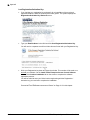
Note: You should update your locks to reflect modified user profile by transferring the
changed info to the M-Unit and uploading/programming the information to the locks. For
more information, refer to Portable PC M-Unit section in Chapter 5, Programming
and Auditing Locks.
E-Plex Enterprise System Software User Guide
3–61