1
Using the E-Plex Enterprise Software
•
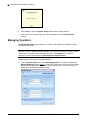
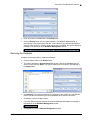
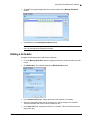
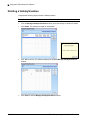
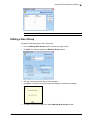
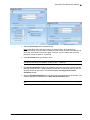
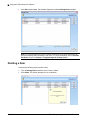
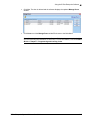
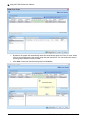
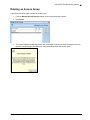
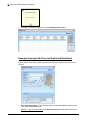
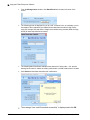
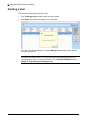
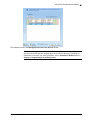
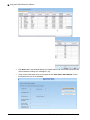
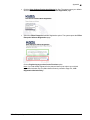
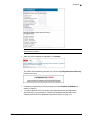
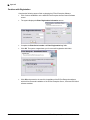
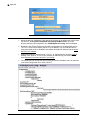
Click Delete. The software prompts you for confirmation.
•
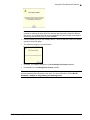
Click Yes to confirm the deletion. The system deletes the schedule from the database
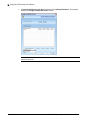
and returns to the Manage Schedules window.
E-Plex Enterprise System Software User Guide
3–15