1
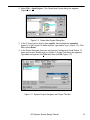
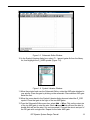
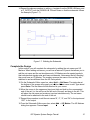
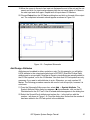
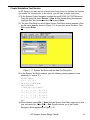
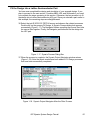
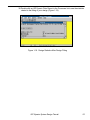
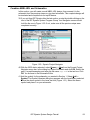
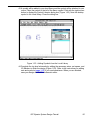
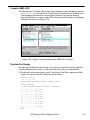
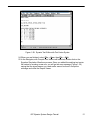
Figure 1-21. Schematic Editor with Symbol Libraries Dialog box
The next step is to create a top level symbol for your ABEL-HDL design file. A symbol
can be created for any lower level design module as long as you know its interface.
The actual ABEL-HDL file for your design will be completed in a later step.
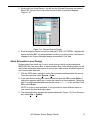
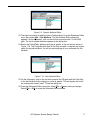
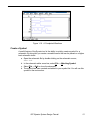
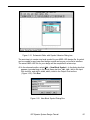
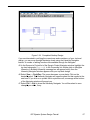
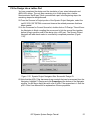
42. In the schematic editor, select Add ⇒ New Block Symbol... In the dialog box that
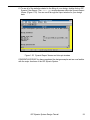
appears, type abeltop in the Block Name text box, IN1,IN2,IN3 in the Input
Pins text box, and OUT1,OUT2,OUT3,OUT4 in the Output Pins text box
(Figure 1-22). Click Run.
Figure 1-22. New Block Symbol Dialog Box
ISP Synario System Design Tutorial
25