1
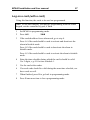
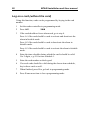
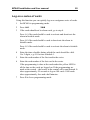
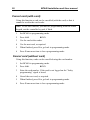
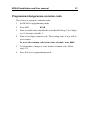
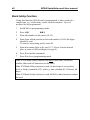
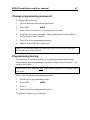
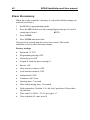
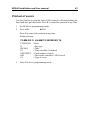
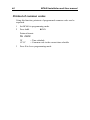
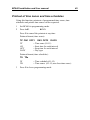
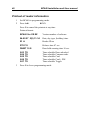
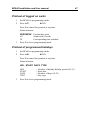
30 BC640 Installation and User manual Cancel card (with card) Using this function a card can be cancelled (with the card) so that it cannot be used in the card reader. Note! To use this function, you must be programming from the reader keypad, not the controller keypad, if fitted. 1 Set BC640 to programming mode. 2 Press A14. 3 Use the card at the reader. 4 Use the next card, as required. 5 When finished, press B to go back to programming mode. 6 Press B one more time to leave programming mode. z Cancel card (without card) Using this function, cards can be cancelled using the card number. 1 Set BC640 to programming mode. 2 Press A16. 3 Enter the card number. If the card is not logged on the ”faulty programming” signal is heard. 4 Cancel the next card, as required. 5 When finished, press B to go back to programming mode. 6 Press B one more time to leave programming mode. z