1
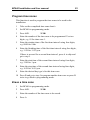
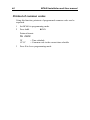
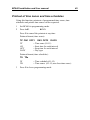
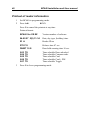
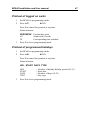
32 BC640 Installation and User manual Program holidays This function is used to pre-program holidays that do not occur on Sundays and holiday periods. 1 Set BC640 to programming mode. 2 Press A51. 3 Enter the number of the holiday using two digits (01-15). 4 Enter the date of the holiday, e.g. 1224 for the 24th of December. 5 To program a holiday period, enter the starting date of the period, e.g. 0701 for the 1st of July. 6 If an isolated holiday is being programmed, enter 01. zz If a holiday period is being programmed, enter the duration in days of the period, including the starting date. Max number days 21. 7 Enter the day type to apply for this holiday/holiday period, e.g. 7 for Sunday. 8 Follow steps 3-6 to enter a new holiday/holiday period or press B to go back to programming mode. Delete individual holidays This function is used to delete individual holidays, as distinct to deleting all programmed holidays (see the next section). 1 Set BC640 to programming mode. 2 Press A52. 3 Enter the number of the holiday, e.g. 01. 4 Press B to go back to programming mode. zz