1
Chapter 6
6.
Branching and Decision Making
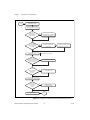
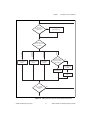
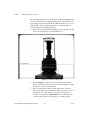
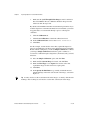
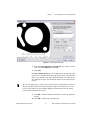
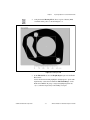
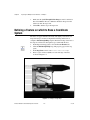
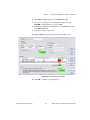
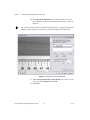
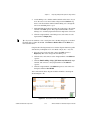
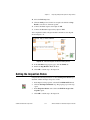
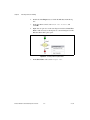
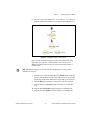
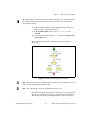
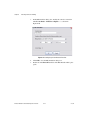
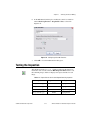
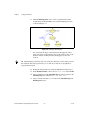
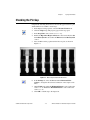
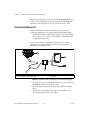
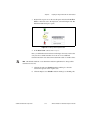
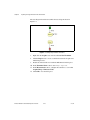
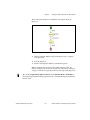
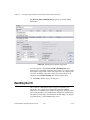
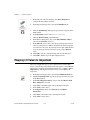
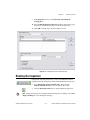
In the Edit Transition dialog box, modify the controls to transition
when Check Cap Presence - Step Status is Pass, as shown in
Figure 6-11.
Figure 6-11. Configuring the Part OK Transition
7.
Click OK to close the Edit Transition dialog box.
Testing the Inspection
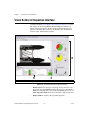
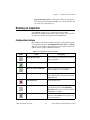
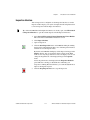
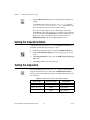
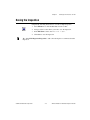
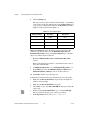
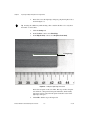
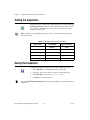
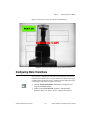
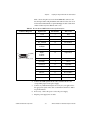
Test the images in the Tutorial 5 folder to make sure the inspection
returns the correct results. Click the Run Inspection Once button to test
the remaining images. Table 6-1 displays the expected results for each
image.
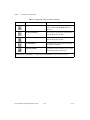
Table 6-1. Expected Results for the State Diagram Branching Inspection
Image Name
© National Instruments Corporation
Inspection Status
Explanation
Image 00480.jpg
PASS
Cap is present.
Image 01710.jpg
PASS
Cap is present
Image 03450.jpg
FAIL
Cap is missing.
Image 04200.jpg
PASS
Cap is present.
6-13
NI Vision Builder for Automated Inspection Tutorial