1
Device Initialization User Manual
User Interface
Pop-up Menu
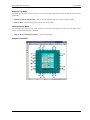
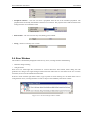
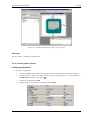
The pop-up menu invoked by the right mouse button click contains the following items:
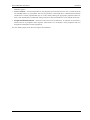
• Delete All Tool Errors, Warnings and Hits - removes all tool errors, warnings and hints listed in the error
window
• Delete All code generation errors, warnings and Hints - removes all code generation errors, warnings and
hits listed in the Error window
• Copy to Clipboard - copies the whole content of the window as a text to the clipboard.
Note: This command can be very useful in the case of contacting our support personnel with a bean setup
issue.
• Help - display documentation
2.5. Options
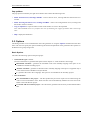
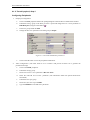
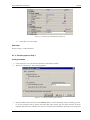
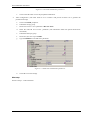
This dialog window can be invoked before each code generation or using the Options command from the main
menu. The user can specify the options influencing the format and placement of the generated code. Options are
divided into two groups using a tabs.
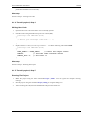
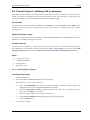
Basic Options
This offers the following options and option groups:
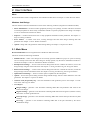
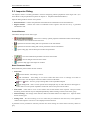
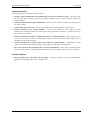
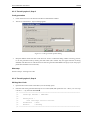
• Generated file types available:
(for more information on generated files please see the chapter 3.2 Code Generation And Usage)
Relocatable Assembler - generates the relocatable code in the assembly language. This option is not
available for absolute assembly project.
Absolute Assembler - generates an absolute code in assembly language. This option is supported only if
it was selected in the CodeWarrior Project Wizard.
C - generates the code in the C language. This option is not available for the assembly projects.
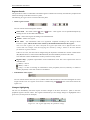
• After Generation
Save and add files to the project - The files produced by Processor Expert will be named using the
value of 'Generated Module Name' field. The files will be automatically added to the Generated Code
folder to the Code Warrior project.
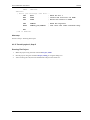
Create file and do not add to project - the code will be generated into the newly created untitled editor
files.
- 15 -