1
Creating and Downloading Waveform Files
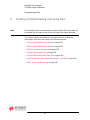
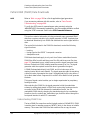
Creating Waveform Data
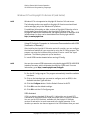
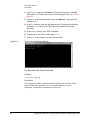
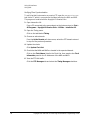
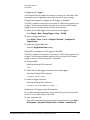
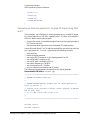
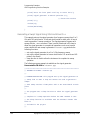
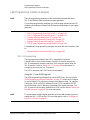
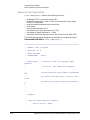
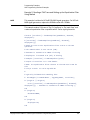
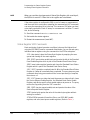
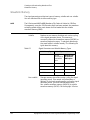
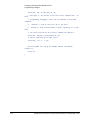
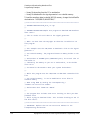
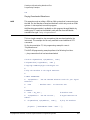
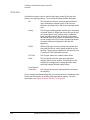
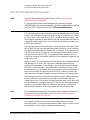
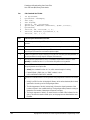
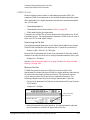
2. Save the I/Q data to a text file to review.
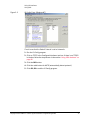
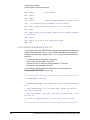
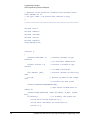
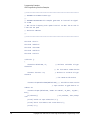
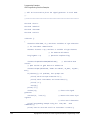
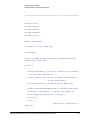
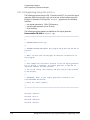
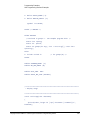
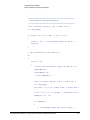
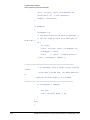
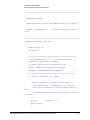
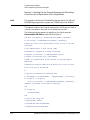
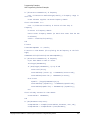
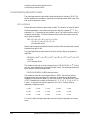
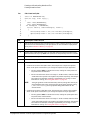
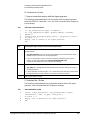
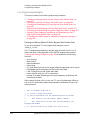
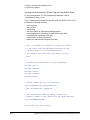
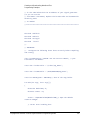
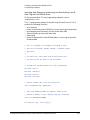
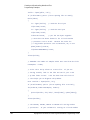
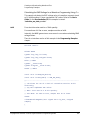
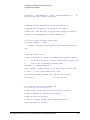
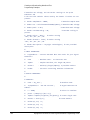
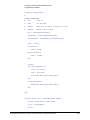
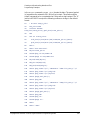
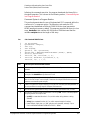
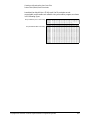
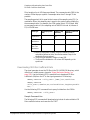
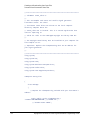
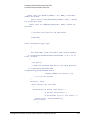
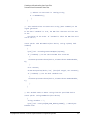
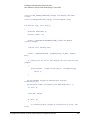
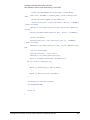
The following lines of code export the I and Q data to a text file for validation.
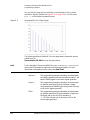
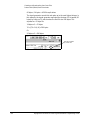
After exporting the data, open the file using Microsoft Excel or a similar
spreadsheet program, and verify that the I and Q data are correct.
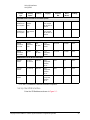
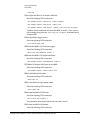
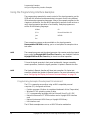
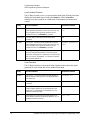
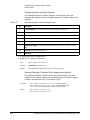
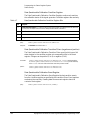
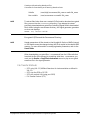
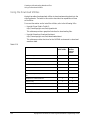
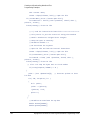
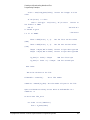
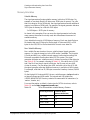
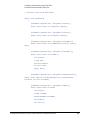
Line
12
13
14
15
16
17
18
19
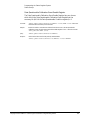
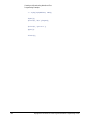
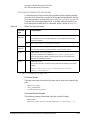
Line
12
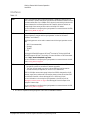
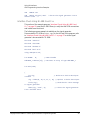
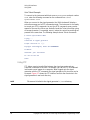
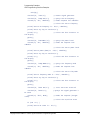
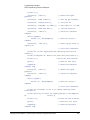
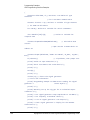
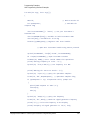
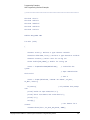
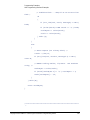
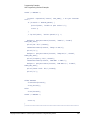
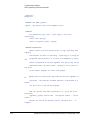
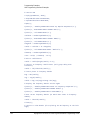
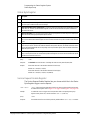
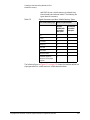
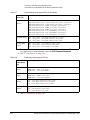
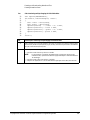
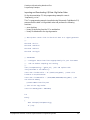
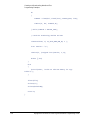
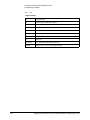
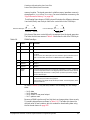
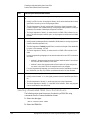
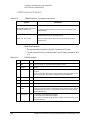
Code Description—Saving the I/Q Data to a Text File
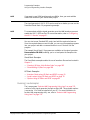
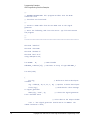
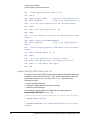
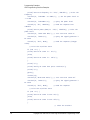
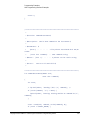
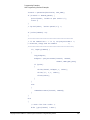
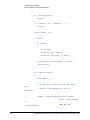
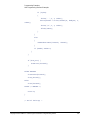
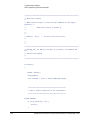
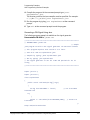
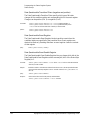
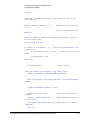
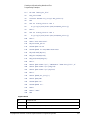
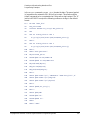
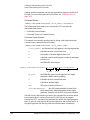
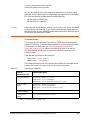
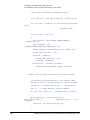
char *ofile = "c:\\temp\\iq.txt";
FILE *outfile = fopen(ofile, "w");
if (outfile==NULL) perror ("Error opening file to write");
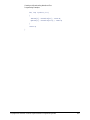
for(index=0; index<numsamples; index++)
{
fprintf(outfile, "%d, %d\n", idata[index], qdata[index]);
}
fclose(outfile);
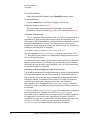
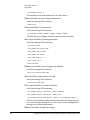
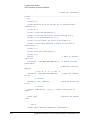
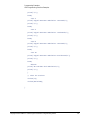
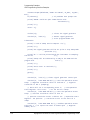
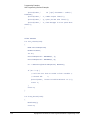
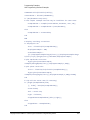
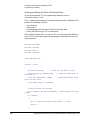
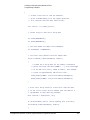
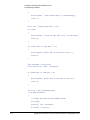
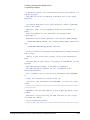
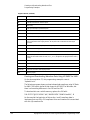
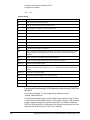
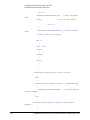
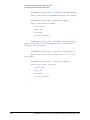
Code Description—Saving the I/Q Data to a Text File
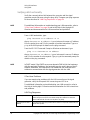
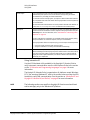
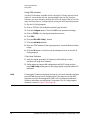
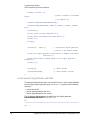
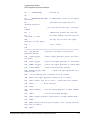
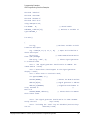
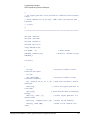
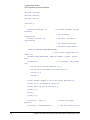
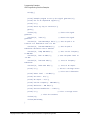
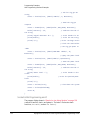
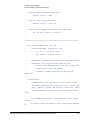
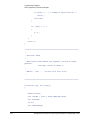
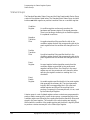
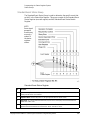
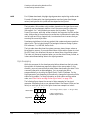
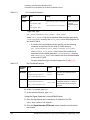
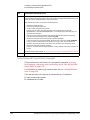
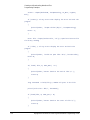
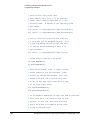
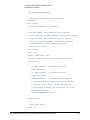
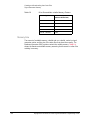
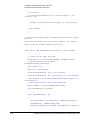
Set the absolute path of a text file to a character variable. In this example, iq.txt is the file name and *ofile
is the variable name.
For the file path, some operating systems may not use the drive prefix (‘c:’ in this example), or may require only
a single forward slash (/), or both ("/temp/iq.txt")
13
Open the text file in write format.
14
If the text file does not open, print an error message.
15–18
19
Create a loop that prints the array of generated I and Q data samples to the text file.
Close the text file.
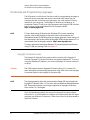
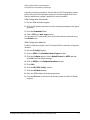
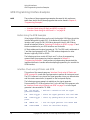
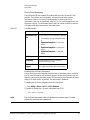
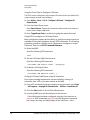
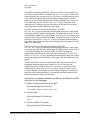
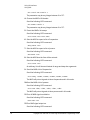
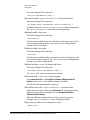
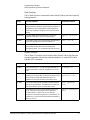
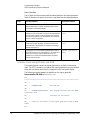
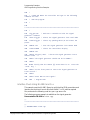
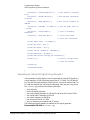
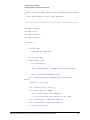
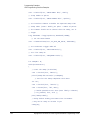
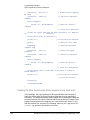
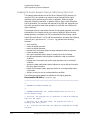
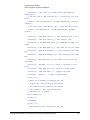
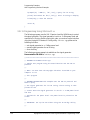
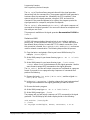
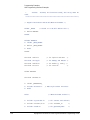
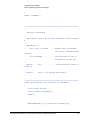
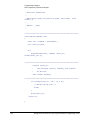
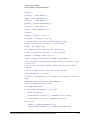
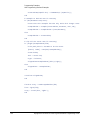
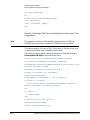
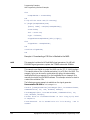
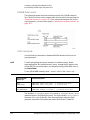
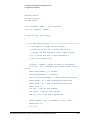
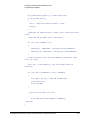
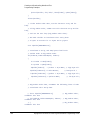
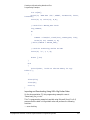
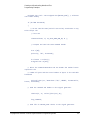
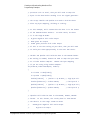
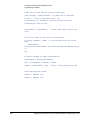
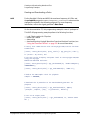
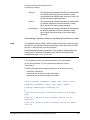
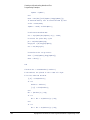
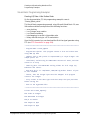
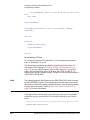
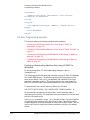
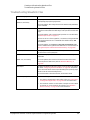
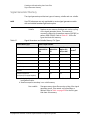
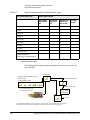
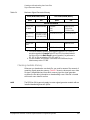
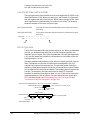
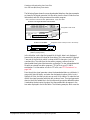
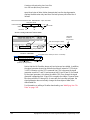
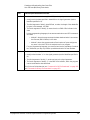
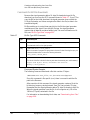
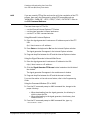
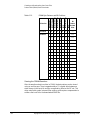
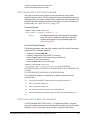
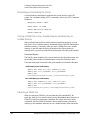
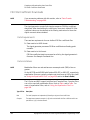
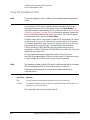
3. Interleave the I and Q data, and byte swap if using little endian
order.
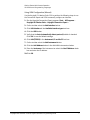
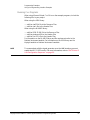
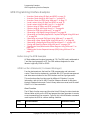
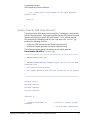
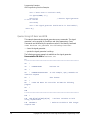
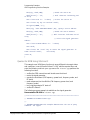
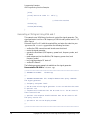
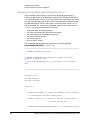
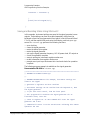
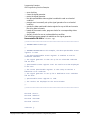
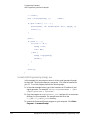
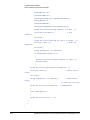
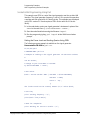
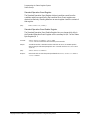
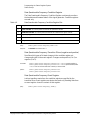
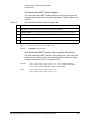
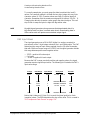
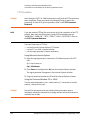
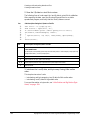
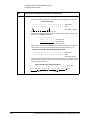
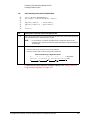
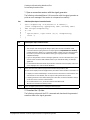
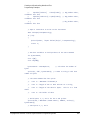
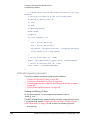
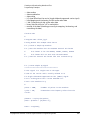
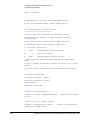
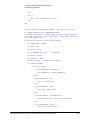
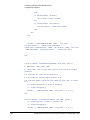
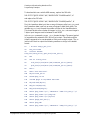
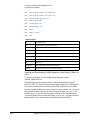
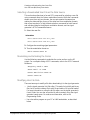
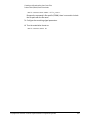
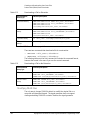
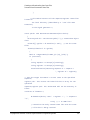
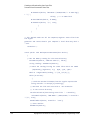
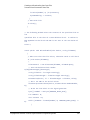
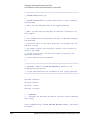
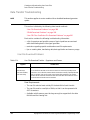
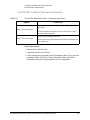
This step has two sets of code:
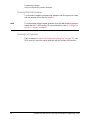
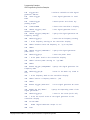
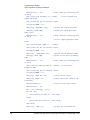
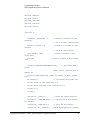
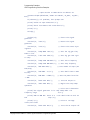
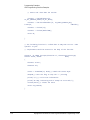
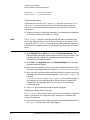
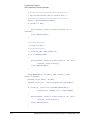
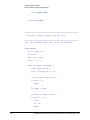
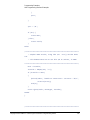
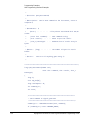
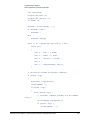
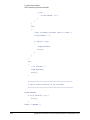
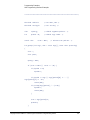
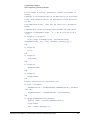
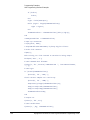
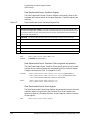
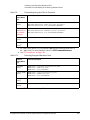
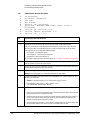
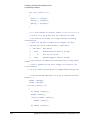
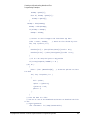
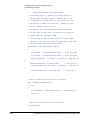
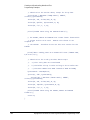
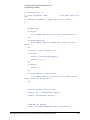
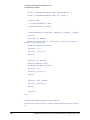
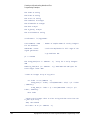
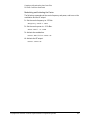
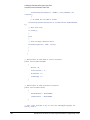
— Interleaving and byte swapping I and Q data for little endian order
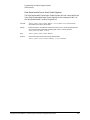
— Interleaving I and Q data for big endian order
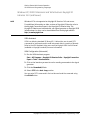
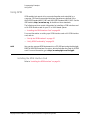
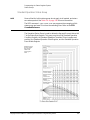
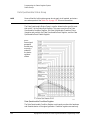
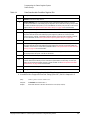
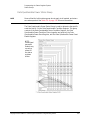
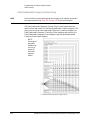
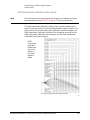
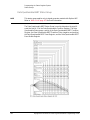
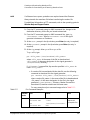
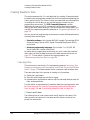
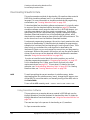
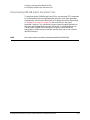
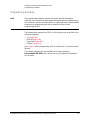
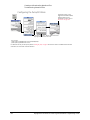
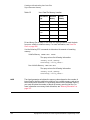
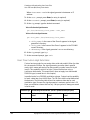
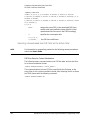
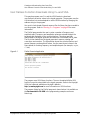
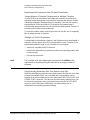
For more information on byte order, see “Little Endian and Big Endian (Byte
Order)” on page 209.
240
Keysight EXG and MXG X-Series Signal Generators Programming Guide