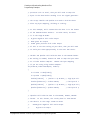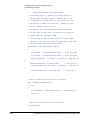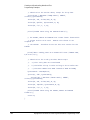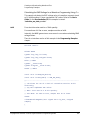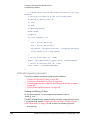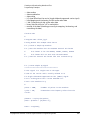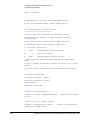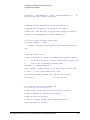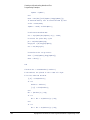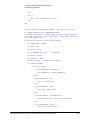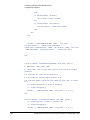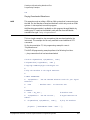
1
Creating and Downloading Waveform Files
Troubleshooting Waveform Files
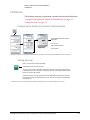
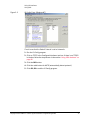
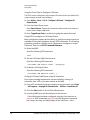
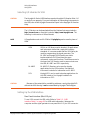
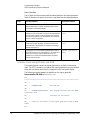
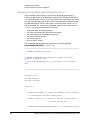
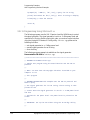
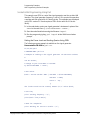
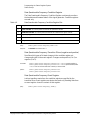
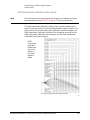
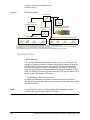
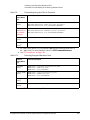
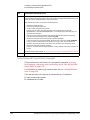
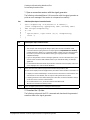
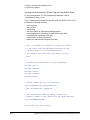
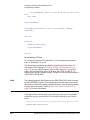
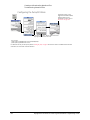
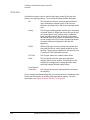
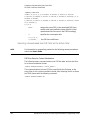
Configuring the Pulse/RF Blank
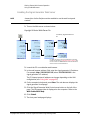
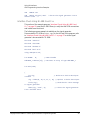
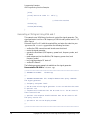
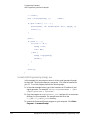
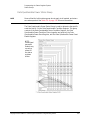
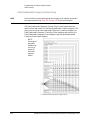
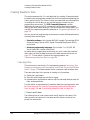
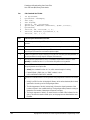
If the default marker is used,
toggle the Pulse/RF Blank (None)
softkey to None. For more
information on markers, refer to
“Marker File” on page 216.
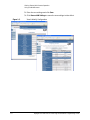
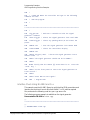
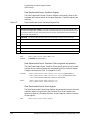
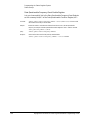
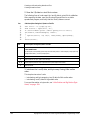
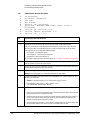
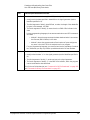
Select Dual Arb > More > Marker Utilities on X-Series
signal generators to access this menu.
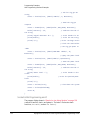
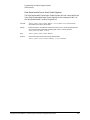
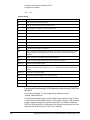
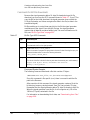
SCPI commands:
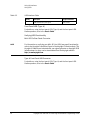
[:SOURce]:RADio[1]:ARB:MDEStination:PULSe NONE|M1|M2|M3|M4
[:SOURce]:RADio[1]:ARB:MDEStination:PULSe?
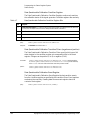
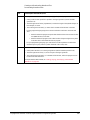
For details on each key, use the key help. Refer to “Getting Key Help” on page 19 and the User’s Guide. For additional SCPI command
information, refer to the SCPI Command Reference.
322
Keysight EXG and MXG X-Series Signal Generators Programming Guide