1
Creating and Downloading User–Data Files
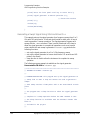
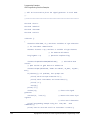
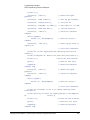
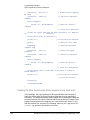
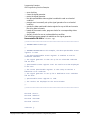
Pattern RAM (PRAM) Data Downloads
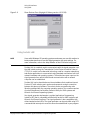
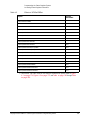
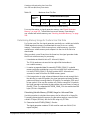
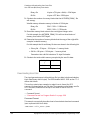
creating the data, remember that the signal generator requires a minimum of
60 bytes. For more information on file size limits, see “PRAM File Size” on
page 353.
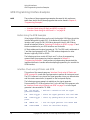
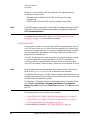
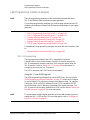
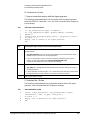
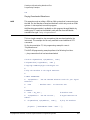
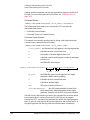
Command Syntax
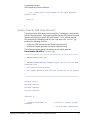
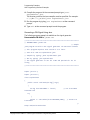
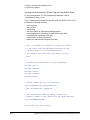
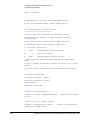
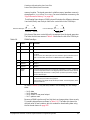
:MEMory:DATA:PRAM:FILE:BLOCk <"file_name">,<blockdata>
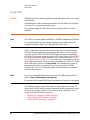
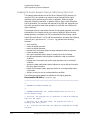
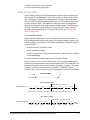
The following sections explain how to format the SCPI command for
downloading block data:
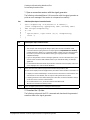
— Command Syntax Example
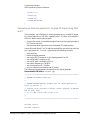
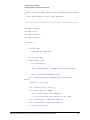
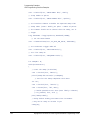
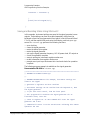
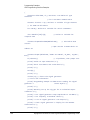
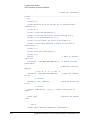
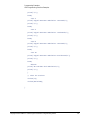
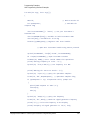
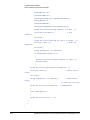
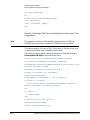
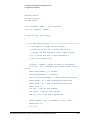
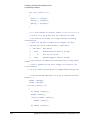
— Command Syntax in a Program Routine
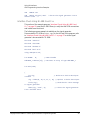
Command Syntax Example
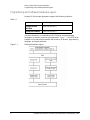
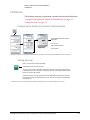
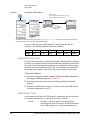
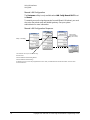
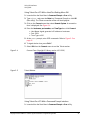
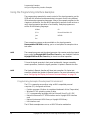
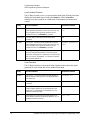
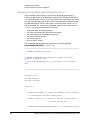
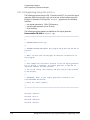
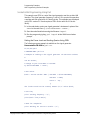
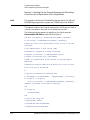
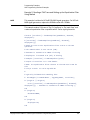
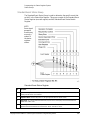
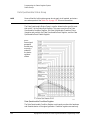
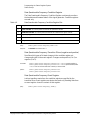
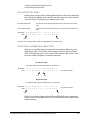
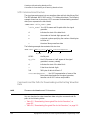
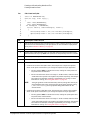
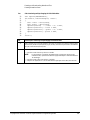
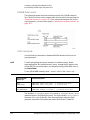
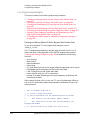
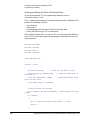
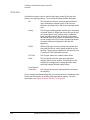
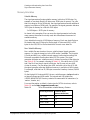
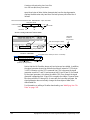
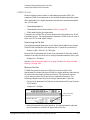
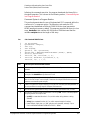
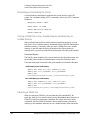
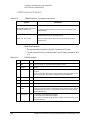
This example conceptually describes how to format a block data download
command (#ABC represents the block data):
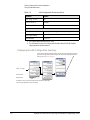
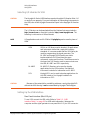
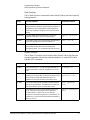
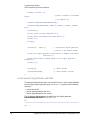
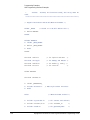
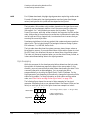
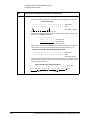
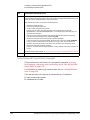
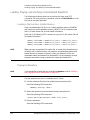
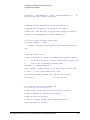
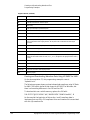
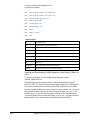
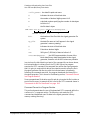
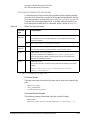
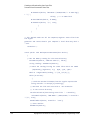
:MEMory:DATA:PRAM:FILE:BLOCk <"file_name">,#ABC
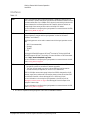
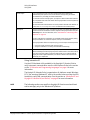
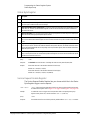
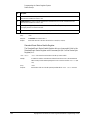
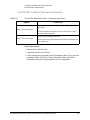
<"file_name"> the file name as it will appear in the signal generator
#
indicates the start of the block data
A
the number of decimal digits present in B
B
a decimal number specifying the number of data bytes
to follow in C
C
the PRAM file data in bytes
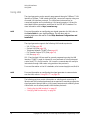
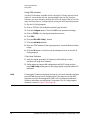
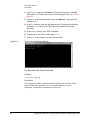
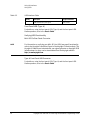
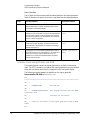
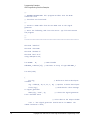
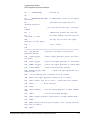
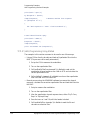
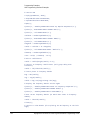
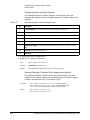
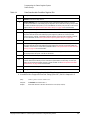
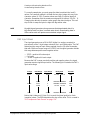
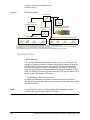
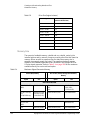
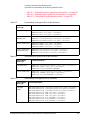
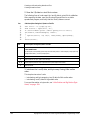
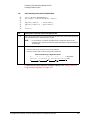
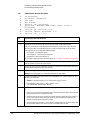
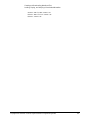
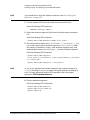
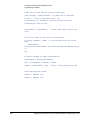
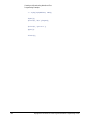
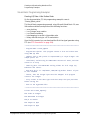
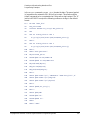
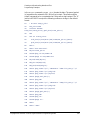
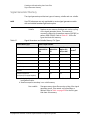
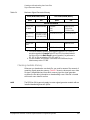
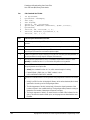
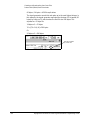
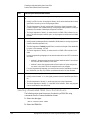
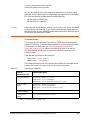
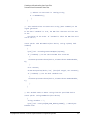
:MEMory:DATA:PRAM:FILE:BLOCk “my_file”,#324012%S!4&07#8g*Y9@7...
file_name
A
B
C
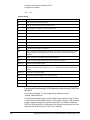
my_file
the PRAM file name as it will appear in the signal
generator’s WFM1 memory catalog
#
indicates the start of the block data
3
B has three decimal digits
240
240 bytes of data to follow in C
12%S!4&07#8g*Y9@7... the ASCII representation of some of the
block data (binary data) downloaded to the signal
generator, however not all ASCII values are printable
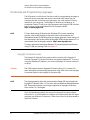
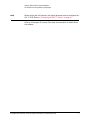
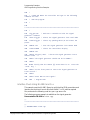
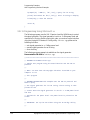
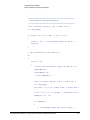
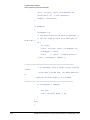
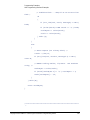
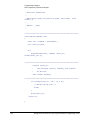
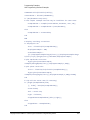
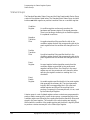
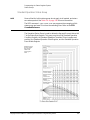
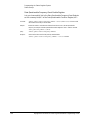
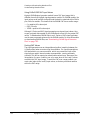
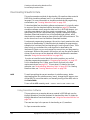
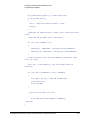
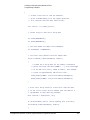
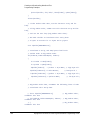
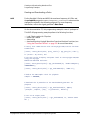
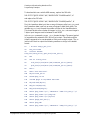
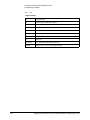
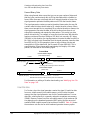
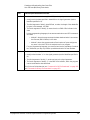
In actual use, the block data is not part of the command line as shown above,
but instead resides in a binary file on the PC/UNIX. When the program
executes the SCPI command, the command line notifies the signal generator
that it is going to receive block data of the stated size, and to place the file in
the signal generator file directory with the indicated name. Immediately
356
Keysight EXG and MXG X-Series Signal Generators Programming Guide