1
Atmel AVR STK500
4.2.2.6
Communicating with a
Host PC and Temperature Sensor
User Manual
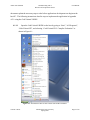
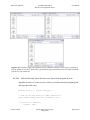
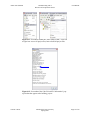
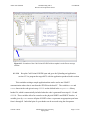
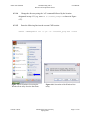
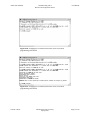
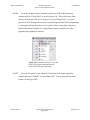
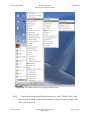
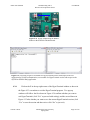
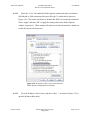
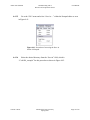
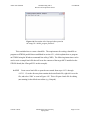
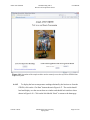
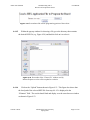
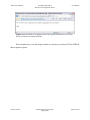
Go to the “Program” menu within the CodeVisionAVR Chip Programmer
window and select “Erase Chip” as seen in Figure 4.26. This will erase the flash
memory of the target AVR device (in this case, the ATmega8515L). It is good
practice in AVR development to always erase the target memory before programming
it. Sometimes erasing the memory is a required action to ensure data consistency
between the amount of utilized (i.e. programmed) memory and the size of the
program being uploaded to memory.
Figure 4.26 Screenshot of how to access the
Erase Chip program command from the
CodeVisionAVR Chip Programmer.
4.2.2.7
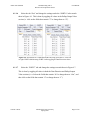
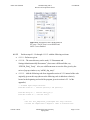
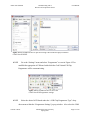
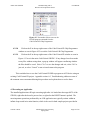
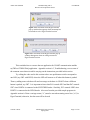
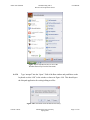
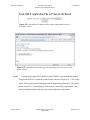
Go to the “Program” menu within the CodeVisionAVR Chip Programmer
window and select “FLASH” as seen in Figure 4.27. This will program the flash
memory of the target MCU.
Vincent A. Rosa
Florida Gulf Coast University
Spring 2009
Page 24 of 50