1
Carrara 8 – Basic Users Guide
Adobe® After Effects® Export
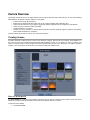
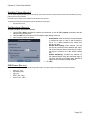
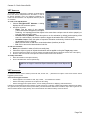
The After Effects® exporter saves the animation of cameras, lights
(distant, bulb and spot), and planes into a ".cae" file. The generated
file can then be imported into After Effects by using the Carrara
plug-in for After Effects (5.5 and above on Windows, 6.5 and above
on Mac OS X).
1.
2.
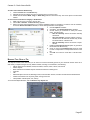
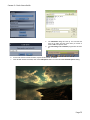
Use the File > Save As command to export the
whole scene, or use the File > Export command to
export the current selection.
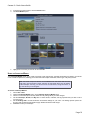
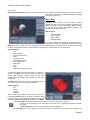
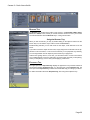
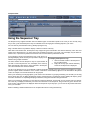
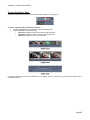
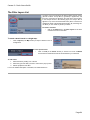
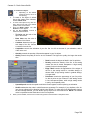
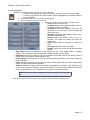
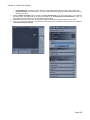
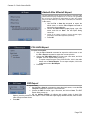
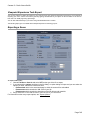
Choose the After Effects (*.cae) format, type a file
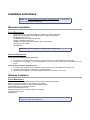
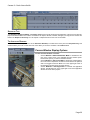
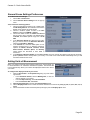
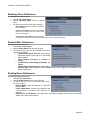
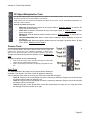
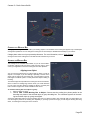
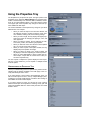
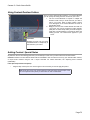
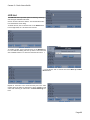
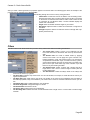
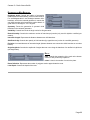
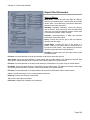
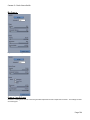
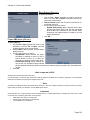
name, and click on Save. The AE Export dialog
comes up.
3.
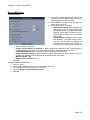
Check on the options controls to export cameras, lights,
and planes, and to filter keyframes (if desired).
4.
Press OK.
COLLADA Export
To export to COLLADA:
1.
2.
3.
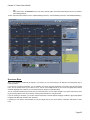
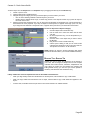
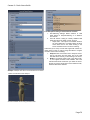
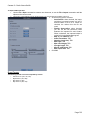
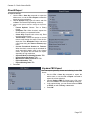
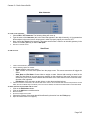
Use the File > Save As command to export the whole scene or use
the File > Export command to export the current selection.
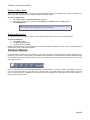
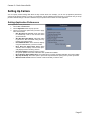
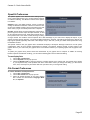
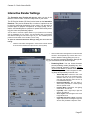
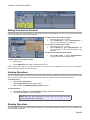
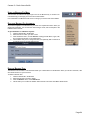
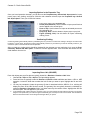
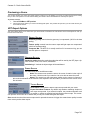
Choose the COLLADA (.dae) file format, type a file name, and click
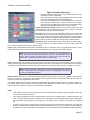
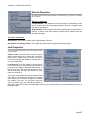
on Save. The DXF Export dialog comes up.
•
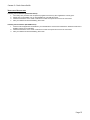
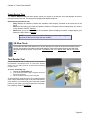
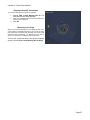
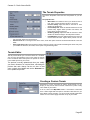
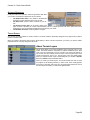
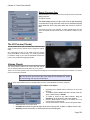
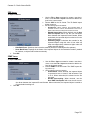
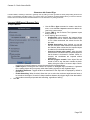
To export morphs as part of the COLLADA file, click in the radio
button next to Active Morphs. To not export morphs, click in the
radio button next to No Morphs.
Press OK.
DXF Export
To export to DXF:
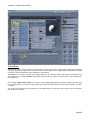
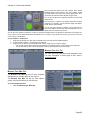
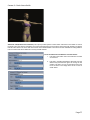
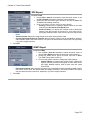
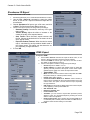
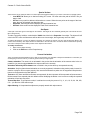
1. Use the File > Save As command to export the whole scene, or use the File
> Export command to export the current selection.
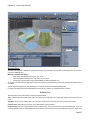
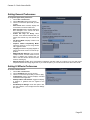
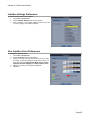
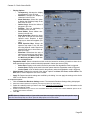
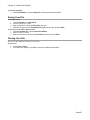
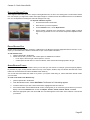
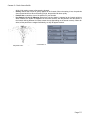
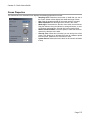
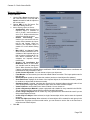
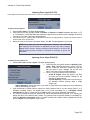
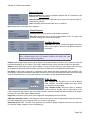
Choose the DXF file format, type a file name, and click on Save. The DXF
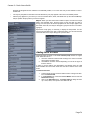
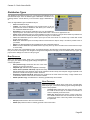
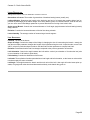
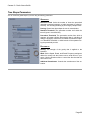
Export dialog comes up.
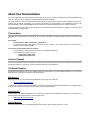
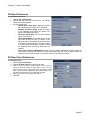
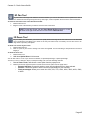
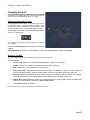
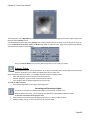
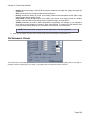
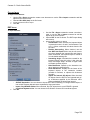
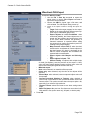
3. Set the Surface Fidelity: for objects with multiple levels of detail (like
Splines), sets the precision of the export. A 100% value will export highly detailed meshes, while a lower
value will export fewer facets.
Press OK.
2.
4.
Page 136