1
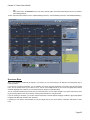
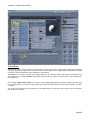
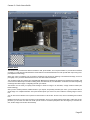
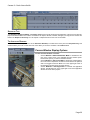
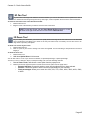
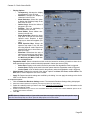
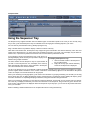
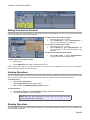
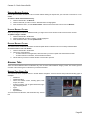
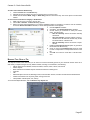
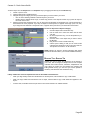
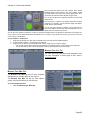
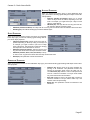
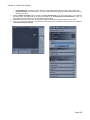
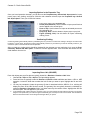
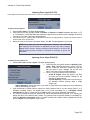
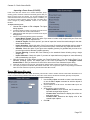
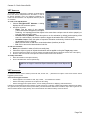
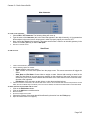
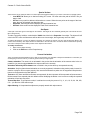
Carrara 8 – Basic Users Guide ible. Many of the tools in the Assemble room, such as the camera, lights, and environmental object tools, are not visible in the modeling windows. To learn more about the modelers, refer to "Spline Modeling Overview," "Vertex Modeling Overview," and "Metaball Modeling." • STORYBOARD ROOM When you've added or created all the objects in your scene, you can use the easy-to-use features of the Sequencer tray to create animations. If your goal is to create an animation, you can animate your scene using the Storyboard room. When using the Storyboard room, you see several views of your scene at once. You can view multiple frames of your scene and specify which frames should be displayed. For example, you can show just the key frames of a selected object. You can create the animation at the same time you create the scene. You can make changes in your scene over time by creat ing and moving objects in the various frames, creating entire animations in a single window. If you are creating an animation, you can also use the Sequencer to animate objects and apply modifiers or physical properties to objects that affect their behavior when animated. If needed, you can switch to the Assemble room to get a larger view of your scene. Refer to "Animation Techniques" to learn more. Page 23