1
Carrara 8 – Basic Users Guide
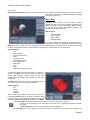
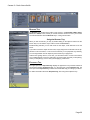
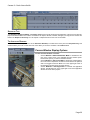
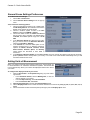
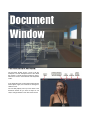
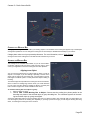
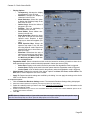
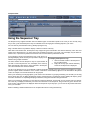
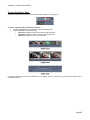
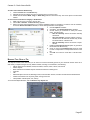
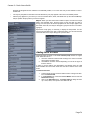
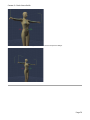
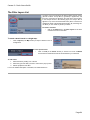
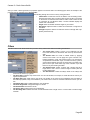
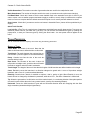
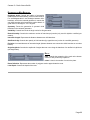
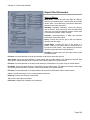
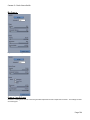
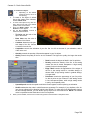
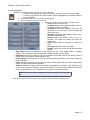
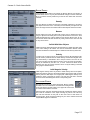
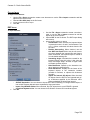
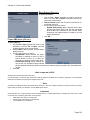
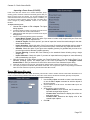
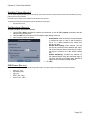
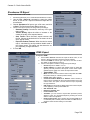
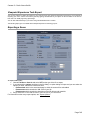
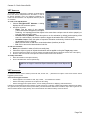
Advanced LOD (Distance From Camera): This option provides options to select which LOD level to use based on how far
the figure is from the camera. This allows you to have several figures in the scene but to reduce the mesh resolution for figures
that are further back in the scene and don't need as much detail available. There are three slots available for setting distance
from the camera and which LOD level to use beyond that distance.
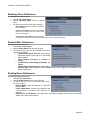
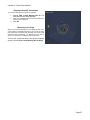
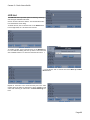
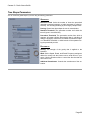
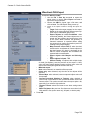
To set the LOD levels and distance from the camera:
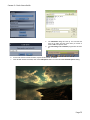
1. Left-click on the button next to each LOD item to select
an LOD level.
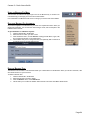
2.
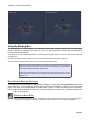
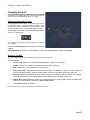
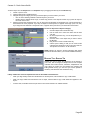
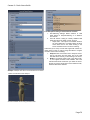
Left-click in each Beyond Distance field and enter the
distance beyond which the figure will change to that
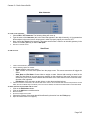
specific LOD level. You can set the options from near
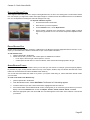
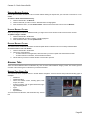
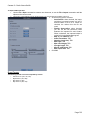
to far as shown in the image above or far to near as
shown below.
Page 77