1
CHAPTER 12. CUSTOMIZING VIS
250
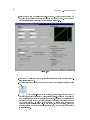
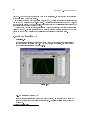
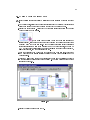
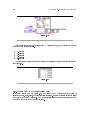
6.Save and close the subVI.
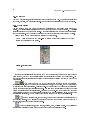
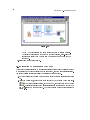
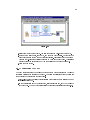
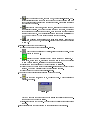
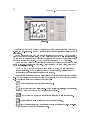
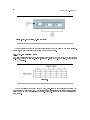
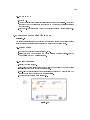
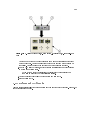
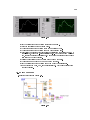
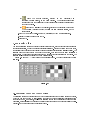
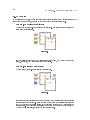
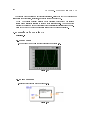
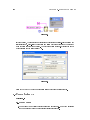
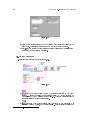
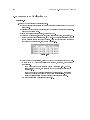
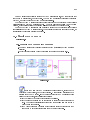
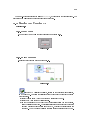
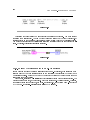
7.Run the Use Pop-up Graph VI again. The Pop-up Graph subVI front panel window
behaves as a dialog box. For example, the window stays on top of all other windows
and uses the system colors.
8.Close all open VIs.
12.4 Keyboard Shortcuts for Controls
While a VI runs, you can press the <Tab> key to change the key focus from one control to the
next. The key focus is the same as if you had clicked the control. While a control has the key focus,
you can use the keyboard to enter the control value. If the control is a text or numeric control,
LabVIEW highlights the text so you can edit it. If the control is Boolean, press the spacebar or the
<Enter> key to change its value.
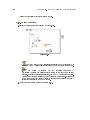
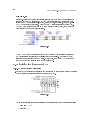
You also can assign keyboard shortcuts to controls so users can navigate the front panel by
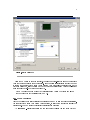
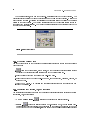
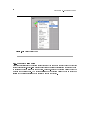
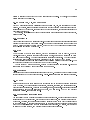
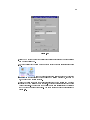
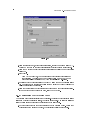
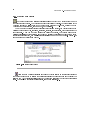
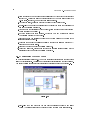
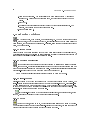
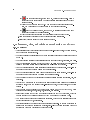
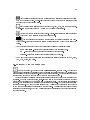
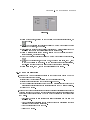
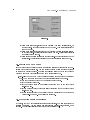
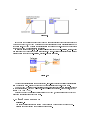
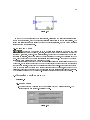
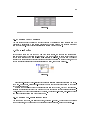
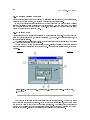
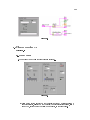
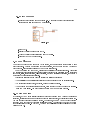
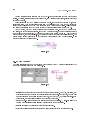
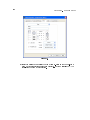
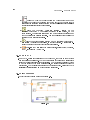
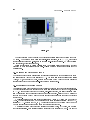
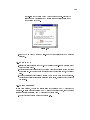
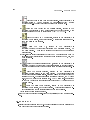
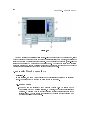
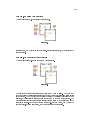
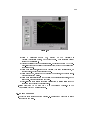
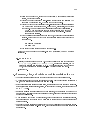
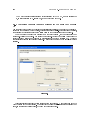
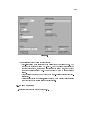
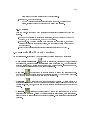
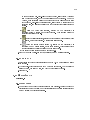
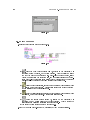
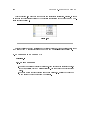
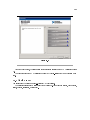
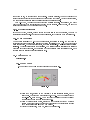
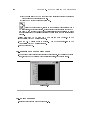
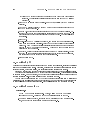
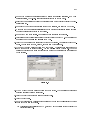
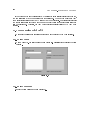
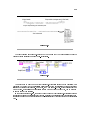
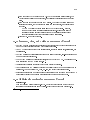
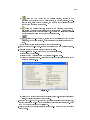
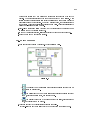
pressing other keys. Right-click the control and select AdvancedKey Navigation from the shortcut
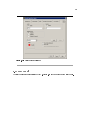
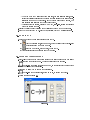
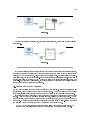
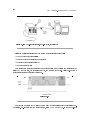
menu to display the Key Navigation dialog box.
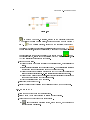
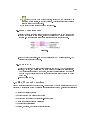
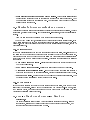
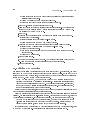
The AdvancedKey Navigation shortcut menu item is dimmed for indicators
because you cannot enter data in an indicator.
Note:
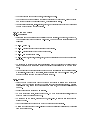
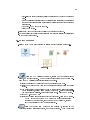
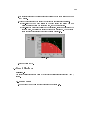
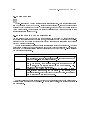
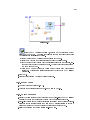
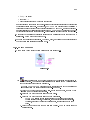
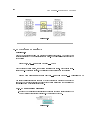
Select the shortcut key you want to assign to the control in the Key Assignment section. The
front panel control names that appear in the Current Assignments listbox correspond to the owned
labels of those controls.
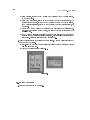
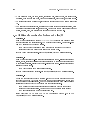
To prevent users from accessing a control by pressing the <Tab> key while the VI runs, place a
checkmark in the Skip this control when tabbing checkbox.
12.5 Temperature System VI
Exercise 12.2:
12.5.1 Front Panel
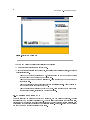
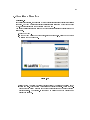
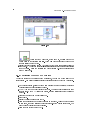
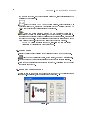
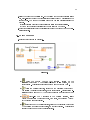
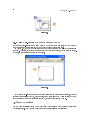
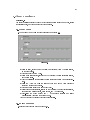
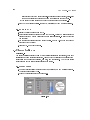
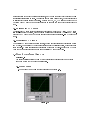
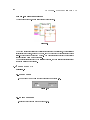
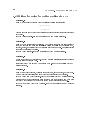
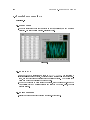
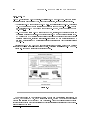
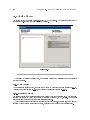
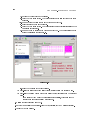
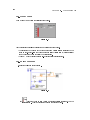
1.Open the Temperature System VI located in the C:\Exercises\ LabVIEW Basics I
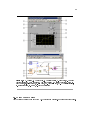
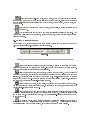
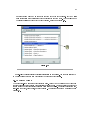
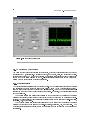
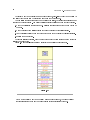
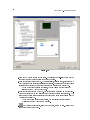
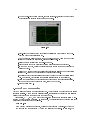
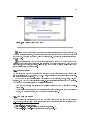
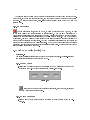
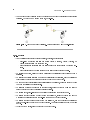
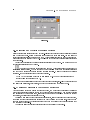
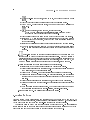
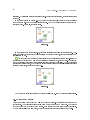
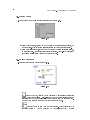
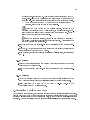
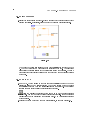
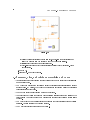
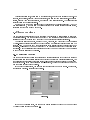
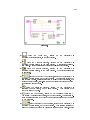
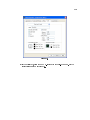
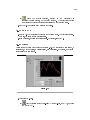
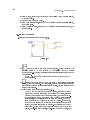
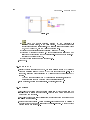
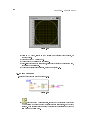
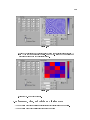
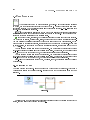
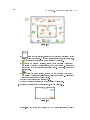
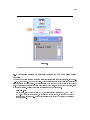
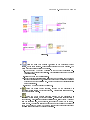
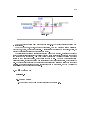
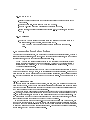
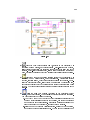
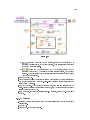
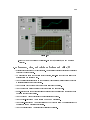
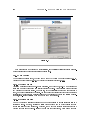
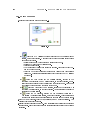
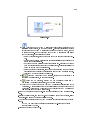
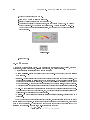
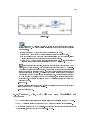
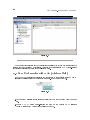
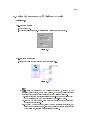
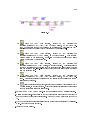
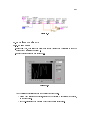
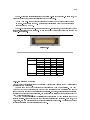
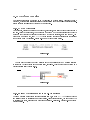
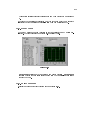
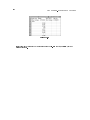
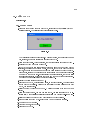
directory. The following front panel is already built.
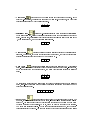
Figure 12.4
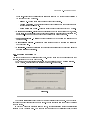
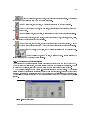
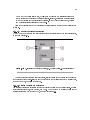
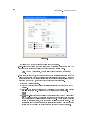
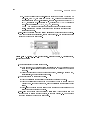
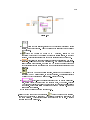
The front panel contains four Boolean buttons (Figure 12.4). The mechanical action
of the rst three buttons is Latch When Pressed. This setting changes the control
value when you click it and retains the new value until the VI reads it once. At this
point the control reverts to its default value, even if you keep pressing the mouse
button. This action is similar to a circuit breaker and is useful for stopping While