1
CHAPTER 2. INTRODUCTION
50
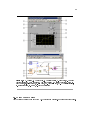
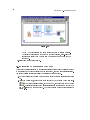
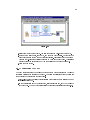
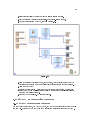
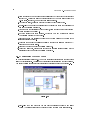
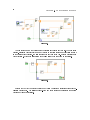
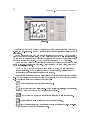
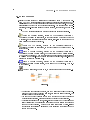
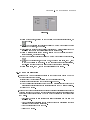
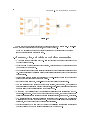
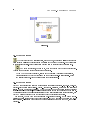
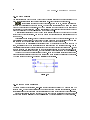
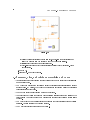
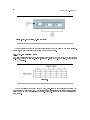
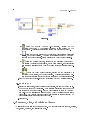
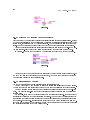
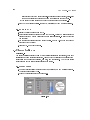
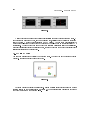
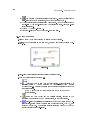
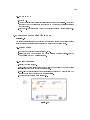
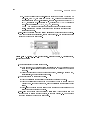
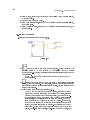
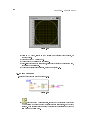
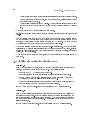
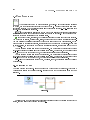
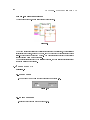
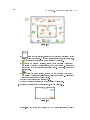
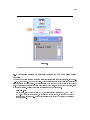
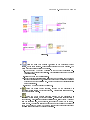
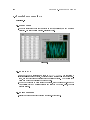
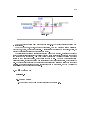
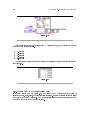
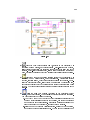
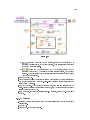
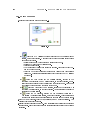
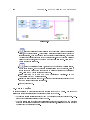
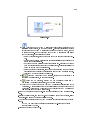
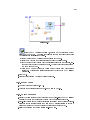
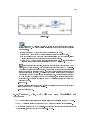
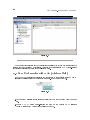
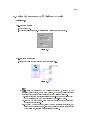
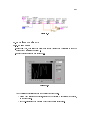
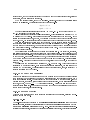
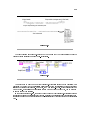
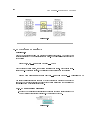
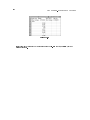
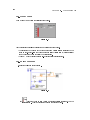
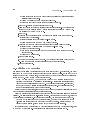
Figure 2.36
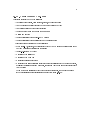
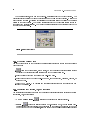
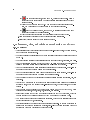
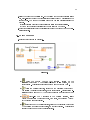
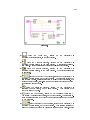
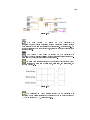
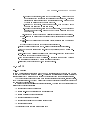
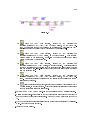
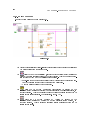
The Random Number (0-1) function, located on the FunctionsArithmetic
& ComparisonExpress Numeric palette, produces a random number between 0
and 1.
The Multiply function, located on the FunctionsArithmetic &
ComparisonExpress Numeric palette, multiplies the random number by 10.0.
The numeric constant, located on the FunctionsArithmetic & ComparisonExpress
Numeric palette, is the number to multiply by the random number.
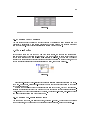
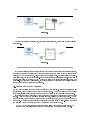
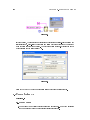
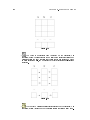
The Debug Exercise (Sub) VI, located in the C:\Exercises\ LabVIEW Basics I directory, adds
100.0 and calculates the square root of the value.
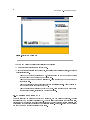
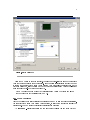
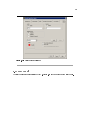
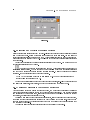
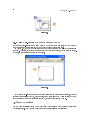
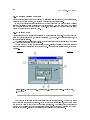
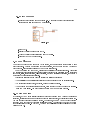
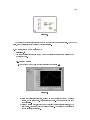
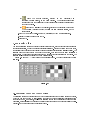
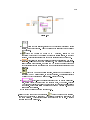
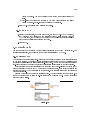
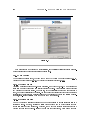
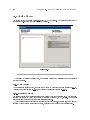
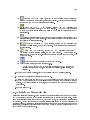
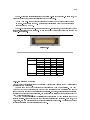
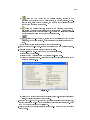
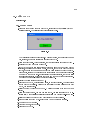
2.Find and x each error.
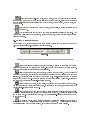
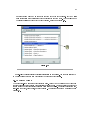
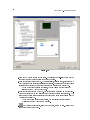
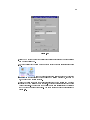
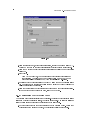
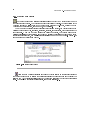
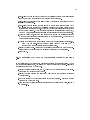
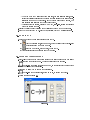
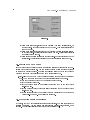
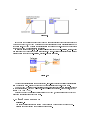
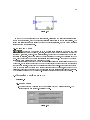
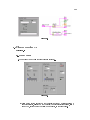
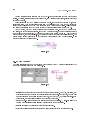
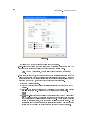
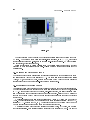
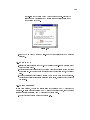
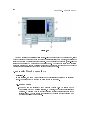
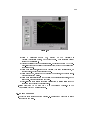
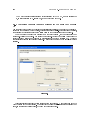
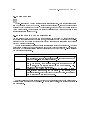
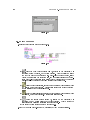
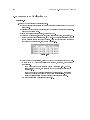
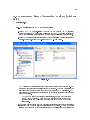
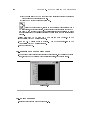
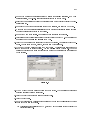
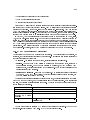
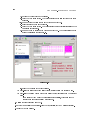
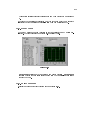
(a)Click the broken Run button to display the Error list window, which lists all the
errors.
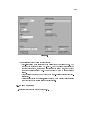
(b)Select an error description in the Error list window. The Details section describes
the error and in some cases recommends how to correct the error.
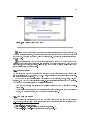
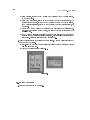
(c)Click the Help button to display a topic in the LabVIEW Help that describes the
error in detail and includes step-by-step instructions for correcting the error.
(d)Click the Show Error button or double-click the error description to highlight the
area on the block diagram that contains the error.
(e)Use the Error list window to x each error.
3.Select FileSave to save the VI.
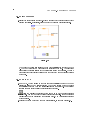
4.Display the front panel by clicking it or by selecting WindowShow Front Panel.
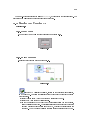
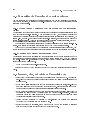
2.11.3 Run the VI
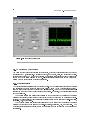
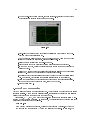
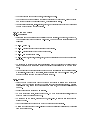
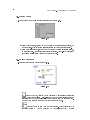
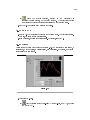
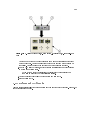
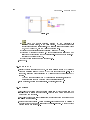
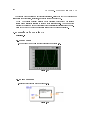
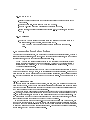
1.Click the Run button to run the VI several times.
2.Select WindowShow Block Diagram to display the block diagram.
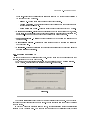
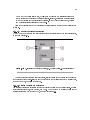
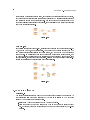
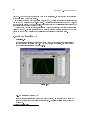
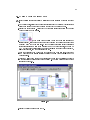
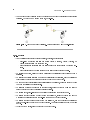
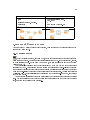
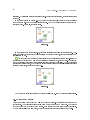
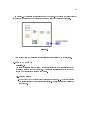
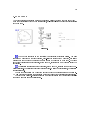
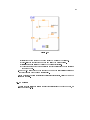
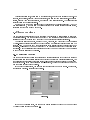
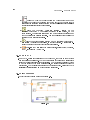
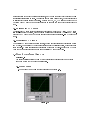
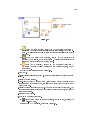
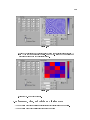
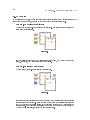
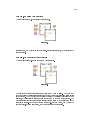
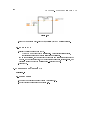
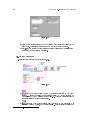
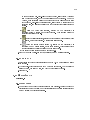
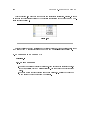
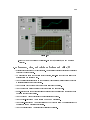
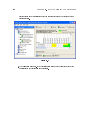
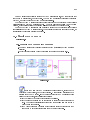
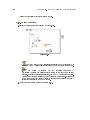
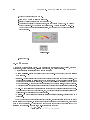
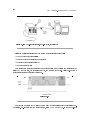
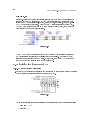
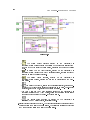
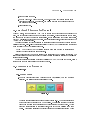
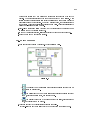
3.Animate the ow of data through the block diagram.
(a)
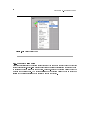
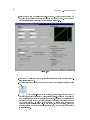
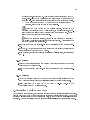
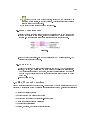
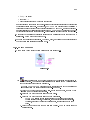
Click the Highlight Execution button, shown in pg 50, on the toolbar to
enable execution highlighting.