1
39
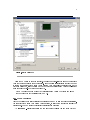
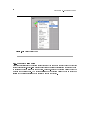
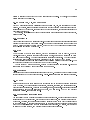
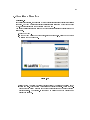
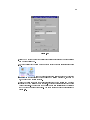
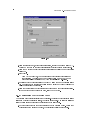
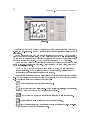
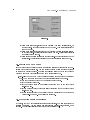
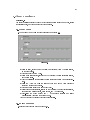
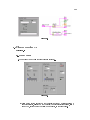
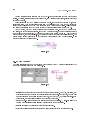
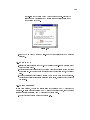
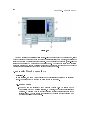
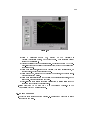
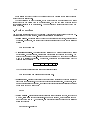
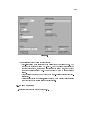
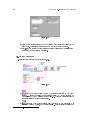
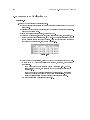
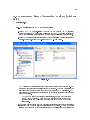
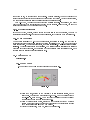
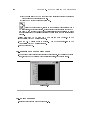
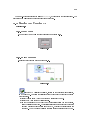
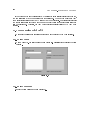
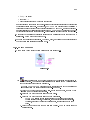
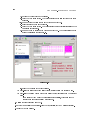
3.Select lter to display the example VIs that include lter in the title.
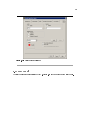
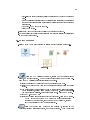
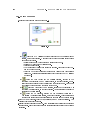
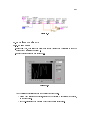
4.Find the example VI called Express Filter.vi and double-click to open it.
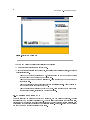
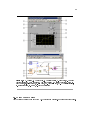
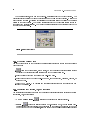
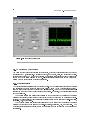
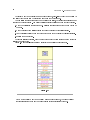
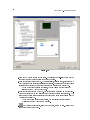
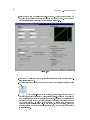
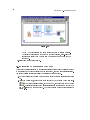
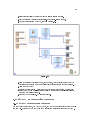
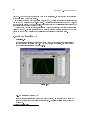
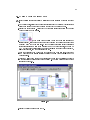
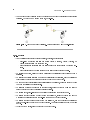
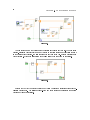
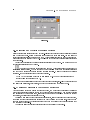
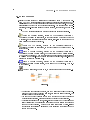
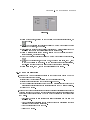
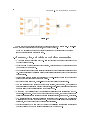
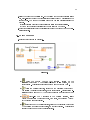
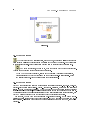
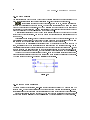
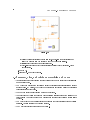
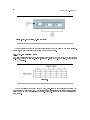
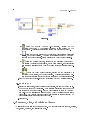
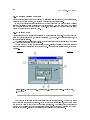
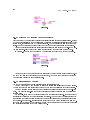
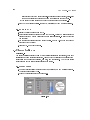
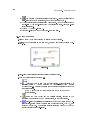
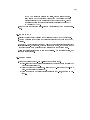
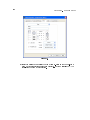
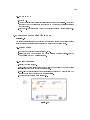
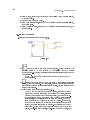
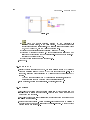
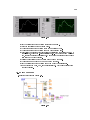
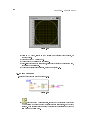
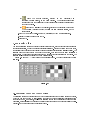
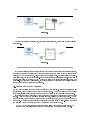
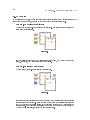
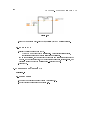
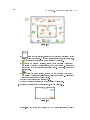
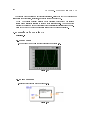
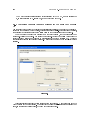
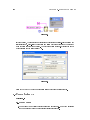
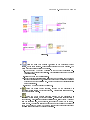
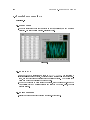
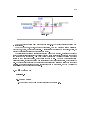
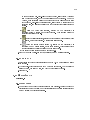
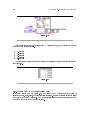
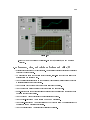
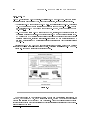
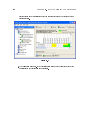
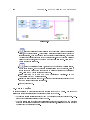
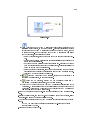
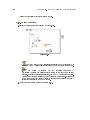
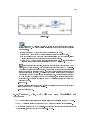
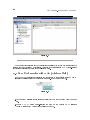
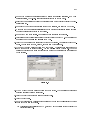
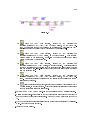
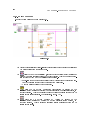
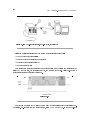
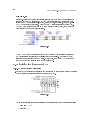
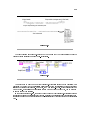
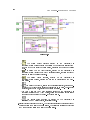
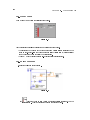
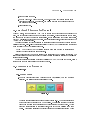
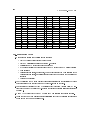
5.Open the block diagram of the VI, shown in Figure 2.28.
Figure 2.28
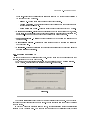
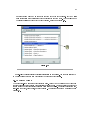
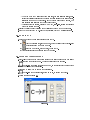
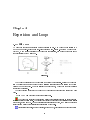
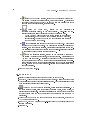
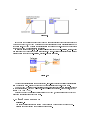
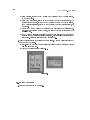
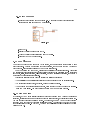
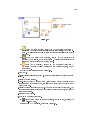
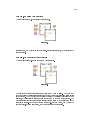
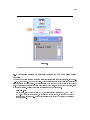
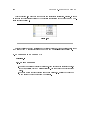
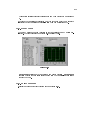
6.Click the Highlight Execution button, shown at left, on the toolbar to slow down the
execution of the program so you can observe the execution order on the block diagram.
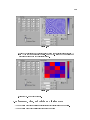
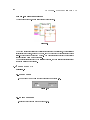
7.Click the Run button
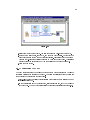
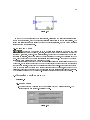
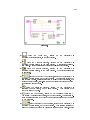
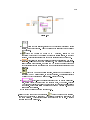
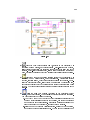
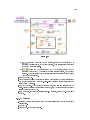
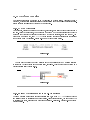
8.Observe the block diagram. Notice the ow of data on the block diagram. For example,
notice that the Tone Measurements2 Express VI cannot output data until it receives
data from the Filter Express VI.
9.Close the VI when nished. Do not save changes.
2.8 LabVIEW Documentation Resources
2.8.1 LabVIEW Documentation Resources
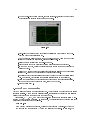
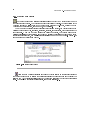
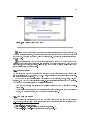
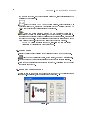
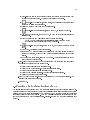
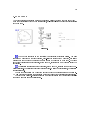
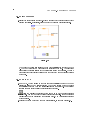
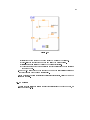
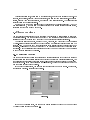
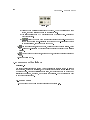
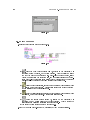
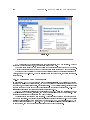
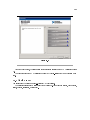
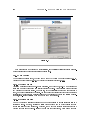
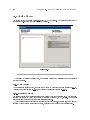
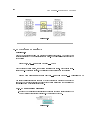
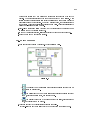
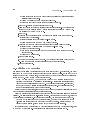
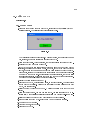
Use the Context Help window, the LabVIEW Help, and the NI Example Finder to help you build
and edit VIs. Refer to the LabVIEW Help and manuals for more information about LabVIEW.