1
CHAPTER 3. MODULAR PROGRAMMING
68
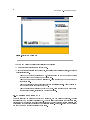
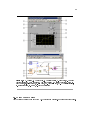
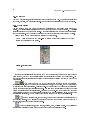
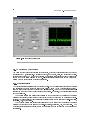
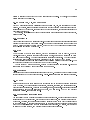
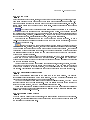
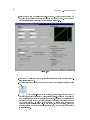
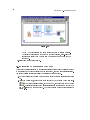
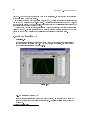
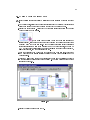
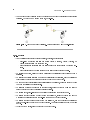
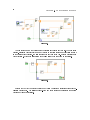
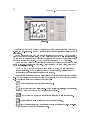
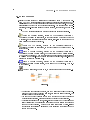
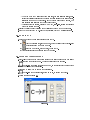
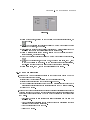
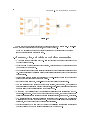
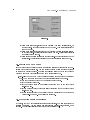
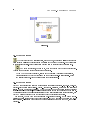
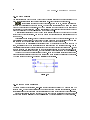
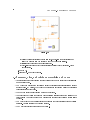
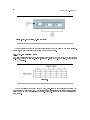
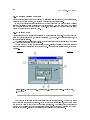
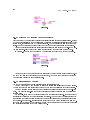
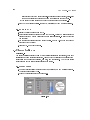
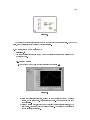
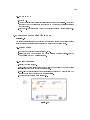
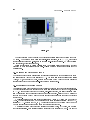
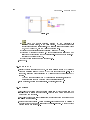
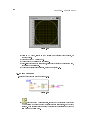
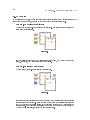
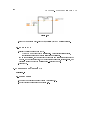
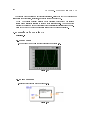
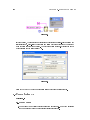
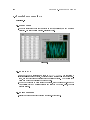
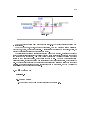
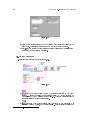
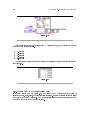
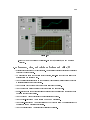
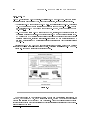
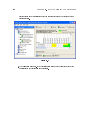
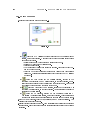
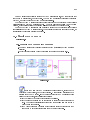
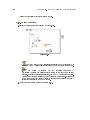
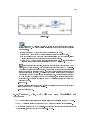
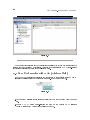
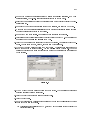
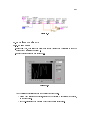
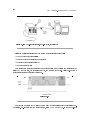
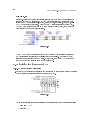
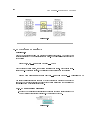
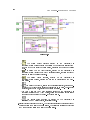
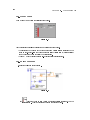
Figure 3.8
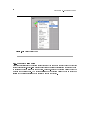
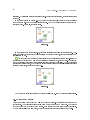
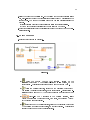
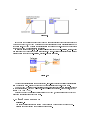
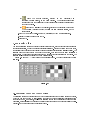
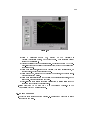
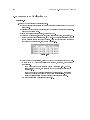
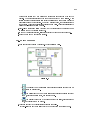
(a)Place a thermometer, located on the ControlsNumeric Indicators palette, on
the front panel.
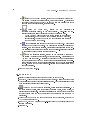
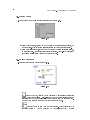
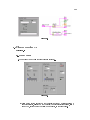
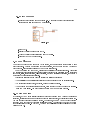
Type Temperature in the label and press the <Enter> key or click the Enter
(b)
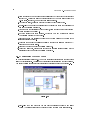
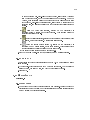
button on the toolbar, shown at left.
(c)Right-click the thermometer and select Visible Items Digital Display from the
shortcut menu to show the digital display for the thermometer.
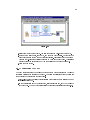
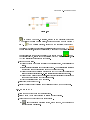
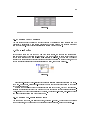
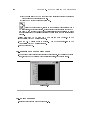
(d)Place a vertical toggle switch control, located on the ControlsButtons &
Switches palette, on the front panel.
(e)Type Temp Scale in the label and press the <Enter> key or click the Enter button.
(f)
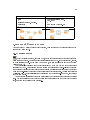
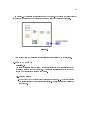
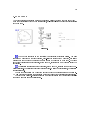
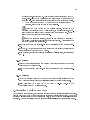
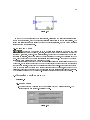
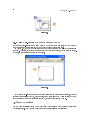
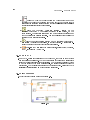
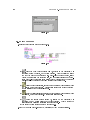
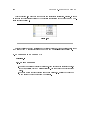
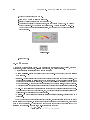
Use the Labeling tool, shown in pg 68, to place a free label, deg C, next
to the True position of the switch. If you are using automatic tool selection,
double-click the blank area of the front panel to begin typing a free label.
(g)Place a free label, deg F , next to the False position of the switch.
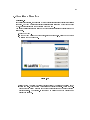
3.5.2 User Documentation
1.Document the VI so a description appears in the Context Help window when you
move the cursor over the VI icon.
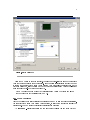
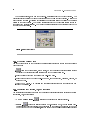
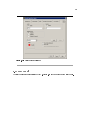
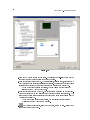
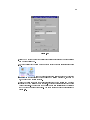
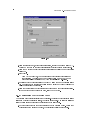
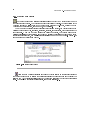
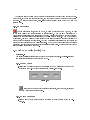
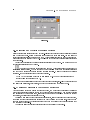
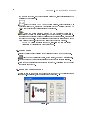
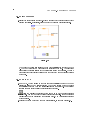
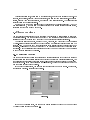
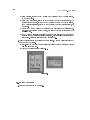
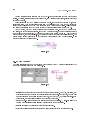
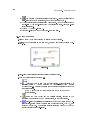
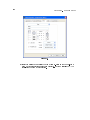
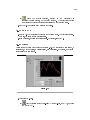
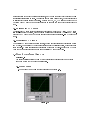
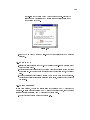
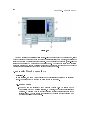
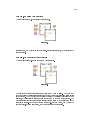
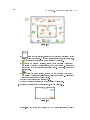
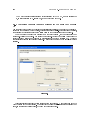
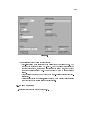
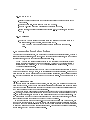
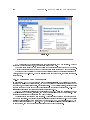
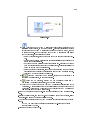
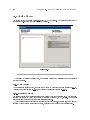
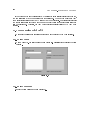
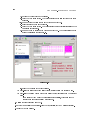
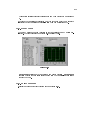
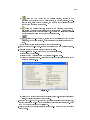
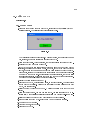
(a)Select FileVI Properties to display the VI Properties dialog box.
(b)Select Documentation from the Category pull-down menu.
(c)Type the following description for the VI in the VI description text box: This VI
measures temperature using the temperature sensor on the DAQ Signal Accessory.
(d)Click the OK button.
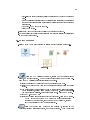
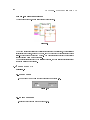
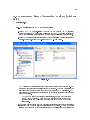
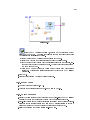
2.Document the thermometer indicator and switch control so descriptions appear in the
Context Help window when you move the cursor over the objects and tip strips appear
on the front panel or block diagram when you move the cursor over the objects while
the VI runs.
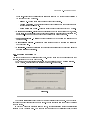
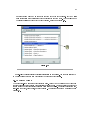
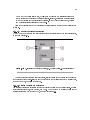
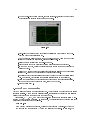
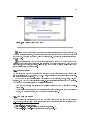
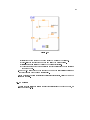
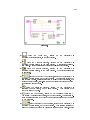
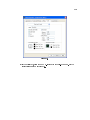
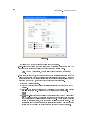
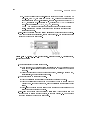
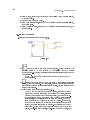
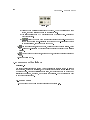
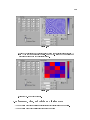
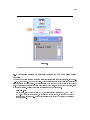
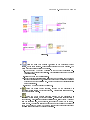
• Right-click the thermometer indicator and select Description and Tip from the
shortcut menu.
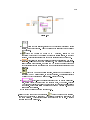
• Type the following description for the thermometer in the Description text box:
Displays the temperature measurement.
• Type temperature in the Tip text box.
• Click the OK button.