1
Amazon Elastic Compute Cloud User Guide for Linux
Instances
Processor State Control
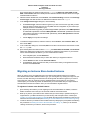
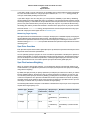
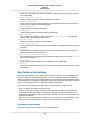
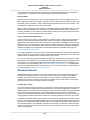
to not use deeper C-states, which reduces the processor reaction latency, but that in turn also reduces
the headroom available to other cores for Turbo Boost.
A common scenario for disabling deeper sleep states is a Redis database application, which stores the
database in system memory for the fastest possible query response time.
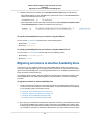
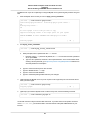
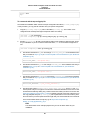
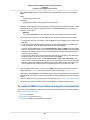
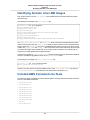
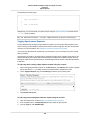
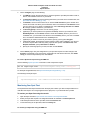
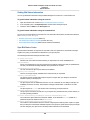
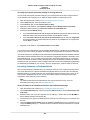
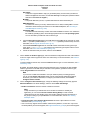
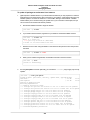
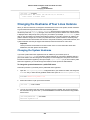
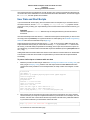
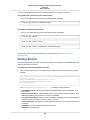
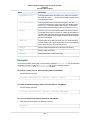
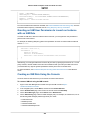
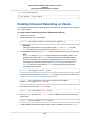
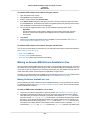
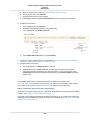
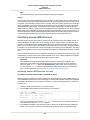
To limit deeper sleep states on Amazon Linux
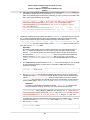
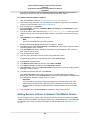
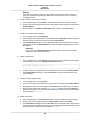
1.
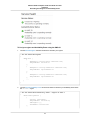
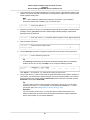
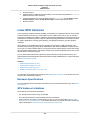
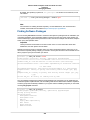
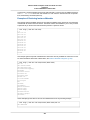
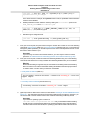
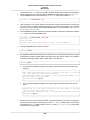
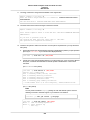
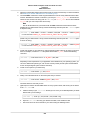
Open the /boot/grub/grub.conf file with your editor of choice.
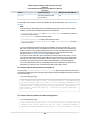
[ec2-user ~]$ sudo vim /boot/grub/grub.conf
2.
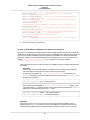
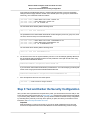
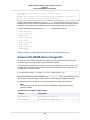
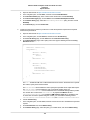
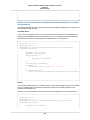
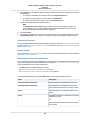
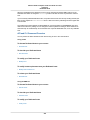
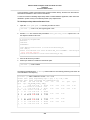
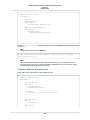
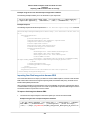
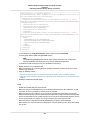
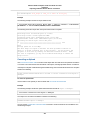
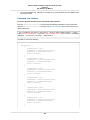
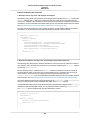
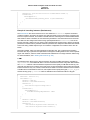
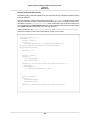
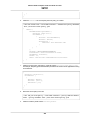
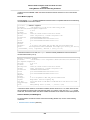
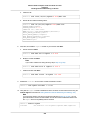
Edit the kernel line of the first entry and add the intel_idle.max_cstate=1 option to set C1 as
the deepest C-state for idle cores.
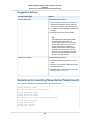
# created by imagebuilder
default=0
timeout=1
hiddenmenu
title Amazon Linux 2014.09 (3.14.26-24.46.amzn1.x86_64)
root (hd0,0)
kernel /boot/vmlinuz-3.14.26-24.46.amzn1.x86_64 root=LABEL=/ console=ttyS0
intel_idle.max_cstate=1
initrd /boot/initramfs-3.14.26-24.46.amzn1.x86_64.img
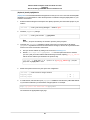
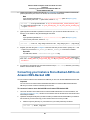
3.
4.
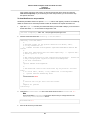
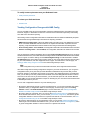
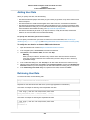
Save the file and exit your editor.
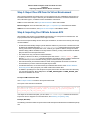
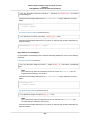
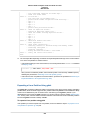
Reboot your instance to enable the new kernel option.
[ec2-user ~]$ sudo reboot
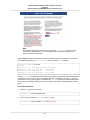
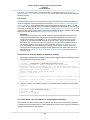
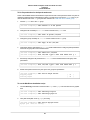
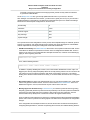
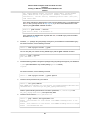
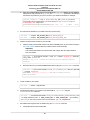
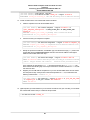
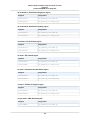
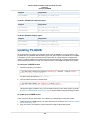
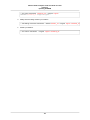
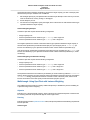
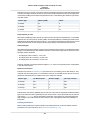
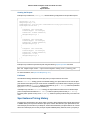
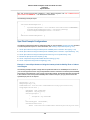
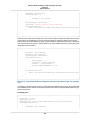
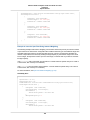
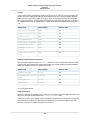
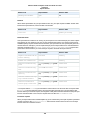
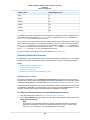
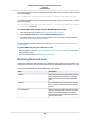
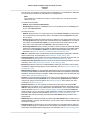
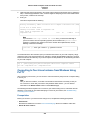
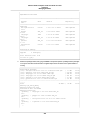
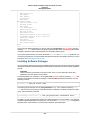
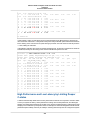
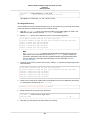
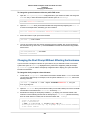
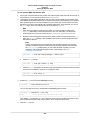
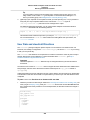
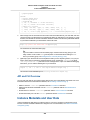
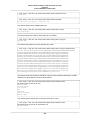
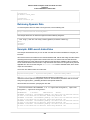
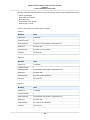
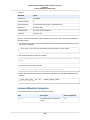
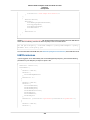
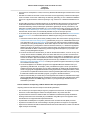
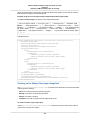
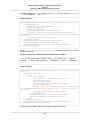
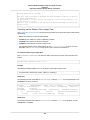
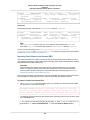
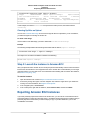
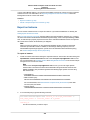
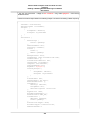
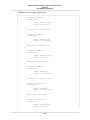
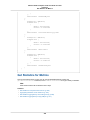
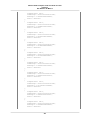
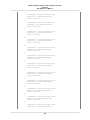
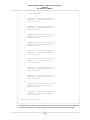
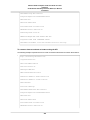
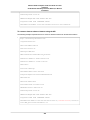
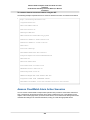
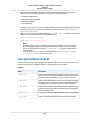
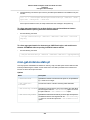
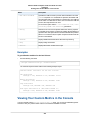
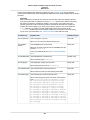
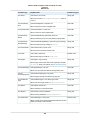
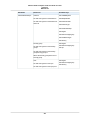
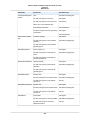
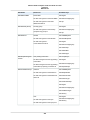
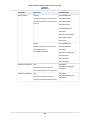
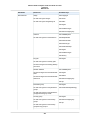
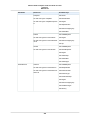
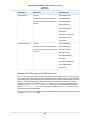
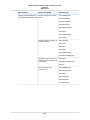
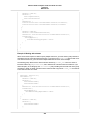
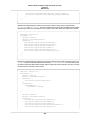
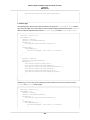
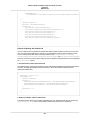
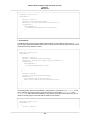
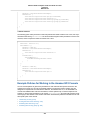
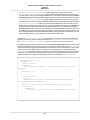
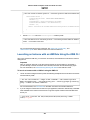
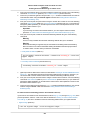
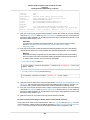
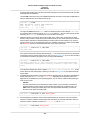
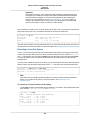
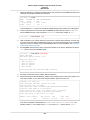
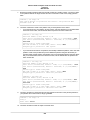
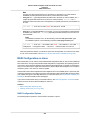
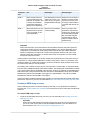
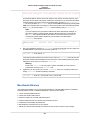
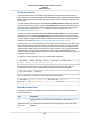
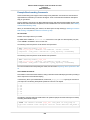
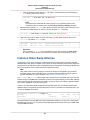
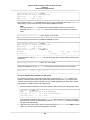
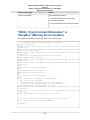
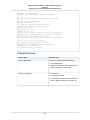
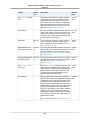
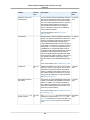
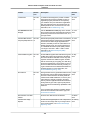
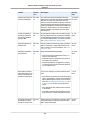
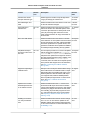
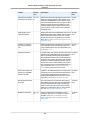
The following example shows a c4.8xlarge instance with two cores actively performing work at the "all
core Turbo Boost" core frequency.
[ec2-user ~]$ sudo turbostat stress -c 2 -t 10
stress: info: [5322] dispatching hogs: 2 cpu, 0 io, 0 vm, 0 hdd
stress: info: [5322] successful run completed in 10s
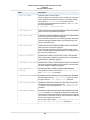
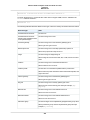
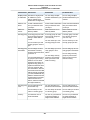
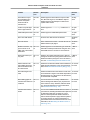
pk cor CPU
%c0 GHz TSC SMI
%c1
%c3
%c6
%c7
%pc2
%pc6
%pc7 Pkg_W RAM_W PKG_% RAM_%
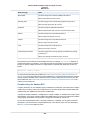
5.56 3.20 2.90
0 94.44
0.00
0.00
0.00
0.00
0.00
0.00 131.90 31.11 199.47 0.00
0
0
0
0.03 2.08 2.90
0 99.97
0.00
0.00
0.00
0.00
0.00
0.00 67.23 17.11 99.76 0.00
0
0 18
0.01 1.93 2.90
0 99.99
0
1
1
0.02 1.96 2.90
0 99.98
0.00
0.00
0.00
0
1 19 99.70 3.20 2.90
0
0.30
...
1
1 10
0.02 1.97 2.90
0 99.98
0.00
0.00
0.00
1
1 28 99.67 3.20 2.90
0
0.33
1
2 11
0.04 2.63 2.90
0 99.96
0.00
0.00
0.00
1
2 29
0.02 2.11 2.90
0 99.98
...
276
%pc3
0.00
0.00