1
Amazon Elastic Compute Cloud User Guide for Linux
Instances
EBS Volumes
2.
3.
4.
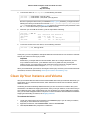
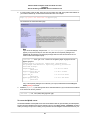
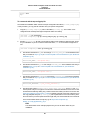
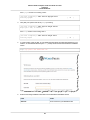
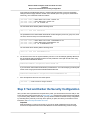
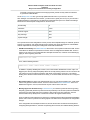
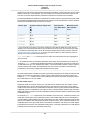
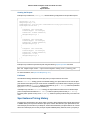
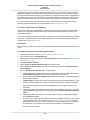
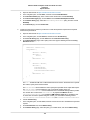
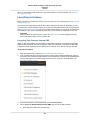
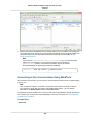
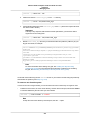
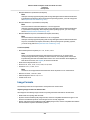
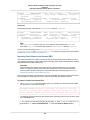
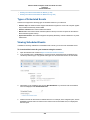
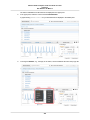
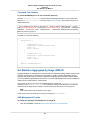
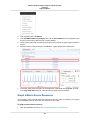
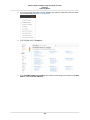
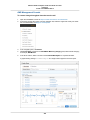
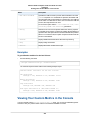
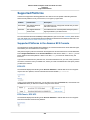
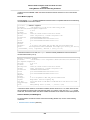
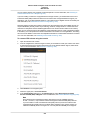
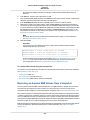
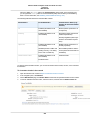
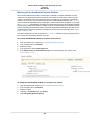
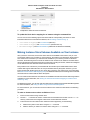
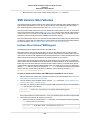
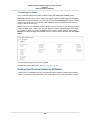
In the navigation pane, click Events.
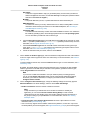
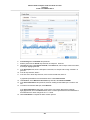
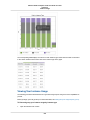
All instances and volumes that have events are listed. You can filter by volume to view only volume
status. You can also filter on specific status types.
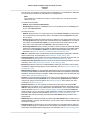
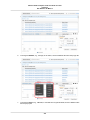
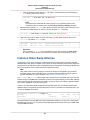
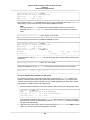
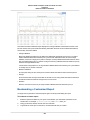
Select a volume to view its specific event.
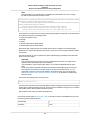
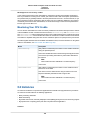
If you have a volume where I/O is disabled, see Working with an Impaired Volume (p. 587). If you have a
volume where I/O performance is below normal, this might be a temporary condition due to an action you
have taken (e.g., creating a snapshot of a volume during peak usage, running the volume on an instance
that cannot support the I/O bandwidth required, accessing data on the volume for the first time, etc.).
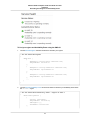
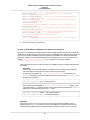
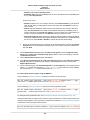
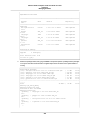
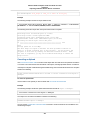
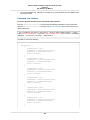
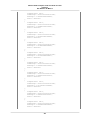
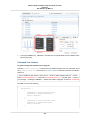
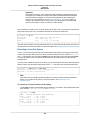
To view events for your volumes with the command line
You can use one of the following commands to view event information for your Amazon EBS volumes.
For more information about these command line interfaces, see Accessing Amazon EC2 (p. 3).
• describe-volume-status (AWS CLI)
• ec2-describe-volume-status (Amazon EC2 CLI)
• Get-EC2VolumeStatus (AWS Tools for Windows PowerShell)
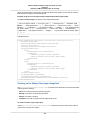
Working with an Impaired Volume
This section discusses your options if a volume is impaired because the volume's data is potentially
inconsistent.
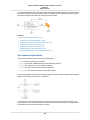
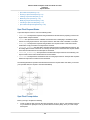
Options
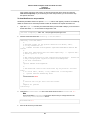
• Option 1: Perform a Consistency Check on the Volume Attached to its Instance (p. 588)
• Option 2: Perform a Consistency Check on the Volume Using Another Instance (p. 588)
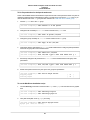
• Option 3: Delete the Volume If You No Longer Need It (p. 589)
587