1
Amazon Elastic Compute Cloud User Guide for Linux
Instances
Step 4: Clean Up
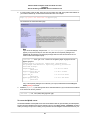
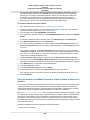
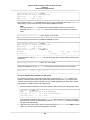
Amazon EC2 shuts down and terminates your instance. After your instance is terminated, it remains
visible on the console for a short while, and then the entry is deleted.
EBS volumes can persist even after your instance is terminated. If you created and attached an EBS
volume in the previous step, it was detached when you terminated the instance. However, you must
delete the volume, or you'll be charged for volume storage if the storage amount exceeds the benefits of
the free tier. After you delete a volume, its data is gone and the volume can't be attached to any instance.
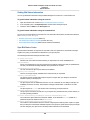
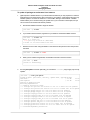
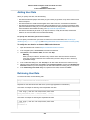
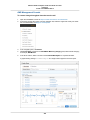
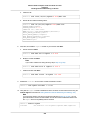
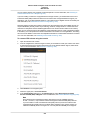
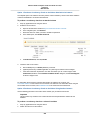
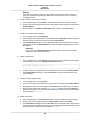
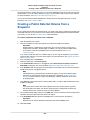
To delete the volume
1.
2.
3.
4.
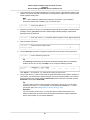
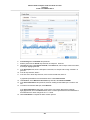
Locate the volume that you created in the list of volumes on the Volumes page. If you can't find your
volume, verify that you have selected the correct region.
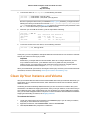
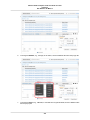
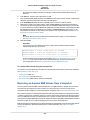
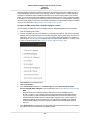
Right-click the volume, and then click Detach Volume.
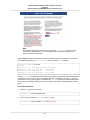
Right-click the volume, and then click Delete Volume.
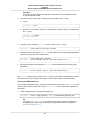
Click Yes, Delete when prompted for confirmation.
Amazon EC2 begins deleting the volume.
36