1
10
10
PREFERENCES
Preferences
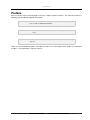
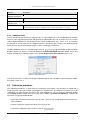
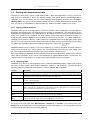
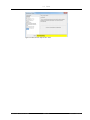
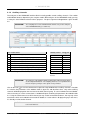
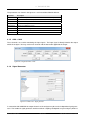
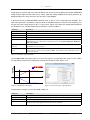
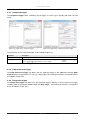
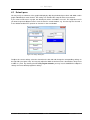
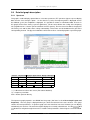
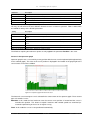
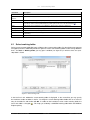
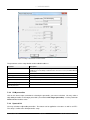
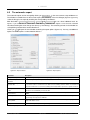
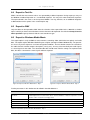
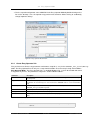
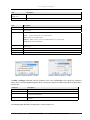
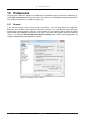
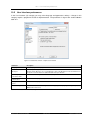
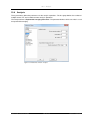
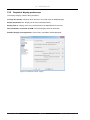
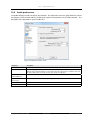
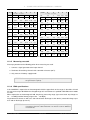
The preferences define the appearance and behaviour of SAMURAI. Open the preferences window by selecting Tolls -> Preferences from the main menu. The preferences are divided into categories displayed on
the left side of the preferences window (see figure 10.1).
10.1
General
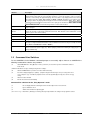
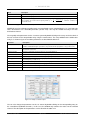
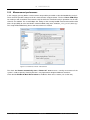
In the General category, there are three groups of parameters. The first group defines the programme
behaviour, when the disk storage capacity is decreasing (section 6). The second group controls the power
management of the programme (section 9.1). The parameters are self-explaining and not further described.
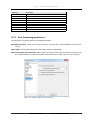
With the third group SAMURAI may perform a PC restart. This feature is designed for long-term monitoring
stations. The parameter Execute application before restarting allows starting external applications for
copying/sending/deleting exported data for example.
Figure 10.1: Preferences window - General
Manual SAMURAI
102 of 132
SINUS Messtechnik GmbH