1
4.1
Hardware
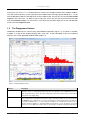
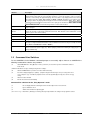
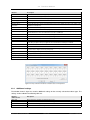
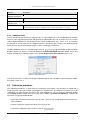
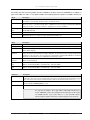
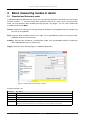
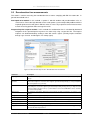
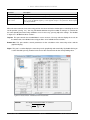
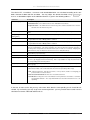
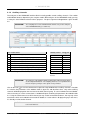
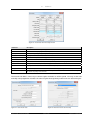
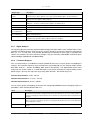
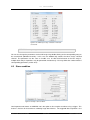
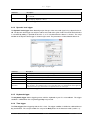
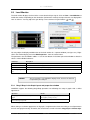
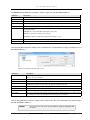
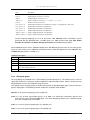
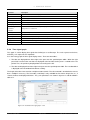
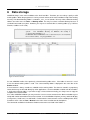
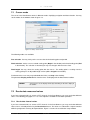
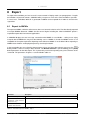
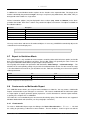
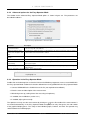
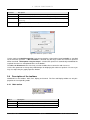
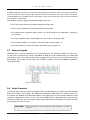
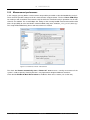
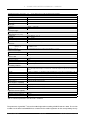
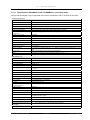
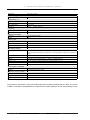
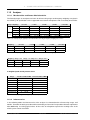
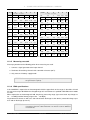
You only see the active channels below Main channels in the setup window. If you double-click on the entry
for a channel or select Edit in the context menu to set a channel, only the selected channel and the column
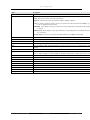
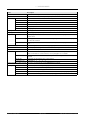
containing the value for all channels are displayed in the window. The settings are the same as in table 4.1.
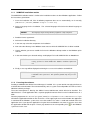
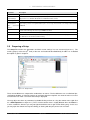
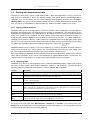
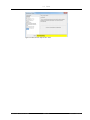
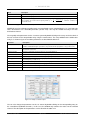
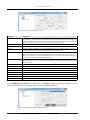
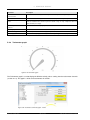
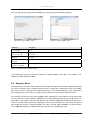
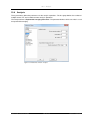
Transducer Selection
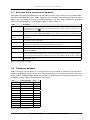
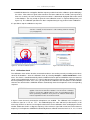
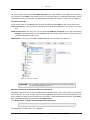
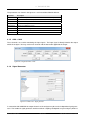
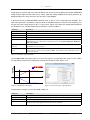
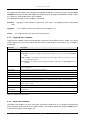
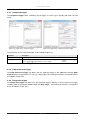
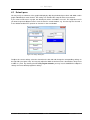
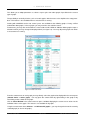
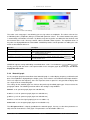
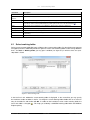
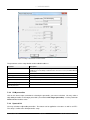
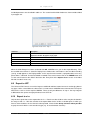
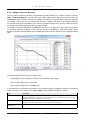
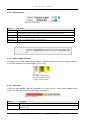
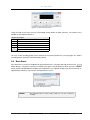
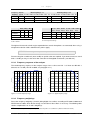
In the context menu for an individual main channel you will find the item Edit as well as two further items:
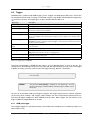
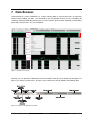
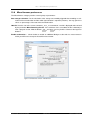
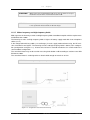
Select a transducer: You may select a transducer from the transducer database in a submenu (see section
2.2).
Calibrate transducer: You may also use the command Calibrate transducer in the main menu below
Analyzer. The only difference is that SAMURAI will automatically select the main channel from which
you have opened the context menu.
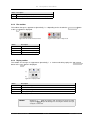
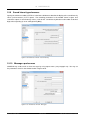
RI Correction: You may use this field to enable/disable the RI correction for microphones.
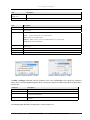
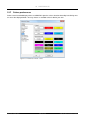
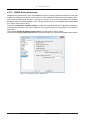
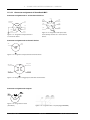
Figure 4.2: Transducer selection
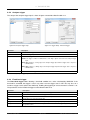
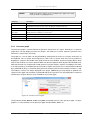
ATTENTION!
It is essential to select the correct transducer for each channel, otherwise
the measured data will be incorrect.
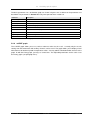
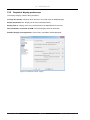
Measuring velocity or displacement with an accelerometer
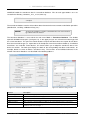
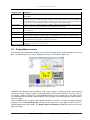
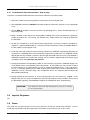
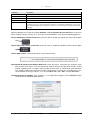
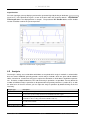
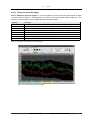
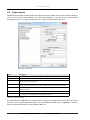
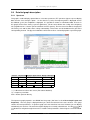
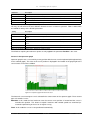
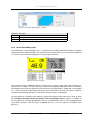
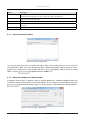
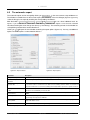
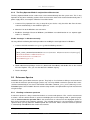
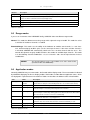
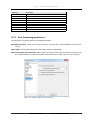
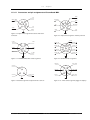
SAMURAI is able to measure velocity and displacement by integrating a signal coming from an accelerometer once or twice. To use this function simply select the appropriate transducer for the corresponding channel.
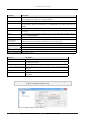
In the submenu for the transducer selection you may select a single-integrated accelerometer under Velocity or a double-integrated accelerometer under Displacement
(e.g. Displacement -> Double Integrated Default Accelerometer).
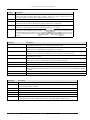
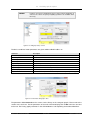
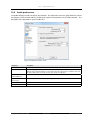
NOTICE!
The spectra are integrated within the frequency domain.
The integration of sound levels is not scheduled.
SINUS Messtechnik GmbH
31 of 132
Manual SAMURAI