1
9.4
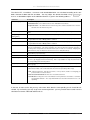
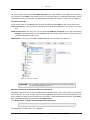
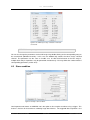
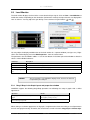
Description of the toolbars
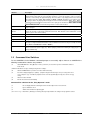
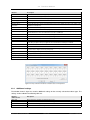
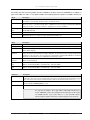
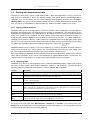
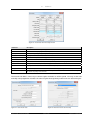
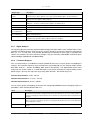
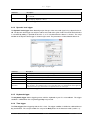
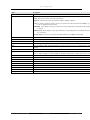
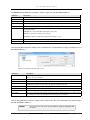
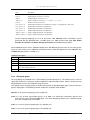
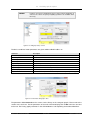
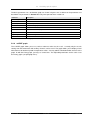
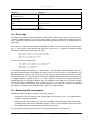
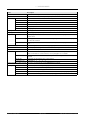
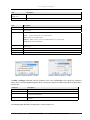
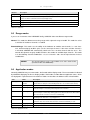
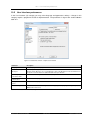
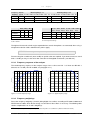
Button Description
Graph
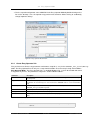
Open the Graph layout and properties window.
Layout
Adjust the general layout of the Measurement and Replay windows.
Table 9.7: Main toolbar
9.4.2
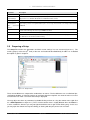
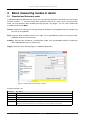
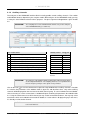
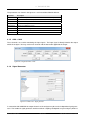
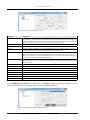
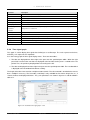
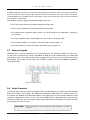
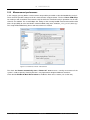
Run toolbar
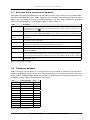
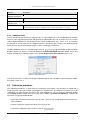
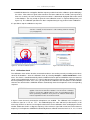
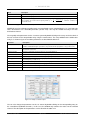
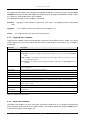
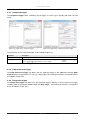
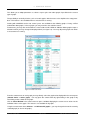
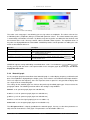
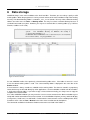
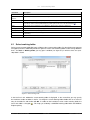
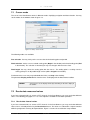
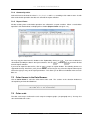
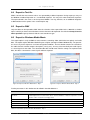
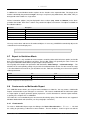
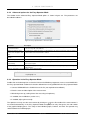
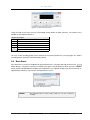
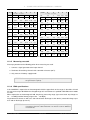
This toolbar changes its appearance dynamically, i. e. depending on the situation the
or the Pause button is displayed.
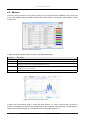
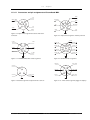
Figure 9.8: Run toolbar in Record mode
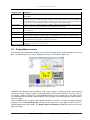
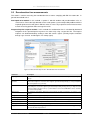
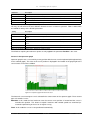
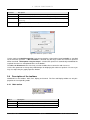
Button
Description
Run
Start the measurement (F2 key).
Audio Comment
button
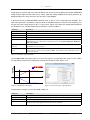
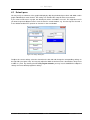
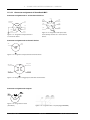
Figure 9.9: Run toolbar in Stop mode
Audio Comment Add an audio comment.
Pause
Pause measurement (F3 key).
Stop
Stop measurement (F4 key).
Table 9.8: Run toolbar
9.4.3
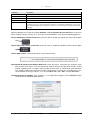
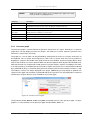
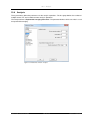
Replay toolbar
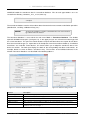
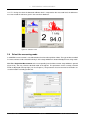
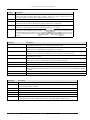
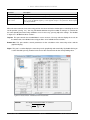
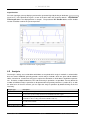
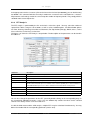
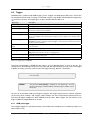
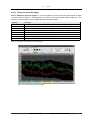
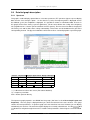
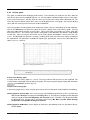
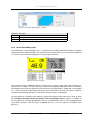
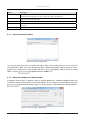
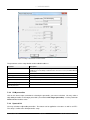
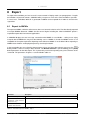
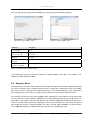
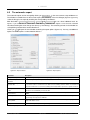
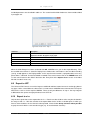
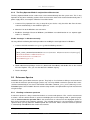
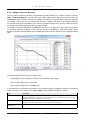
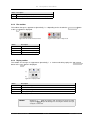
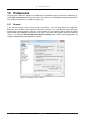
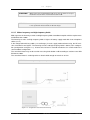
This toolbar also changes its appearance dynamically, i. e. before and during replay the
button or the Pause button is displayed.
Audio Comment
(a)
(b)
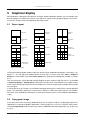
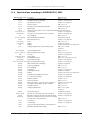
Figure 9.10: Replay toolbar
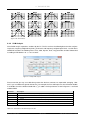
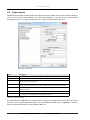
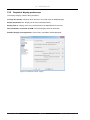
Button
Description
PLAY
Start replay (F5 key).
Audio Comment Add an audio comment.
Pause
Pause replay (F3 key).
Stop
Stop replay (F4 key).
Table 9.9: Buttons of the replay toolbar
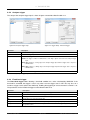
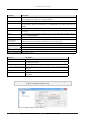
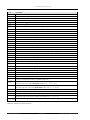
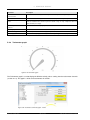
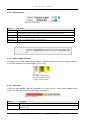
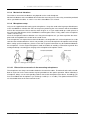
NOTICE!
Clicking on PLAY while pressing the ”Ctrl” key when more than one audio
signal is available will open the dialogue for selecting the channels to be put
out by the sound card.
SINUS Messtechnik GmbH
97 of 132
Manual SAMURAI