1
Amazon Elastic Compute Cloud User Guide for Linux
Amazon CloudWatch Monitoring Scripts for Linux
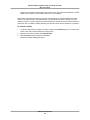
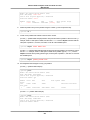
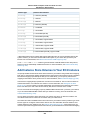
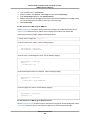
• Red Hat Enterprise Linux 6.6
• SUSE Linux Enterprise Server 12
• Ubuntu Server 14.04
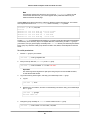
Note
The CloudWatchClient.pm module included in the script package locally caches instance
metadata. If you create an AMI from an instance that has run the scripts, any instances launched
from this AMI within the cache TTL (default: six hours) will emit metrics using the original instance's
ID. After the cache TTL time period passes, the script will retrieve fresh data and the scripts will
use the current instance's ID. To immediately correct this, remove the cached data using: $ rm
/var/tmp/aws-mon/instance-id.
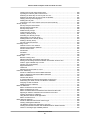
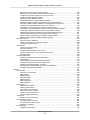
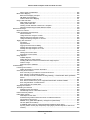
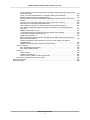
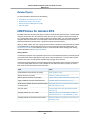
Contents
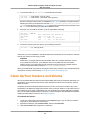
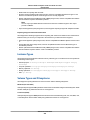
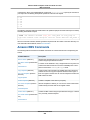
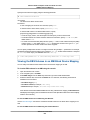
• Prerequisites (p. 379)
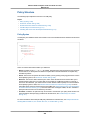
• Getting Started (p. 381)
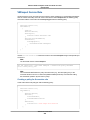
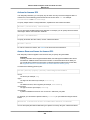
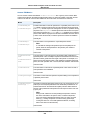
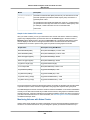
• mon-put-instance-data.pl (p. 382)
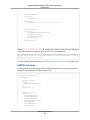
• mon-get-instance-stats.pl (p. 385)
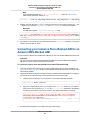
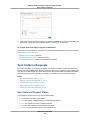
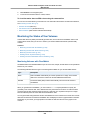
• Viewing Your Custom Metrics in the Console (p. 386)
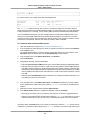
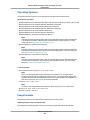
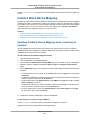
Prerequisites
You must perform additional steps on some versions of Linux.
Amazon Linux AMI
If you are running Amazon Linux AMI, version 2014.03 or later, you’ll need to add some additional Perl
modules in order for the monitoring scripts to work. Use the following procedures to configure your server.
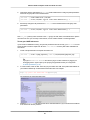
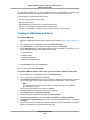
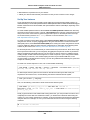
To upgrade from a previous version of the scripts
•
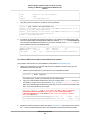
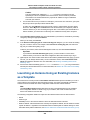
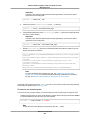
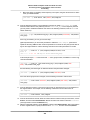
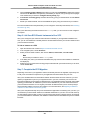
Log on to your Amazon Linux AMI instance and install the following package:
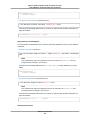
$ sudo yum install perl-DateTime
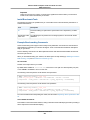
To install the scripts for the first time
•
Log on to your Amazon Linux AMI instance and install the following package:
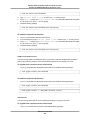
$ sudo yum install perl-DateTime perl-Sys-Syslog perl-LWP-Protocol-https
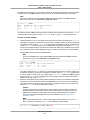
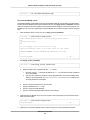
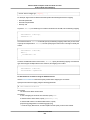
Red Hat Enterprise Linux
If you are running Red Hat Enterprise Linux, you’ll need to add some additional Perl modules in order for
the monitoring scripts to work. Use the following procedures to configure your server.
To upgrade from a previous version of the scripts
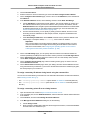
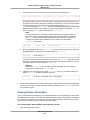
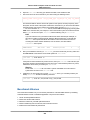
1.
2.
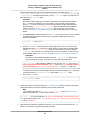
Log on to your Red Hat Enterprise Linux instance.
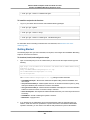
At a command prompt, install the following package:
API Version 2015-04-15
379