1
Amazon Elastic Compute Cloud User Guide for Linux
Copying an AMI
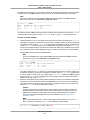
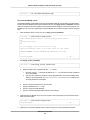
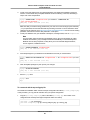
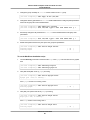
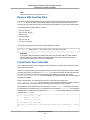
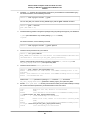
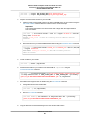
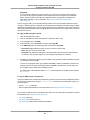
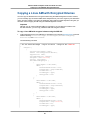
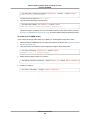
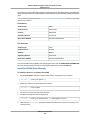
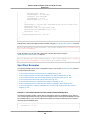
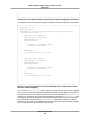
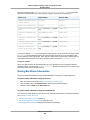
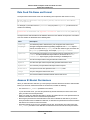
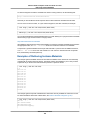
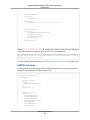
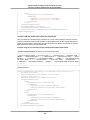
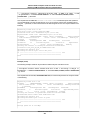
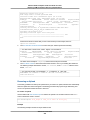
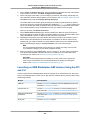
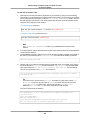
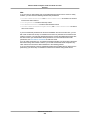
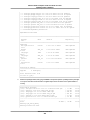
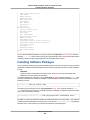
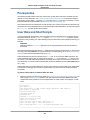
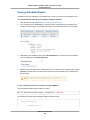
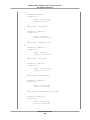
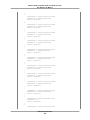
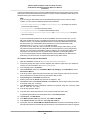
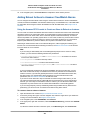
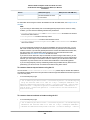
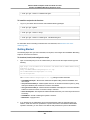
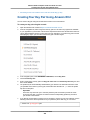
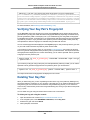
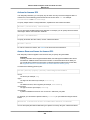
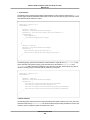
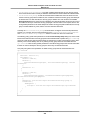
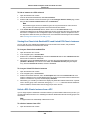
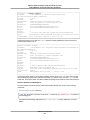
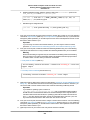
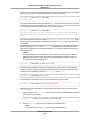
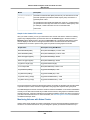
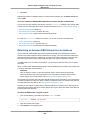
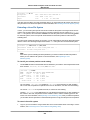
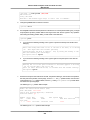
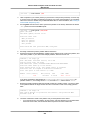
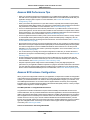
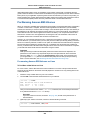
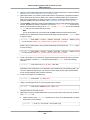
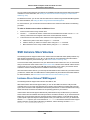
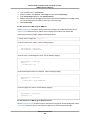
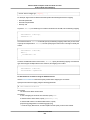
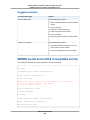
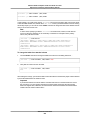
SNAPSHOT snapshot_id volume_id pending 2014-01-25T00:18:48+000
1234567891011 10 your_snapshot_description
b.
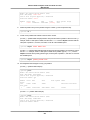
Check to see that your snapshot is complete.
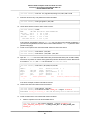
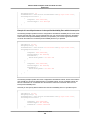
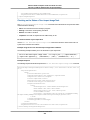
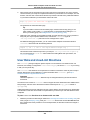
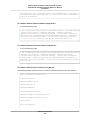
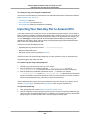
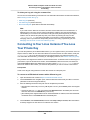
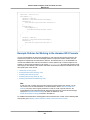
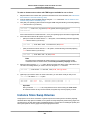
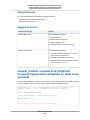
[ec2-user bundle]$ ec2-describe-snapshots --region us-west-2 snapshot_id
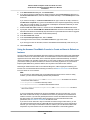
SNAPSHOT snapshot_id volume_id completed 2014-01-25T00:18:48+0000 100%
1234567891011 10 your_snapshot_description
c.
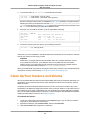
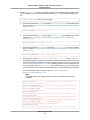
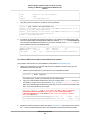
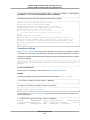
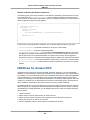
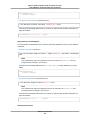
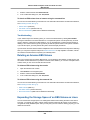
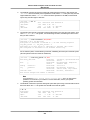
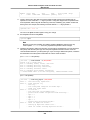
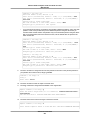
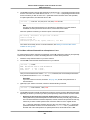
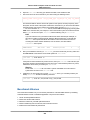
Identify the processor architecture, virtualization type, and the kernel image (aki) used on the
original AMI with the ec2-describe-images command. You need the AMI ID of the original
instance store-backed AMI for this step.
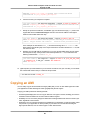
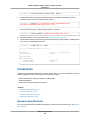
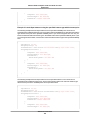
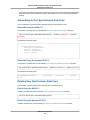
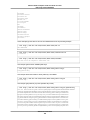
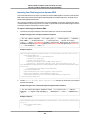
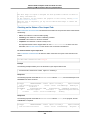
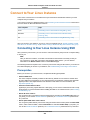
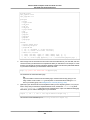
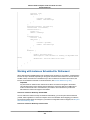
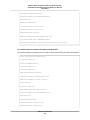
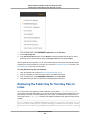
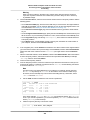
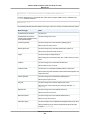
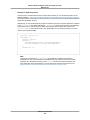
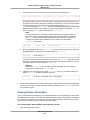
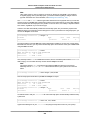
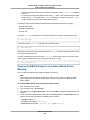
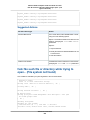
[ec2-user bundle]$ ec2-describe-images --region us-west-2 ami-id
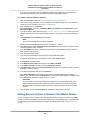
IMAGE ami-8ef297be amazon/amzn-ami-pv-2013.09.2.x86_64-s3 amazon available
public x86_64 machine aki-fc8f11cc
instance-store paravirtual xen
d.
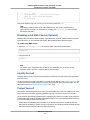
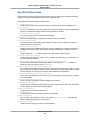
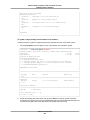
In this example, the architecture is x86_64 and the kernel image ID is aki-fc8f11cc. Use
these values in the following step. If the output of the above command also lists an ari ID, take
note of that as well.
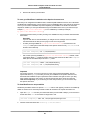
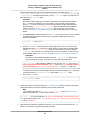
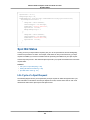
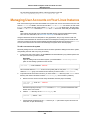
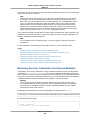
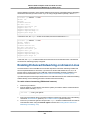
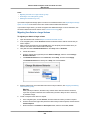
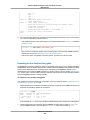
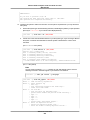
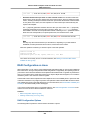
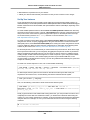
Register your new AMI with the snapshot ID of your new Amazon EBS volume and the values
from the previous step. If the previous command output listed an ari ID, include that in the
following command with --ramdisk ari_id.
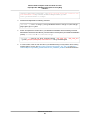
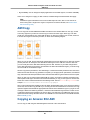
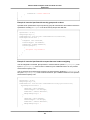
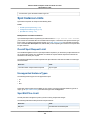
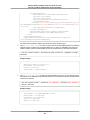
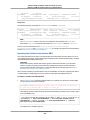
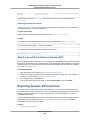
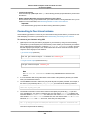
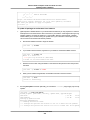
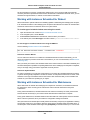
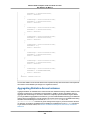
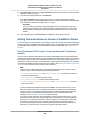
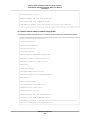
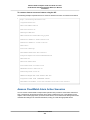
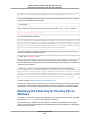
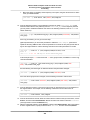
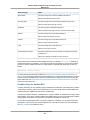
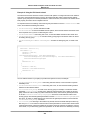
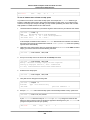
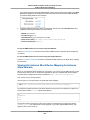
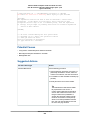
[ec2-user bundle]$ ec2-register --region us-west-2 -n your_new_ami_name
-s snapshot_id -a x86_64 --kernel aki-fc8f11cc
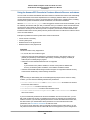
IMAGE new-ami-id
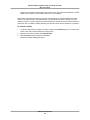
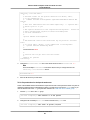
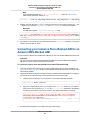
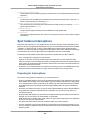
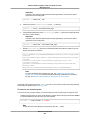
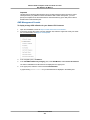
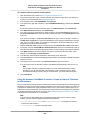
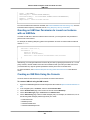
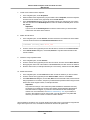
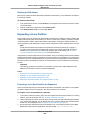
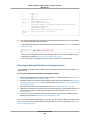
15. (Optional) After you have tested that you can launch an instance from your new AMI, you can delete
the Amazon EBS volume that you created for this procedure.
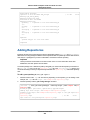
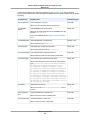
$ ec2-delete-volume volume_id
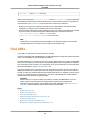
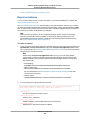
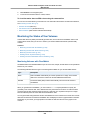
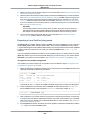
Copying an AMI
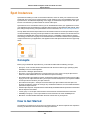
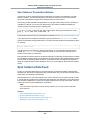
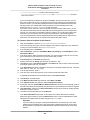
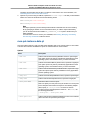
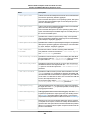
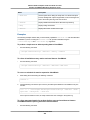
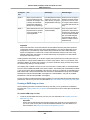
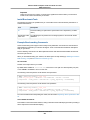
You can easily copy the Amazon Machine Images (AMIs) that you own to other AWS regions and scale
your applications to take advantage of AWS's geographically diverse regions.
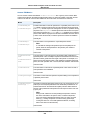
Copying your AMIs provides the following benefits:
• Consistent global deployment:You can copy an AMI from one region to another, enabling you to launch
consistent instances based from the same AMI into different regions.
• Scalability: You can more easily design and build world-scale applications that meet the needs of your
users, regardless of their location.
• Performance: You can increase performance by distributing your application, as well as locating critical
components of your application in closer proximity to your users. You can also take advantage of
region-specific features, such as instance types or other AWS services.
API Version 2015-04-15
88